Building Stateful AI Agents with Microsoft Agent Framework

Writer
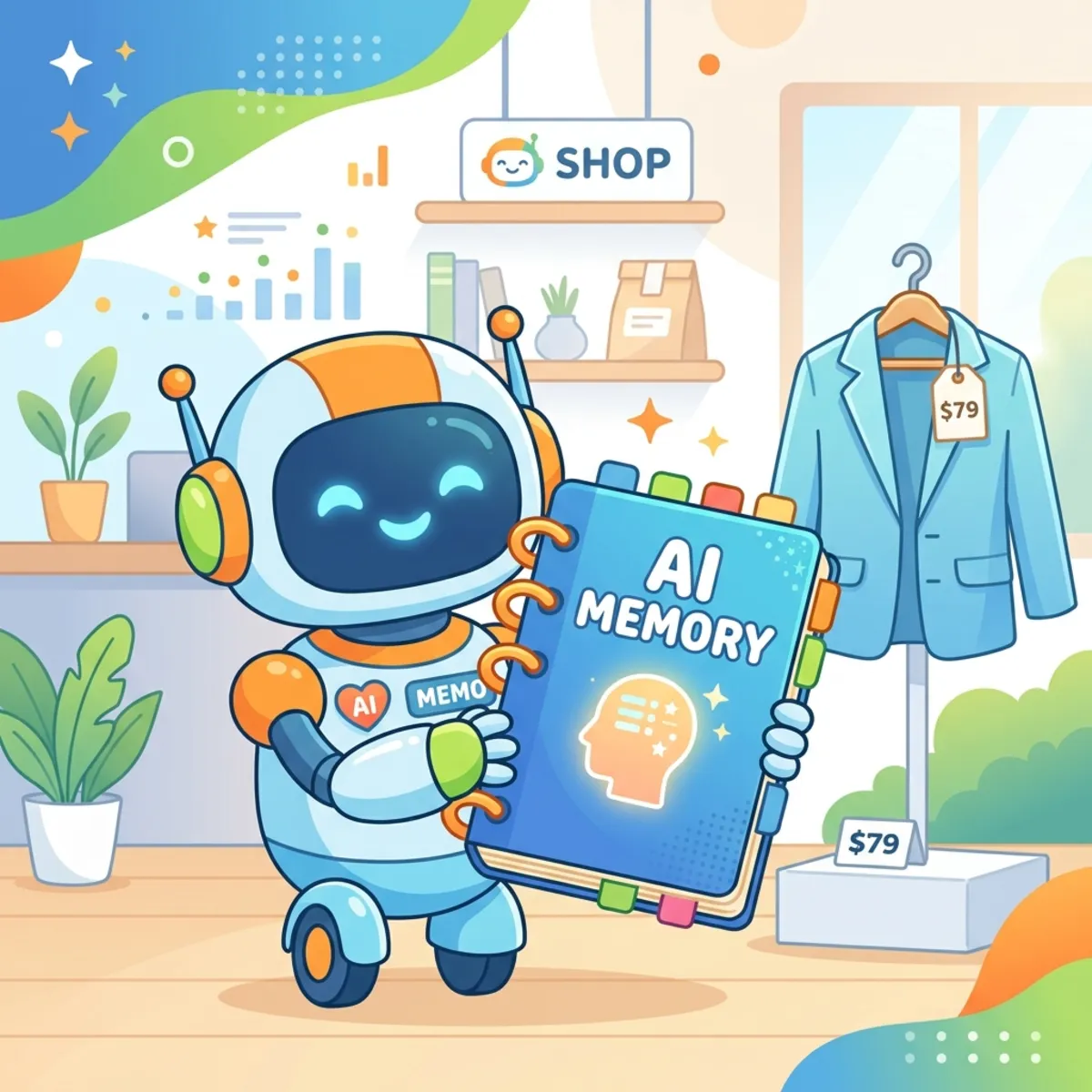
When transitioning from simple prompt interactions to true agentic engineering, stateless LLM calls quickly become a bottleneck. If your agent cannot remember a user’s preferences from one session to the next, it cannot provide deeply personalized value.
In this article, we will tackle this exact challenge, demonstrating how to equip agents with long-term memory using the Microsoft Agent Framework and SQL Server. Here is a deep dive into the architecture, setup, and implementation details for building stateful agents.
The Business Case: Why Memory Matters
In e-commerce, approximately 60% to 70% of shopping carts are abandoned. Generic recommendations often fail to convert. If a user named Steve previously told the system, “I like jackets, but I hate shoes,” a stateless agent will forget this the moment the browser refreshes.
By injecting a memory layer, the agent remembers past interactions. When Steve asks for a recommendation later, the agent bypasses footwear entirely and suggests a jacket, directly increasing the likelihood of a successful checkout.
Enter the Microsoft Agent Framework
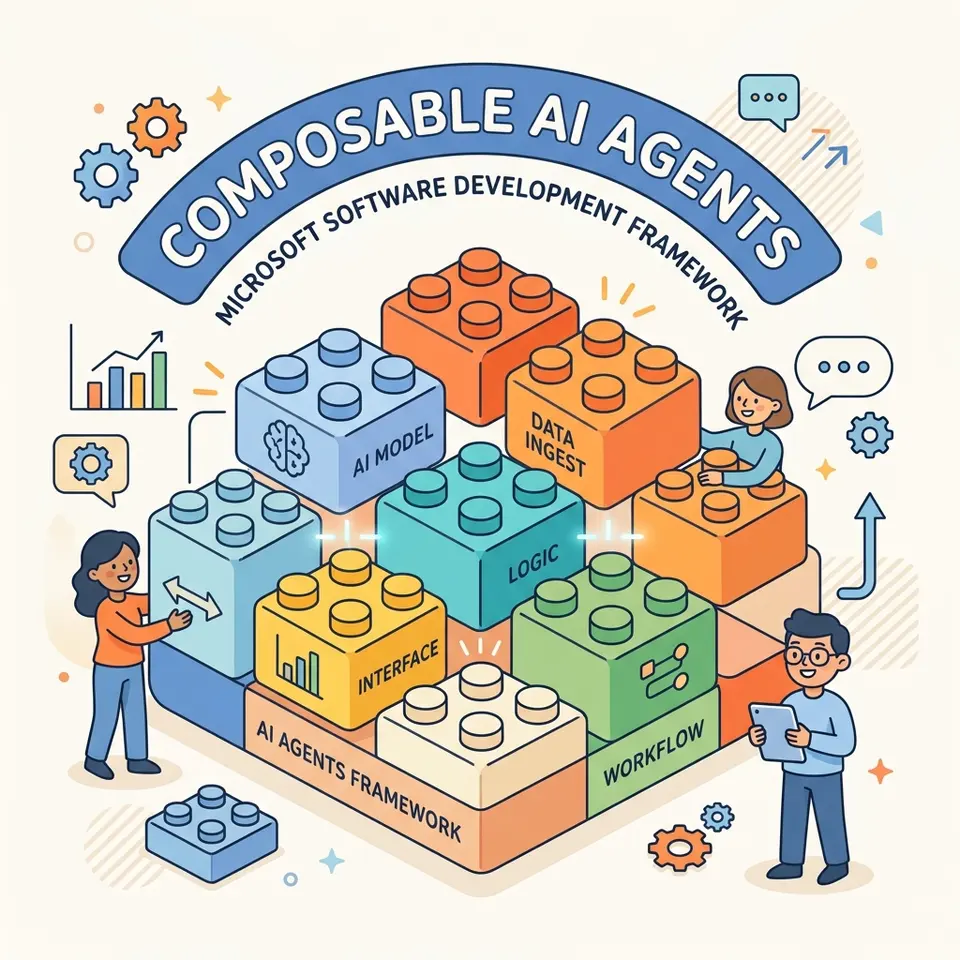
The Microsoft Agent Framework represents the convergence of two powerhouse libraries:
- AutoGen: Microsoft Research’s framework for multi-agent orchestration.
- Semantic Kernel: The enterprise-grade SDK for AI skills, RAG (Retrieval-Augmented Generation), and typed integrations.
By merging these, developers get the complex orchestration capabilities of AutoGen paired with the robust, enterprise-ready features of Semantic Kernel, making it an ideal foundation for production-grade agentic systems.
Architectural Breakdown

A stateful agent in this framework relies on a few critical components:
- The Client: The connection to your LLM. The framework is provider-agnostic. You can configure it to point to Azure OpenAI, Foundry, or utilize local LLM inference (e.g., running Llama models locally).
- Instructions: The foundational system rules defining how the agent behaves and establishing its persona.
- Context Provider: This injects real-time situational awareness, identifying who the user is (e.g., Steve vs. Mara) so the agent knows which memory bank to query.
- History Provider: The data layer responsible for managing the long-term storage and retrieval of the chat history.
Implementing the SQL Server History Provider
To utilize SQL Server as the memory backend, you must implement a Custom History Provider. The framework handles the logic of when to pull messages; your job is simply to define how to interface with the database.
You accomplish this by inheriting from the base class (e.g., BaseHistoryProvider) and implementing two primary methods:
get_messages(session_id): Retrieves historical context for a specific user, session, or username.save_messages(): Commits new conversation turns to the database.
Because the framework is extensible, while SQL Server is an excellent, enterprise-trusted option (especially when plotting a migration to Azure SQL), this exact same architectural pattern applies if you need to connect to PostgreSQL or another relational store.
Local Development Workflow
A core principle when building stateful agents is the importance of local development. You do not need to incur cloud costs while prototyping your agent’s memory logic.
1. Database Setup via Docker
Instead of a heavy local database installation, spin up SQL Server using Docker.
- Pull the official SQL Server image.
- Run the container (using
docker run), ensuring you map the necessary ports and provide the required SA password and environment variables.
2. Python Environment Configuration
Your Python application needs to communicate with the containerized SQL Server. You will need to install the required mssql driver packages.
If you manage your Python environments and dependencies via fast resolvers
like uv, you can easily bootstrap the environment and link the driver to
your agent’s connection method.
The Path to Production: Local Inference vs. Cloud
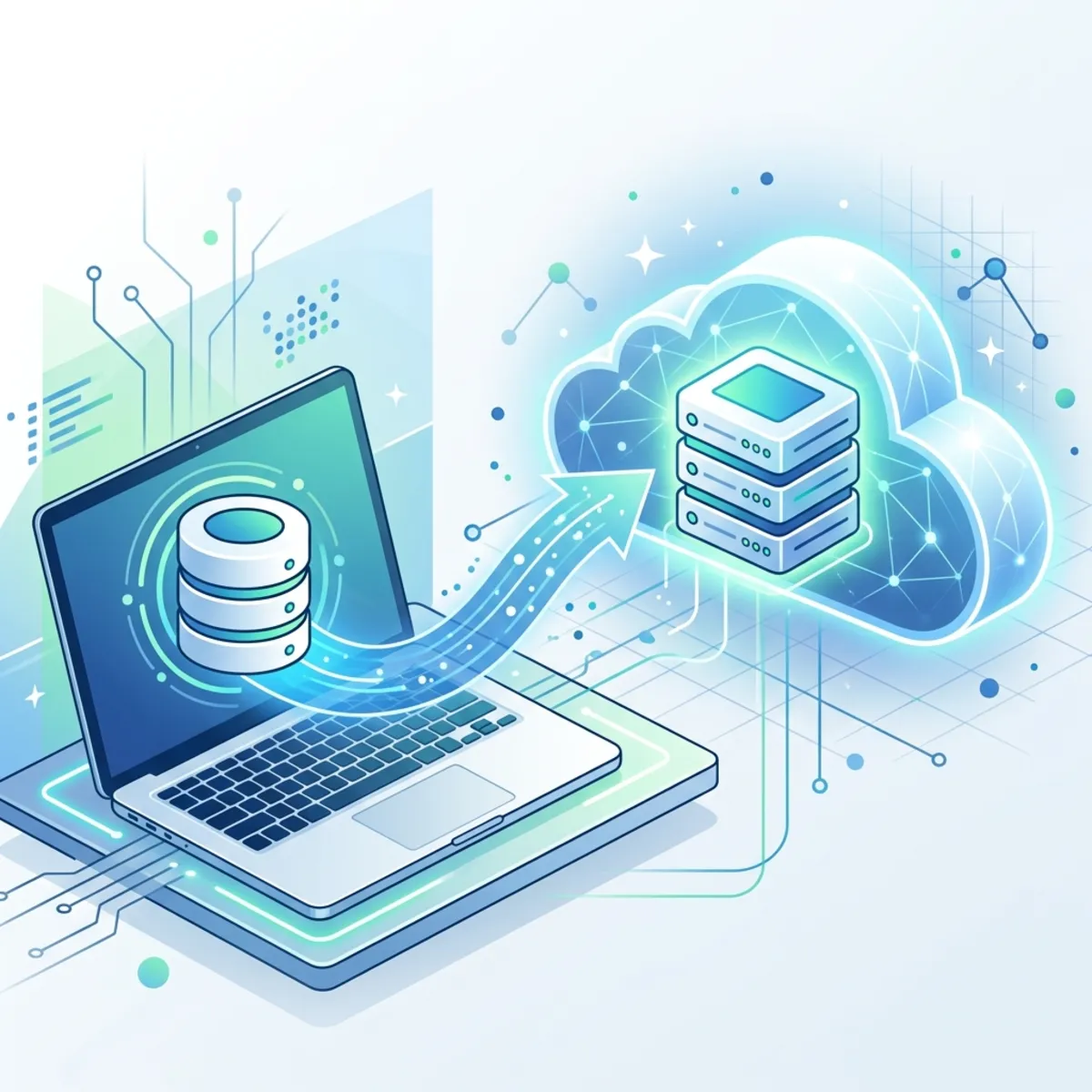
By structuring the project locally—using a local Llama model for inference and a local Docker container for state—you isolate your logic entirely.
When you are ready for production, migrating is as simple as swapping out the connection strings to point to an Azure SQL instance and an Azure AI endpoint. This “local first” design pattern saves cost during development while ensuring an easy path to a scalable cloud deployment.
The Secret Weapon: dev UI
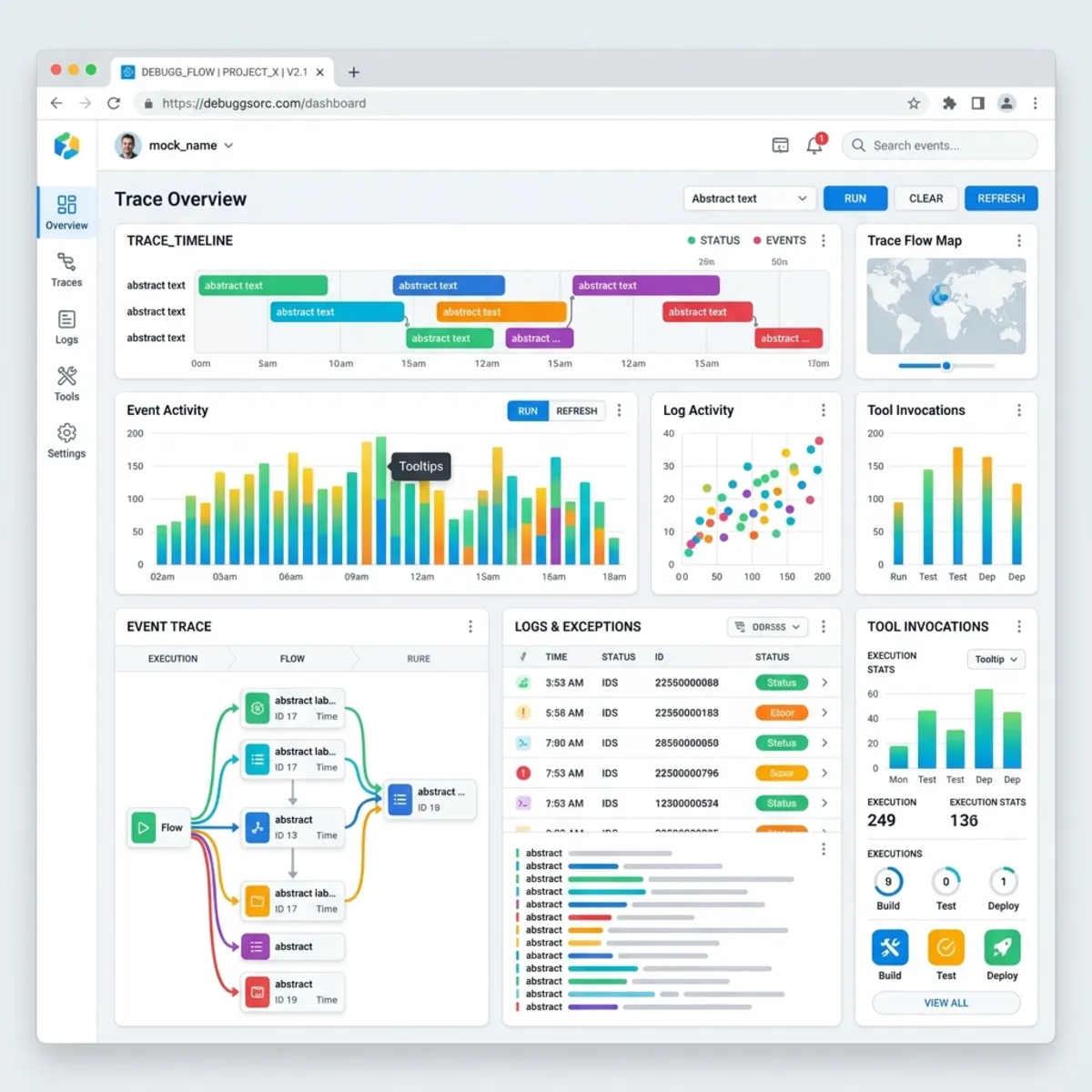
Building agents blindly in the terminal can be difficult when trying to track exactly which tools the LLM decided to invoke. The Microsoft Agent Framework ships with a built-in observability tool.
By running the command:
The framework spins up a local web interface. This dashboard allows you to:
- Select and switch between different agents defined in your project folder.
- View real-time event triggers and traces.
- Inspect exactly which tools and memory retrievals the agent is invoking under the hood.
Important: This UI is indispensable for debugging and should be the first tool you launch when orchestrating complex, multi-turn agent workflows.
Read next