Architecting Enterprise AI with Microsoft IQ and Agent 365

Writer

Architecting Enterprise AI with Microsoft IQ and Agent 365
Enterprise AI is leaving the demo stage. The hard problem is no longer proving that a model can draft an email or summarize a document. It is building agents that can understand the organization, choose the right model and evidence, take authorized action, and remain observable when something goes wrong.
That requires more than an LLM. It requires an intelligence architecture.
Microsoft’s answer is split across two complementary layers:
- Microsoft IQ supplies context: how people work, how the business operates, what the organization knows, and what is happening on the public web.
- Microsoft Agent 365 supplies the control plane: identity, inventory, access, security, observability, and governance for agents.
The useful mental model is simple: Microsoft IQ is the agent’s sensory and knowledge system; Agent 365 is its passport, registry, guardrails, and flight recorder. Neither replaces the model or the application runtime. Together, they address the context and control problems that appear when agents move from answering questions to changing enterprise state.
A human role can be decomposed into responsibilities, skills, knowledge, tools, and processes. AI changes each layer at a different rate: tools and processes may shift quickly, while accountability usually remains human. This decomposition gives architects a better starting point than asking, “Where can we add a chatbot?” The stronger question is, “Which responsibilities can be delegated or augmented, and what knowledge, tools, identity, and controls would that require?”
Availability note — July 22, 2026: Microsoft describes Microsoft IQ as four connected capabilities: Work IQ, Fabric IQ, Foundry IQ, and Web IQ. However, maturity varies by feature. For example, Foundry IQ knowledge bases are generally available while several connectors and serverless capabilities remain in preview; Fabric IQ ontology is also documented as preview. Treat “Microsoft IQ” as an architectural family, not a promise that every component has the same release status. Microsoft IQ documentation · Foundry IQ overview · Fabric IQ overview
Start with the workload, not the model
The most important design decision happens before model selection: what degree of autonomy should this workload receive?
A practical classification has three bands:
| Workload class | Typical characteristics | Appropriate agent role |
|---|---|---|
| Deterministic and reversible | Repetitive, bounded, easy to validate, low blast radius | Execute automatically within explicit limits |
| Judgment-heavy but assistive | Ambiguous inputs, material business context, reviewable output | Recommend, draft, or prepare actions for human approval |
| High-impact or insufficiently controllable | Irreversible actions, safety-critical decisions, privileged access, or weak evaluation | Keep execution human-led; use AI only for narrowly scoped support |
This is not a permanent label. A workflow can move toward greater autonomy as its tools become safer, evaluations improve, permissions narrow, and rollback mechanisms mature.
A useful rule is:
Autonomy should increase only as observability, reversibility, and control increase.
Consider an invoice exception. Extracting fields from a known document format may be suitable for automation. Recommending the likely resolution may require human review. Releasing a large payment should remain behind deterministic policy and explicit authorization. One business process can therefore contain all three workload classes.
Contextual parity does not mean permission parity
Human employees rarely work from one database. They combine recent conversations, documents, organizational relationships, business metrics, policies, and external information. Agents need access to the same categories of context if they are expected to perform comparable tasks:
- Work artifacts: email, chat, meetings, calendars, and files.
- Relationship context: people, teams, projects, expertise, and collaboration patterns.
- Business state: transactions, operational events, metrics, and analytical models.
- Institutional knowledge: policies, contracts, standards, and authoritative guidance.
- External knowledge: current public information from the web.
But contextual parity is often misunderstood. It does not mean copying a person’s entire information horizon into a prompt or granting an agent every permission the person has. It means giving the agent the minimum relevant, authorized context required for the current task.
Think of an excellent chief of staff. They do not hand an executive the entire company archive before each meeting. They retrieve the relevant briefing, identify the authoritative sources, preserve provenance, and omit noise. Enterprise context engineering should do the same.
The model is only one stage in the reasoning path
A common anti-pattern is to send every request to the largest available model. Frontier models are valuable for difficult reasoning, but they are not automatically the best choice for classification, extraction, routing, or high-volume transformations.
A multi-model architecture separates four concerns:
- Classify the request. Determine task type, risk, latency target, tool requirements, and context size.
- Assemble evidence. Retrieve and rank authorized information from the appropriate knowledge layer.
- Select the model. Route the request to a model that meets the quality threshold without unnecessary latency or compute.
- Validate the result. Apply schema checks, policy checks, grounding tests, or human approval before acting.
Microsoft Foundry’s model router implements part of this pattern. It analyzes prompts and selects an eligible underlying model according to routing settings such as balanced, cost, or quality. The effective context window is constrained by the smallest model in the selected pool, so routing configuration still requires architectural judgment. Microsoft Foundry model router
Model routing reduces dependency on a single model, but it does not eliminate lock-in by itself. Portability also depends on prompt behavior, tool schemas, safety controls, evaluation datasets, and provider-specific APIs. The right abstraction boundary is not merely a common endpoint; it is a tested contract for inputs, outputs, tools, and quality.
Stop treating the context window as a data lake
Large context windows are useful, but capacity is not relevance. Dumping a million tokens into a prompt can increase latency and token consumption while burying the evidence that matters.
Research on the “lost in the middle” effect found that models can perform worse when relevant information appears in the middle of a long input, even when the model technically supports that context length. The broader lesson is not that long context is bad; it is that retrieval quality and evidence placement remain architectural concerns. Liu et al., Lost in the Middle
A better context pipeline is:
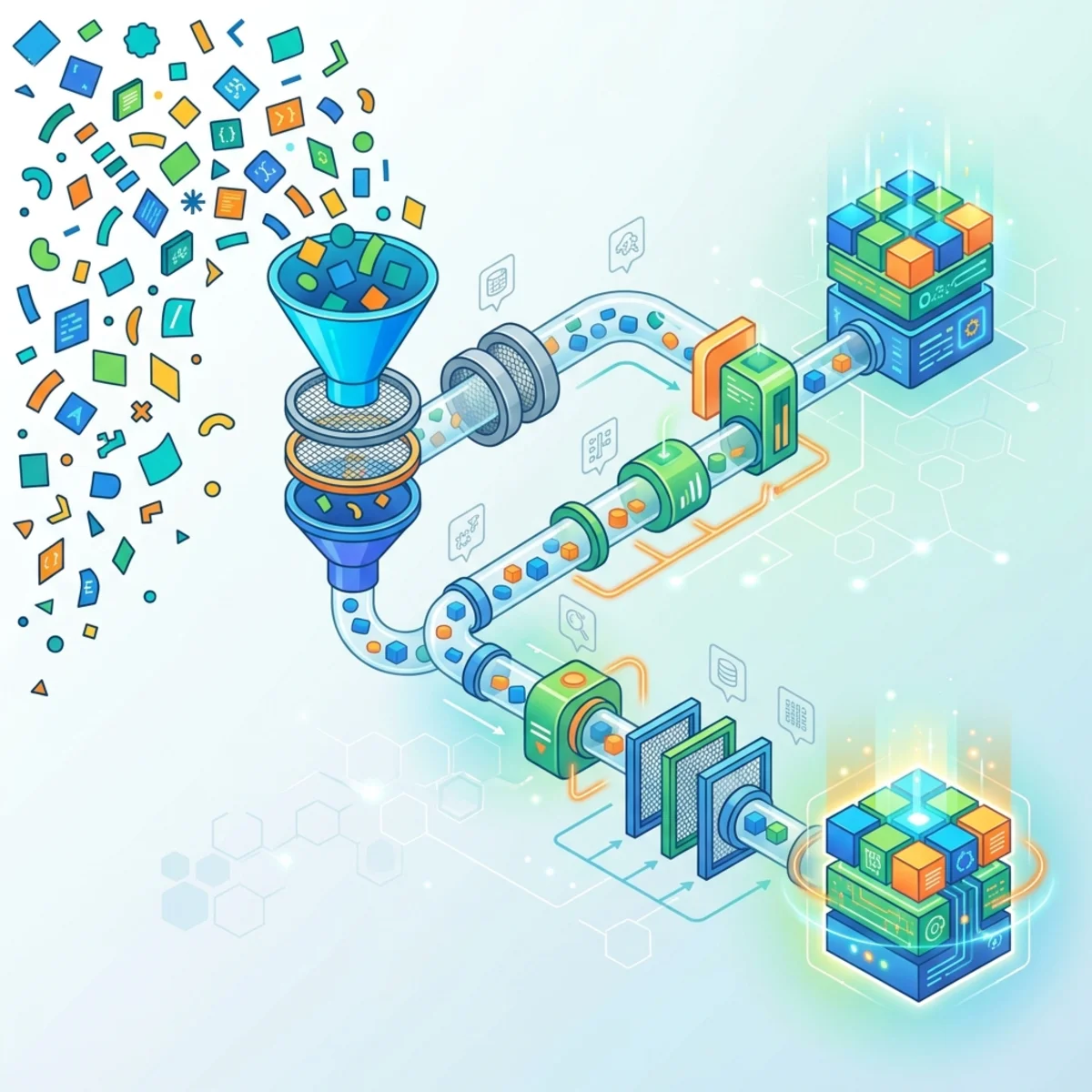
The design target is not the largest possible prompt. It is the smallest sufficient evidence package: authoritative, current, permission-trimmed, and traceable to its sources.
Microsoft IQ: four kinds of enterprise context
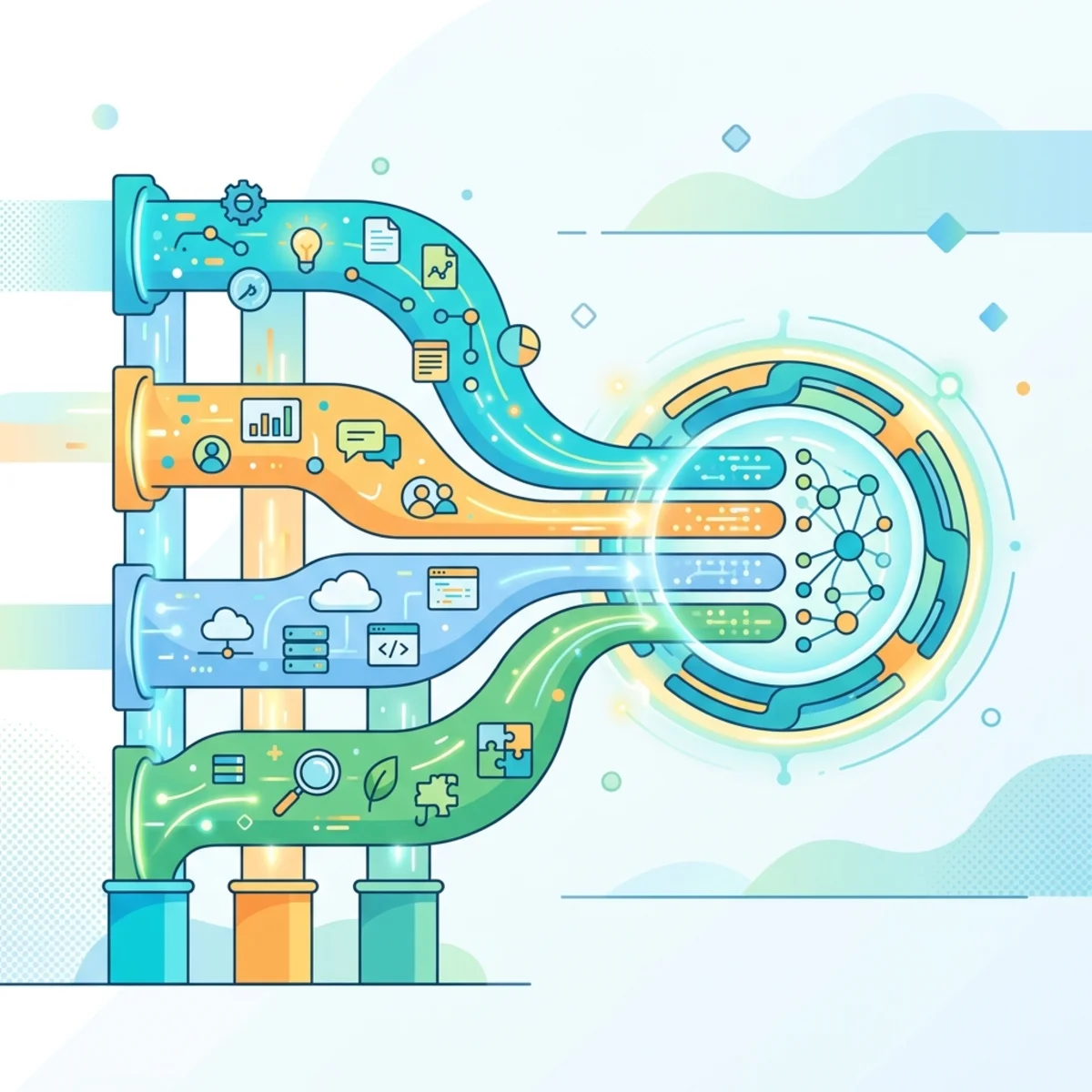
Microsoft IQ organizes context around four complementary questions:
| Capability | Architectural question | Primary context |
|---|---|---|
| Work IQ | What is happening in the flow of work? | People, collaboration, communication, files, and work activity |
| Fabric IQ | What is the current state of the business? | Data, metrics, entities, relationships, rules, and actions |
| Foundry IQ | What does the organization authoritatively know? | Curated, multi-source enterprise knowledge |
| Web IQ | What relevant information exists outside the organization? | Fresh public-web context |
These are not four interchangeable search indexes. Each shapes a different kind of evidence for the agent.
Work IQ: intelligence from the flow of work
Work IQ provides a workplace intelligence layer over Microsoft 365 and connected systems. Its documented API surfaces include A2A, a remote MCP server, and REST. It combines chat, context, tools, and workspaces so agents can retrieve information, perform supported actions, and maintain state for longer-running work. Microsoft states that the Work IQ MCP surface condenses many Microsoft 365 operations into a small set of generic tools, with resource paths identifying the object being accessed. Work IQ overview
The architectural value is not simply “search my email.” Work IQ can assemble context around the user’s current work while honoring permission-aware access. Its personalization model is intended to account for recent activity as well as longer-term working patterns: how people communicate, who collaborates with whom, which artifacts matter, and what objectives or meetings are active. Recency is useful because today’s project is usually more relevant than last year’s, but the longer tail helps preserve durable preferences and relationships.
It also exposes actions, which changes the risk model: retrieving a calendar and creating an appointment are not equivalent operations. Depending on the supported experience, an agent may be invoked conversationally inside the flow of work—for example through Teams or a document interaction—rather than only through a standalone application. The channel changes the user experience, but it must not weaken identity, authorization, or audit requirements.
That distinction suggests three design rules:
- Separate read tools from state-changing tools.
- Require stronger validation or approval as the action’s blast radius grows.
- Log the identity, evidence, tool call, parameters, and result for every consequential action.
Fabric IQ: business meaning above raw data
Fabric IQ grounds agents in the state of the business. Its architecture includes unified data in OneLake, Power BI semantic models, and ontologies that describe entities, relationships, properties, rules, and actions. Ontology is documented as preview as of this article’s publication date. Fabric IQ overview
The key idea is semantic elevation. An agent should reason about Customer, Shipment, ServiceLevelBreach, and Revenue, not guess the meaning of cryptic tables and joins. Semantic models and ontologies provide a shared business vocabulary that can be reused across reports, applications, and agents.
Fabric can reduce unnecessary copying through mechanisms such as OneLake shortcuts and mirroring, but “zero copy” should not be treated as a universal property of every integration. The relevant architectural question is: where does data remain, how is it refreshed, and which policy boundary applies at query time?
Foundry IQ: reusable, permission-aware knowledge
Foundry IQ is the knowledge layer for agents that need authoritative enterprise content. A knowledge base can connect multiple indexed and remote sources, perform agentic retrieval, enforce supported permissions at query time, and return evidence with citations. Azure AI Search provides the underlying indexing and retrieval infrastructure. Foundry IQ overview
This is more capable than a fixed choice between vector search and keyword search. The agentic retrieval engine can plan queries, select sources, run searches in parallel, and aggregate results. That flexibility improves coverage, but the output is still probabilistic. “Grounded” should mean supported by retrieved evidence, not guaranteed correct.
Foundry IQ is a good fit when knowledge must be:
- curated and reusable across multiple agents;
- refreshed through managed ingestion;
- filtered according to identity and source permissions;
- returned with citations for inspection; and
- evaluated as a retrieval system, not only as a final-answer generator.
Web IQ: fresh external context without raw-page overload
Web IQ supplies fresh public-web context to agents. Microsoft describes it as a Web Search API and index-based grounding layer designed to return relevant information while honoring publisher preferences. It is also exposed through Foundry IQ for agents that need enterprise and web knowledge in one retrieval path. Its web scope can include modalities such as text, news, images, and video, although the exact response shape and modality support depend on the API and product surface being used. Microsoft IQ documentation · Foundry IQ announcement
The architectural advantage is controlled grounding: retrieve relevant passages and provenance instead of handing arbitrary page markup to the model. That can reduce prompt noise and the hazards associated with agent-controlled browsing.
It does not make web content trusted. Web evidence can be stale, contradictory, manipulated, or malicious. Treat it as an untrusted input: retain citations, compare sources for consequential claims, isolate instructions embedded in retrieved content, and never allow web text to redefine the agent’s policy.
Agent 365: control begins with identity
Context tells an agent what it needs to know. Identity determines what it is allowed to do.
Microsoft Agent 365 is Microsoft’s control plane for observing, governing, and securing agents. Its scope is broader than identity alone: it brings together an agent registry and lifecycle inventory with identity, data protection, threat protection, access controls, and observability. Agent inventory can be populated through supported registration, synchronization, SDK, and discovery mechanisms; the exact mechanism depends on where and how the agent is built. Its identity foundation is Microsoft Entra Agent ID, which introduces agent identities and blueprints so agents can be authenticated, authorized, owned, and managed through lifecycle controls. The architectural intent is cross-platform governance: an agent does not have to be authored in a single Microsoft tool to require an enterprise identity and control record. Agent 365 · Entra and Agent 365
The source article’s instinct is correct: a genuinely autonomous agent should not silently inherit the full identity of whichever user triggered it. But the replacement is more nuanced than “give every agent a service principal.” Microsoft documents purpose-built constructs including agent identity blueprints, agent identities, agent users, and related principals. The appropriate identity pattern depends on whether the agent acts on its own authority, on behalf of a user, or through a delegated tool. Microsoft Entra Agent ID
A robust identity design answers six questions:
- Who owns and sponsors this agent?
- Which identity authenticates each action?
- Is the action autonomous, delegated, or on behalf of a user?
- Which resources and tools can the identity access?
- How long do its credentials and entitlements remain valid?
- Can investigators reconstruct what happened later?
Least privilege matters, but so do short-lived privilege, explicit ownership, and lifecycle expiry. An agent that completed its mission six months ago should not retain standing access simply because nobody remembered to remove it.
Security: assume retrieved content can be hostile
Agents expand the attack surface because they read untrusted content and may call tools. Prompt injection is therefore not just a model-quality problem; it is a system-security problem.
No single detector solves it. Microsoft’s Zero Trust guidance recommends defense in depth: isolate untrusted content, use prompt shields and data marking, monitor plan drift and tool chains, constrain privileges, and require human approval for risky actions. Defending against indirect prompt injection
A practical control stack includes:
- Identity: authenticate the agent and caller; use scoped, time-bound authorization.
- Data: enforce source permissions and classification; apply DLP where supported.
- Inputs: mark external content as data, not instruction; scan for injection patterns.
- Tools: allowlist tools and parameters; separate read, write, and destructive operations.
- Execution: sandbox risky operations; use idempotency, transaction limits, and rollback paths.
- Outputs: validate schemas, citations, policy compliance, and destination permissions.
- Human control: require approval for high-impact or irreversible actions.
- Telemetry: capture traces without exposing unnecessary secrets or sensitive content.
Microsoft Purview supports data security and compliance controls across supported Copilot and agent experiences, but exact label and DLP behavior depends on the workload and output location. Avoid the blanket claim that every artifact generated from labeled content automatically inherits the strictest source label in every architecture. Verify the supported behavior for the specific agent, source, and destination. Purview protections for generative AI
LLMOps becomes AgentOps
Deploying an agent is the beginning of the engineering cycle, not the end. Traditional application monitoring asks whether the service is available. Agent observability must also ask whether the system chose the right evidence, model, plan, tool, and action.
Measure the pipeline in layers:
| Layer | Useful signals |
|---|---|
| Retrieval | Recall, ranking quality, permission trimming, source freshness, citation coverage |
| Model | Task success, groundedness, structured-output validity, latency, token use |
| Tools | Selection accuracy, execution success, retries, side effects, rollback rate |
| Safety | Injection detections, policy blocks, privilege escalations, human overrides |
| Business outcome | Cycle time, error rate, rework, user acceptance, completed task value |
Maintain evaluation sets for important workflows and rerun them when models, prompts, tools, indexes, policies, or source data change. Production traces can reveal failure patterns, but sensitive traces require their own retention and access controls. The improvement loop can change prompts, tool descriptions, knowledge-source selection, retrieval settings, model routing, or—in suitable cases—the model itself. This is why AgentOps is a closed loop rather than a one-time deployment activity.
One correction to a popular idea: rigid workflows should not automatically be “baked into a fine-tuned model.” If a process is deterministic, encode its invariant steps in code, policy, schemas, or a workflow engine. Fine-tuning can improve task-specific model behavior, but it is not a substitute for enforceable business logic. Keep deterministic controls deterministic; use models where interpretation and reasoning are genuinely required.
The architecture in one view
A production agent request should move through explicit trust boundaries:
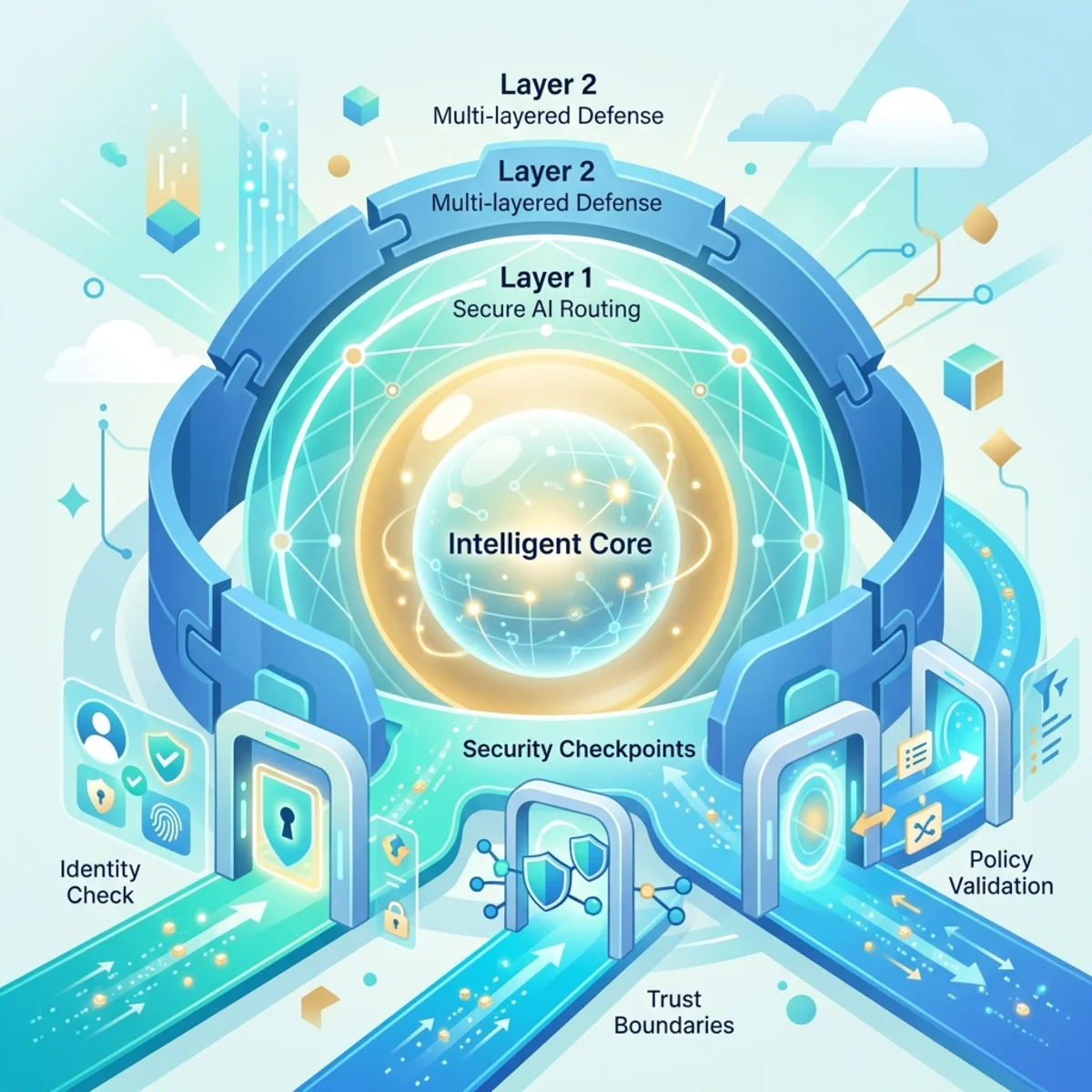
The LLM sits in the middle of this diagram, not at the center of the enterprise. That is the architectural shift that matters.
Final takeaways
Enterprise AI maturity is not measured by the number of agents deployed. It is measured by how reliably those agents can operate inside real organizational boundaries.
The durable principles are:
- Classify the workload before assigning autonomy.
- Retrieve the smallest sufficient set of authorized evidence.
- Route work to models according to quality, risk, latency, and capability.
- Represent business meaning explicitly through semantic models and ontologies.
- Give agents accountable identities rather than borrowed, standing privilege.
- Treat prompts, retrieved content, and tool output as separate trust domains.
- Keep deterministic business rules outside the probabilistic model.
- Evaluate the entire agent loop—not only the final answer.
Microsoft IQ and Agent 365 are useful because they frame enterprise AI as a system of context, identity, policy, action, and evidence. The model still matters. But the architecture around the model determines whether an impressive demo becomes a dependable enterprise capability.
Read next