Deep Dive: Inside the New GitHub Desktop App for Agentic Development

Writer
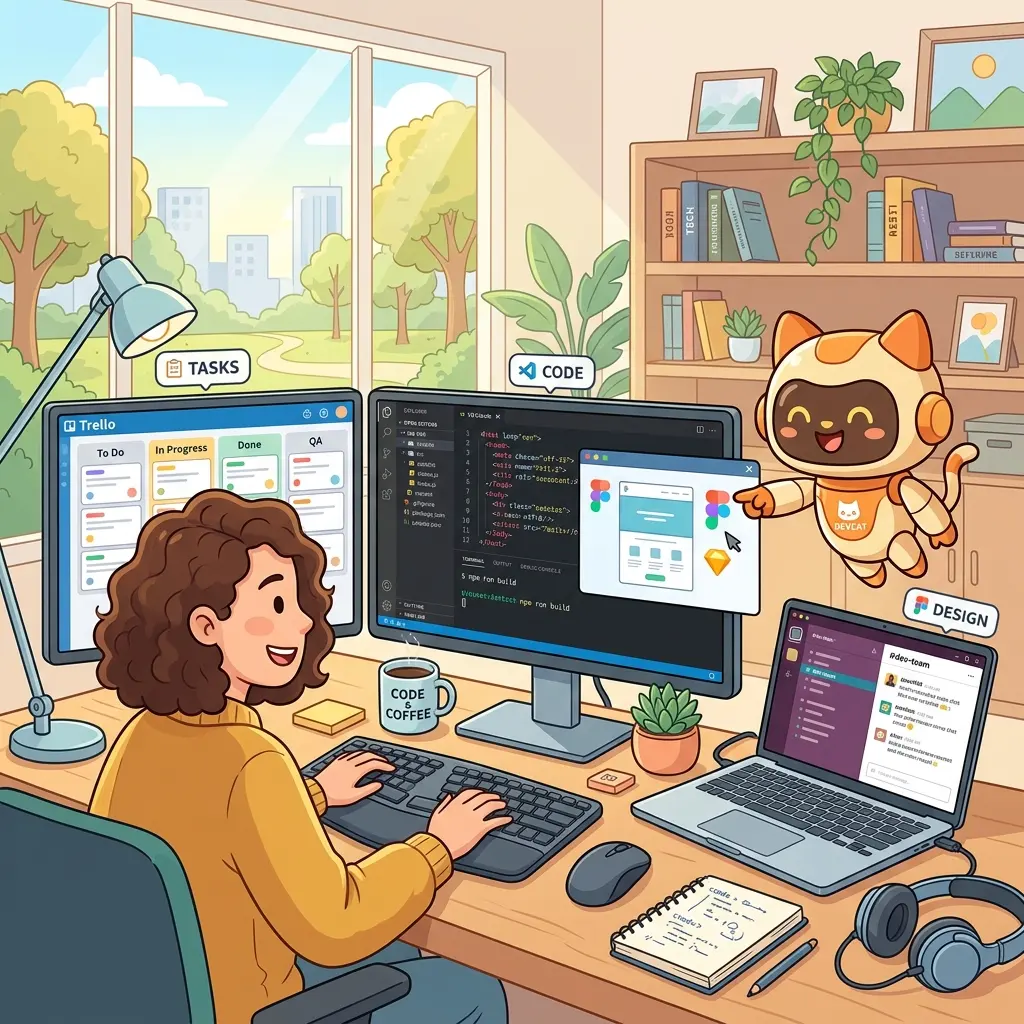
GitHub has introduced a new desktop application—currently in technical preview—that completely reimagines how developers interact with their repositories. Moving beyond a simple IDE plugin, the GitHub App serves as a comprehensive, standalone surface for agentic development, seamlessly integrating GitHub’s core features with advanced AI capabilities.
Here is a detailed technical breakdown of the architecture, features, and workflows introduced in this preview.
1. Git Worktree-Based Parallel Development
One of the most significant architectural choices in the new app is its native reliance on Git worktrees for agentic sessions.
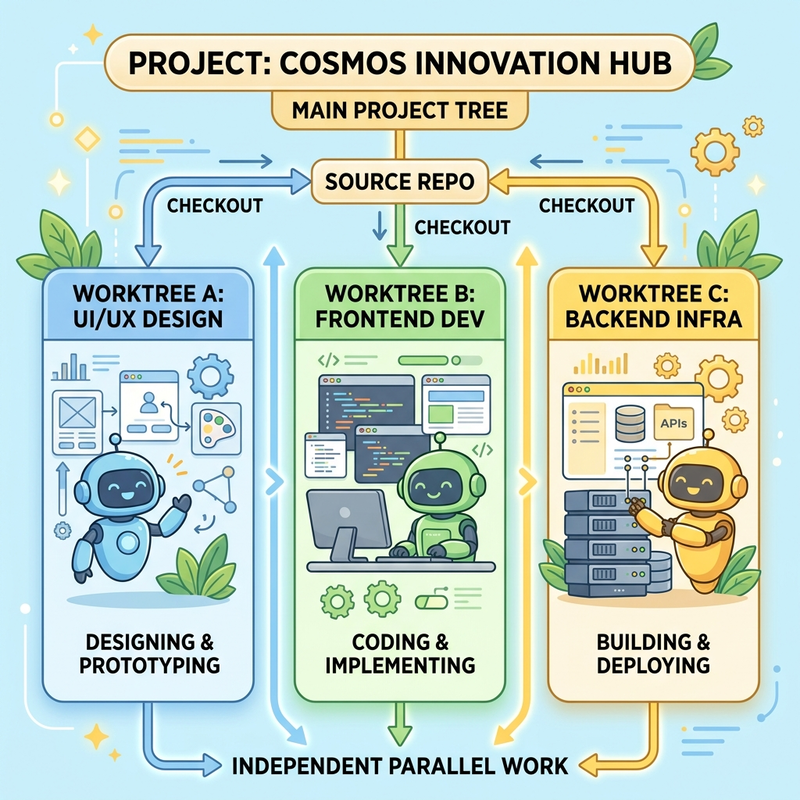
- Isolated Environments: Every time a new agentic development session is initiated, the app automatically provisions a dedicated worktree.
- Concurrent Execution: This allows for running multiple agents on the same project simultaneously. You can have one session debugging an issue using a heavy reasoning model while another session implements a new feature, both operating in parallel without Git conflicts.
- Visual Tracking: The sidebar provides real-time visual indicators showing which worktrees are actively processing and which have completed their tasks with a checkmark.
2. Remote Repository Execution (Zero-Clone Workflow)
The app introduces the ability to execute agentic tasks directly against remote repositories without requiring a local clone.
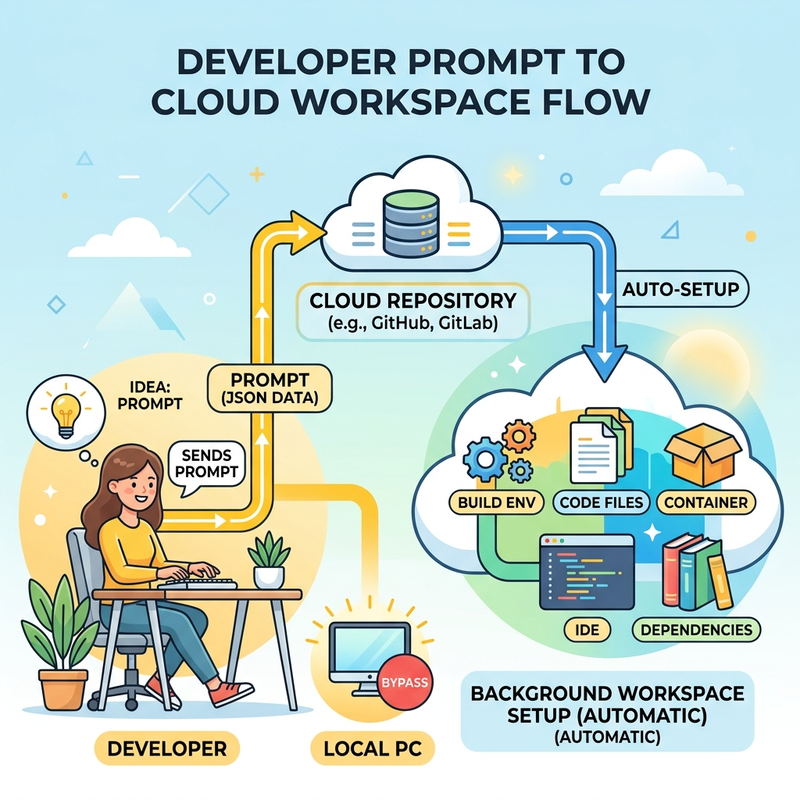
By pointing the app to a remote repository, you can prompt the agent to begin planning a feature. Once the plan is initiated, the app handles pulling the necessary files and provisioning the worktree automatically in the background. This drastically reduces environment setup time for quick PR reviews or minor feature additions.
3. Extensibility: MCP Servers, Skills, and Plugins
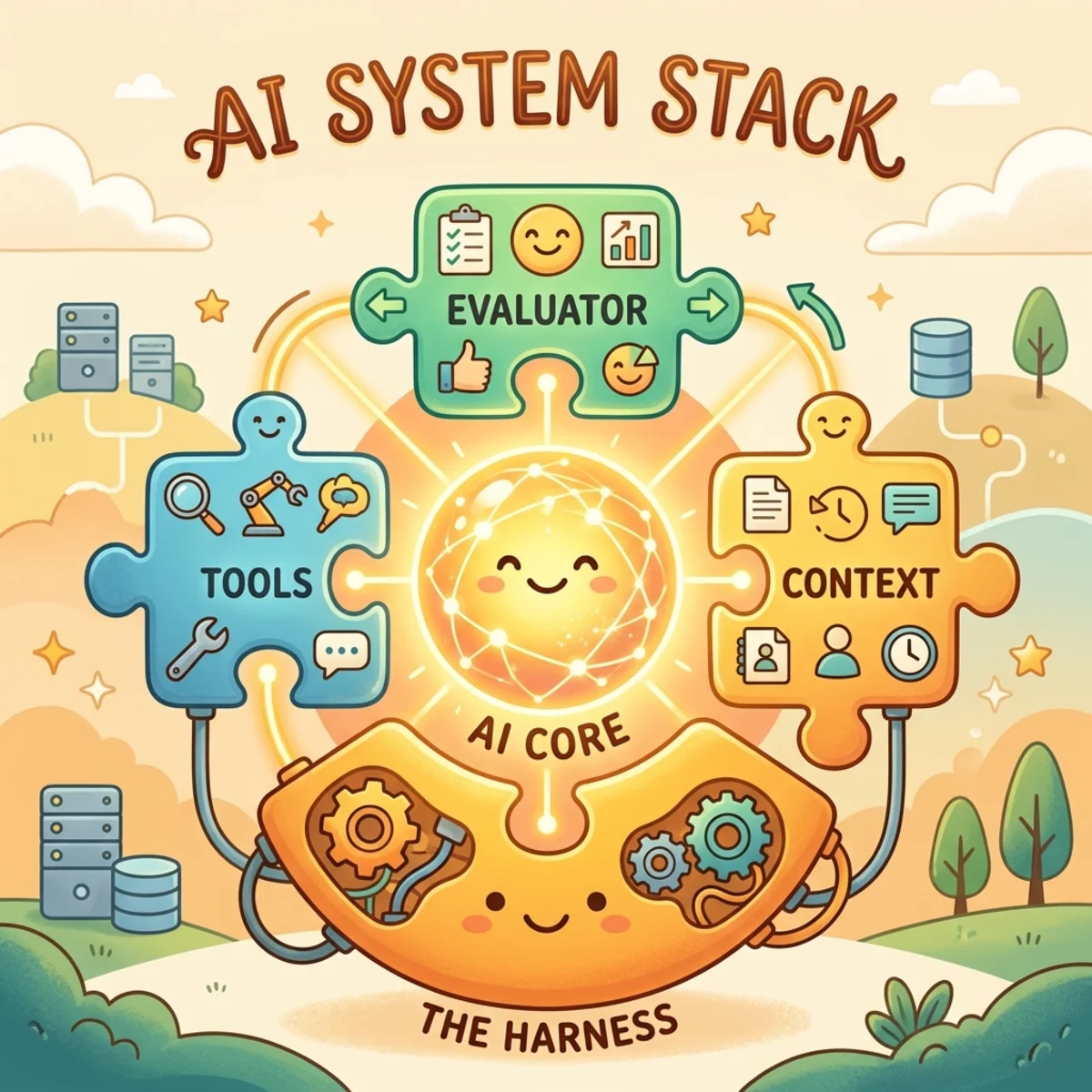
The application natively supports the Model Context Protocol (MCP), allowing you to connect agents to external tools and data sources. This is particularly powerful for enterprise automation and workflow integration:
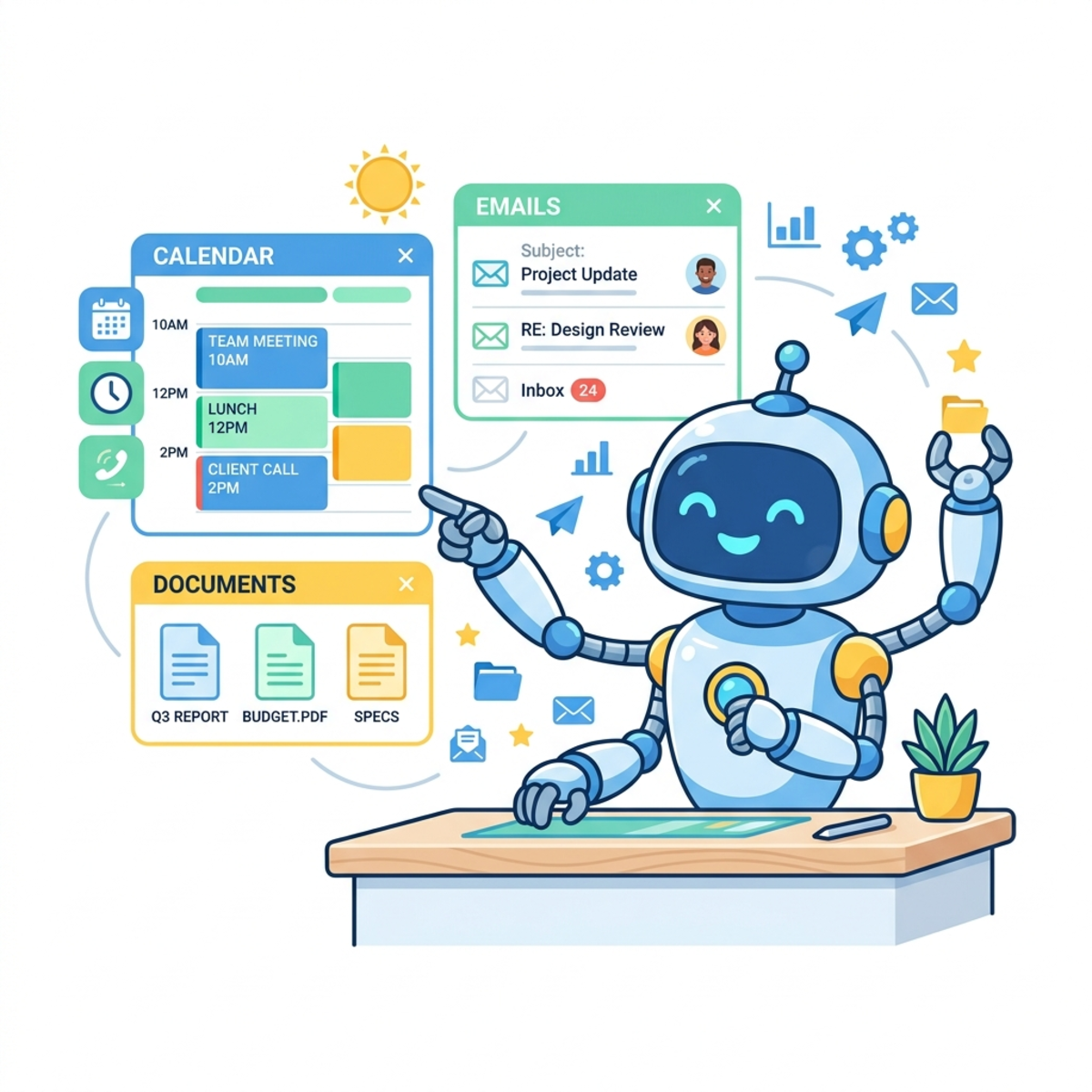
- Work IQ Integration: For organizations deeply embedded in the Microsoft ecosystem, the Work IQ plugin is a standout feature. It allows the agent to ingest context from Microsoft Teams, Outlook, and M365 documents directly from the CLI, grounding code generation in actual enterprise communications and specs.
- Custom & Popular Servers: The app comes with popular MCP servers out of the box, alongside favorites like Context 7, enabling extensive customization for specific data retrieval needs.
- Skills Management: You can easily manage installed skills, plugins, and accessibility settings directly through the app’s unified configuration interface.
4. Integrated Dev Environment: Terminal & Browser
The app is designed to minimize context switching by embedding core development tools directly into the UI.
- Integrated Terminals: Run multiple terminal instances directly within the app (e.g., for building and running a local dev server).
- Integrated Web Browser & “Pick and Polish”: When working on web applications, you can launch the app in the integrated browser. The “Pick and Polish” tool allows you to visually select DOM elements (like a navbar), which are immediately passed into the chat context. You can then instruct the agent to modify the specific element (e.g., “make the navbar taller”), and it will generate and apply the targeted CSS. Dark mode toggling is also supported directly in the browser preview.
5. Ephemeral “Quick Chats”
Not every query requires a dedicated worktree or a heavy reasoning model. The app features a “Quick Chat” function for one-off questions (e.g., build instructions or syntax queries) without cluttering the project space.
- Model Optimization: It is highly recommended to use faster, cost-effective models like Claude Haiku for these ephemeral queries, reserving heavy-compute models like Claude Opus for complex coding tasks.
- Exporting: Quick chat sessions can be easily exported and shared as secret Gists.
6. Comprehensive GitHub Surface
Beyond code generation, the app acts as a unified command center for all GitHub operations:
- Dashboard & Inbox: A centralized view of notifications, PRs, and issues.
- Agentic Workflows: Interface directly with automated CI/CD and GitHub Actions workflows.
- Rich Diffs: Review code changes with high-quality, rich diffs and inline commenting capabilities.
- Global Search: Search across all repositories, issues, and PRs from a single input.
7. Settings, Models, and Developer Experience (DX)
The app includes several highly requested quality-of-life improvements:
- Model Selection: Full control over which LLMs to use (e.g., GPT-55, Opus, Haiku) and the ability to dictate reasoning levels on a per-task basis.
- Multiple Accounts: Natively supports switching between multiple GitHub accounts—a massive architectural improvement over standard editor limitations.
- Theming: Extensive theme support out of the box (including unique community favorites like “Garbage Oracle”).
- Playful UI Elements: The app features a draggable mascot icon that interacts with screen boundaries (wrapping around the screen or “splatting” if dropped off the edge), adding a touch of personality to the workspace.
Note: Access to the GitHub App is currently restricted to the technical preview, requiring users to sign up and be whitelisted before use.
Read next