Hermes: The Technical Guide to the Agent That Grows With You

Writer
The landscape of AI toolsets is evolving rapidly, and right at the forefront is Hermes, the open-source agent framework developed by Nous Research. Currently dominating OpenRouter token usage and GitHub trending charts, Hermes isn’t just another chatbot wrapper. It is a persistent, self-improving autonomous agent built to genuinely get better on day 30 than it was on day one.
Here is a deep dive into the architecture, memory systems, and self-improvement loops that make Hermes a superior choice, followed by a complete deployment guide.
Built by Model Trainers, Not Just Tool Makers
The origin story of Hermes is rooted in Nous Research’s philosophy of creating humanistic, censorship-free, democratic AI, stemming from their hacker and Discord origins. Hermes wasn’t built as a reactive market play; according to Nous Research co-founder Jeffrey Quesnelle, it was built 6–7 months before release as an internal tool to prototype recursive self-improvement for model training.
Because the team actually trains models (like the Hermes and Qwen variants), their philosophy is to “get out of the way of the model.” Instead of over-engineering the harness, Hermes acts as a haptic feedback layer—giving the model the hands and feet to touch the environment while trusting the LLM’s inherent intelligence to navigate it. The result is a highly stable framework built by AI researchers.
Active, Constrained Memory Management (The Differentiator)
Most agent frameworks suffer from context collapse or prompt bloat, blindly appending information to their system prompts until the model loses focus. Hermes handles memory entirely differently:
1. Hard Physical Limits
Hermes relies on two primary files with strictly enforced physical limits:
USER.md(capped at 1,375 characters)MEMORY.md(capped at 2,200 characters)
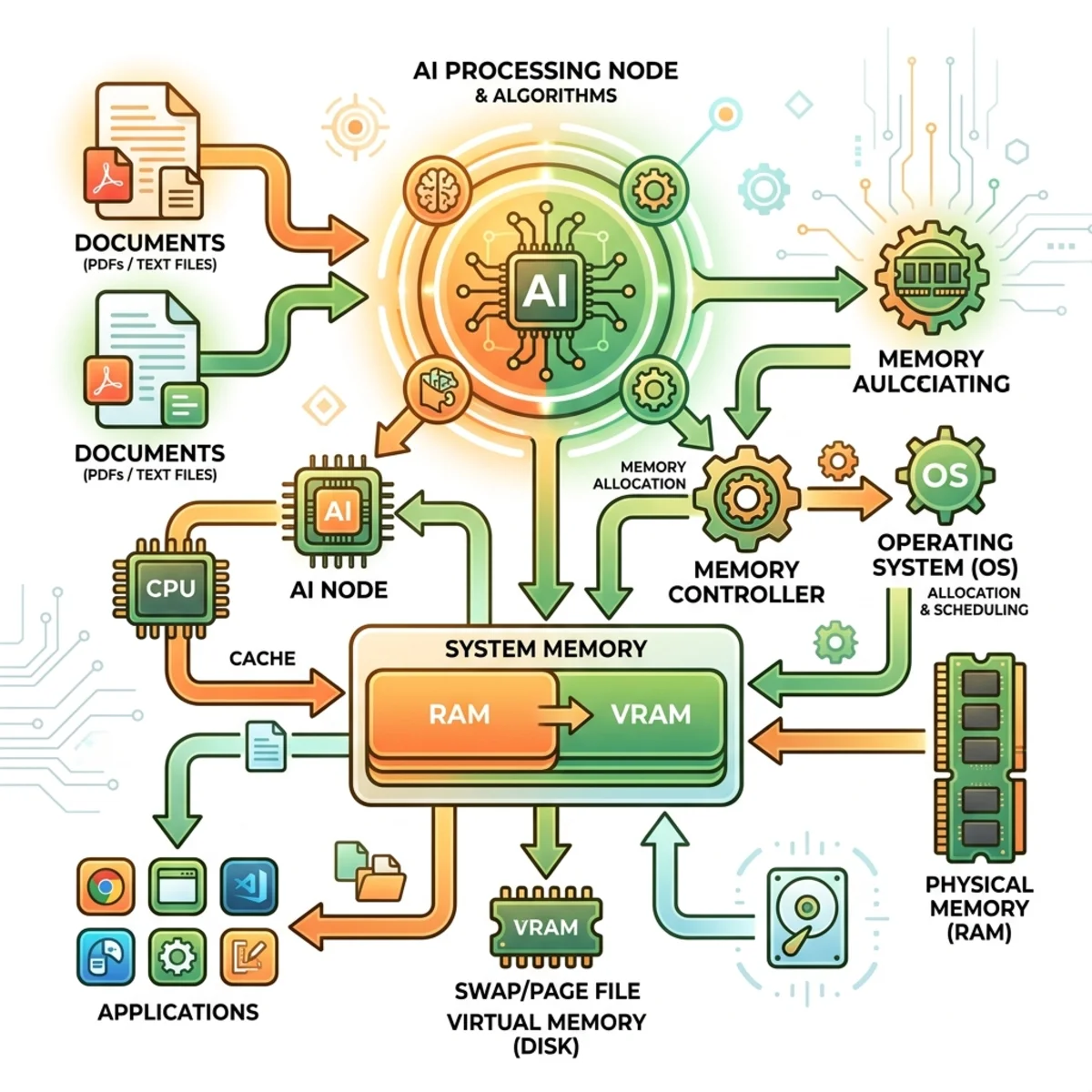
This physical constraint forces the agent to constantly curate, summarize, and prioritize its own context, ensuring only the most critical information is injected into the system prompt.
2. Active Background Nudging
Rather than only summarizing memory when a session resets, Hermes runs a background process every 10 turns during active conversation to evaluate if the memory files need updating dynamically.
3. Honcho Peer Cards
For advanced contextual awareness, Hermes integrates with Honcho, a peer service that reasons over your messages in the background. Honcho builds a psychological “peer card” mapping your habits and technical preferences, dynamically injecting only the highly relevant context the agent needs for that specific interaction.
Pro Tip: Constraining the prompt size avoids bloat and significantly speeds up the LLM inference time and reasoning quality.
The Self-Improvement Loop (Skill System)
The standout feature of Hermes is its ability to autonomously write and curate its own skills based on successful interactions. If you ask Hermes to set up a headless Twingate client, the agent will figure out the process, execute it, and instantly generate a reusable skill file for future use.
The Curator
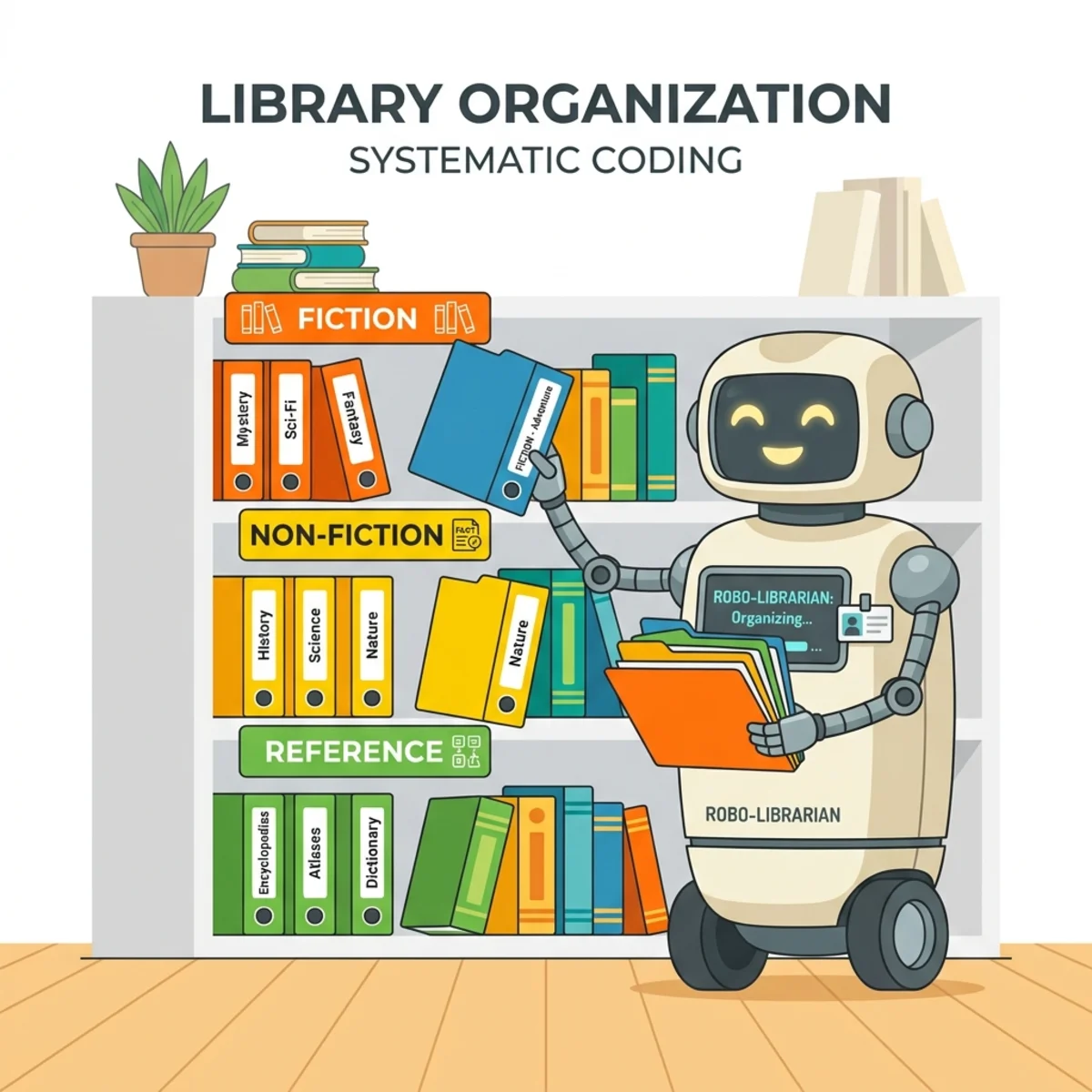
To prevent the agent from drowning in hundreds of one-off scripts and endless accumulation, Hermes utilizes The Curator—a dedicated background agent that monitors your skill library. The Curator reviews, optimizes, and moves skills through active, stale, and archived states.
High-Quality Built-in Skills
The default skills included in Hermes are meticulously curated for enterprise-grade reliability. For instance, its GitHub PR review skill was crystallized from thousands of manual PR reviews by team member Technium.
Advanced Ecosystem and Stability
Hermes operates more like a polished product than a fragile project. It simply “doesn’t break.” The advanced ecosystem includes:
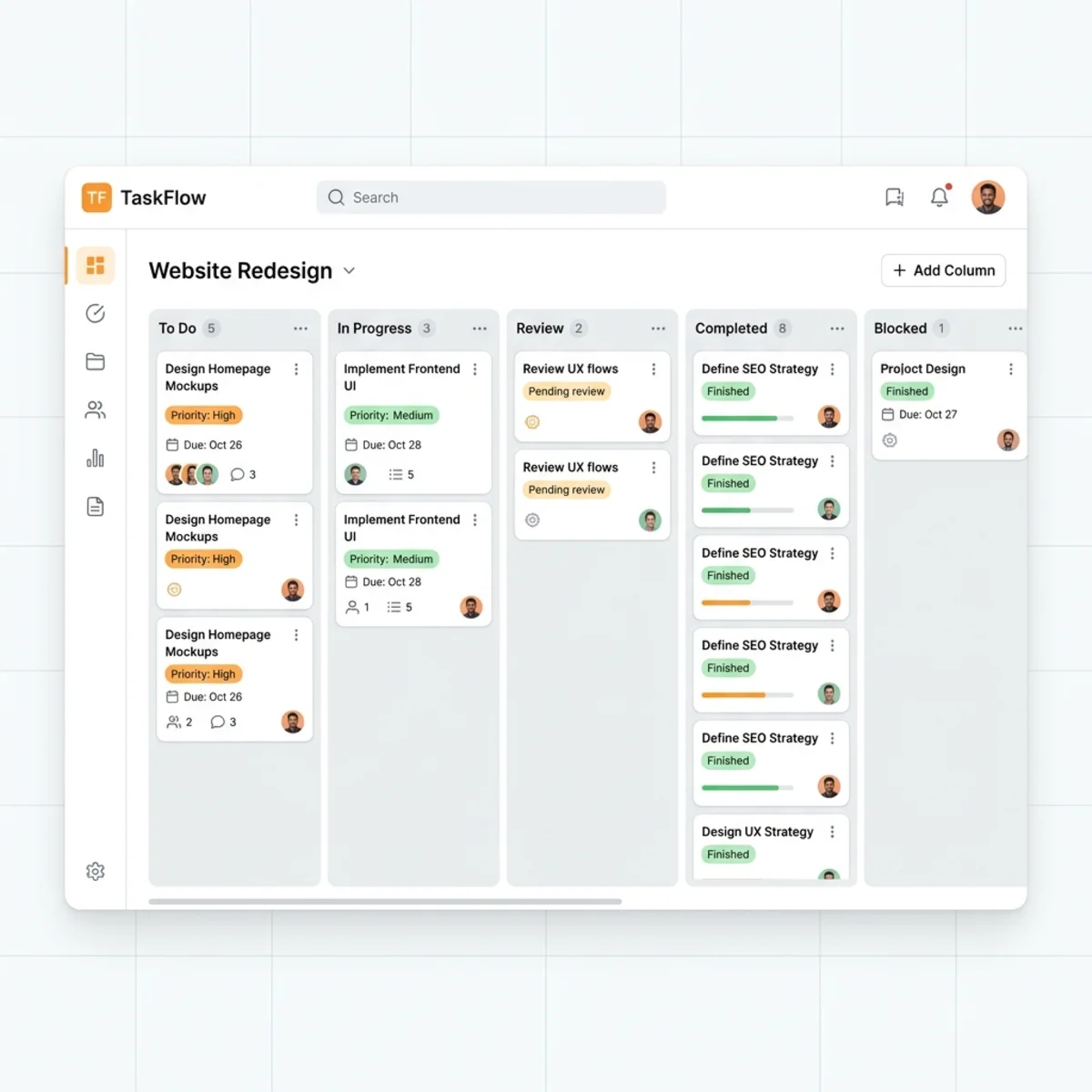
- Hermes Web Dashboard: A full UI for managing agents, profiles, and auxiliary models.
- Agent Autonomy & Kanban Board: A native task tracking system. You can assign an agent a complex, multi-day task. The agent will work asynchronously, move task cards across the Kanban board, and pause to request human-in-the-loop approval if it needs strategic direction.
- Computer Use Preview: Early previews of computer use, expanding its interactive capabilities.
Deployment and Configuration Walkthrough: Building an IT Agent
Because Hermes is lightweight and built in Python, deploying it on a cloud Virtual Private Server (VPS) is the best practice for a 24/7 autonomous agent.
1. Provision a Cloud VPS
Spin up a VPS instance (such as a Hostinger KVM 2 plan) running Ubuntu to give your agent a permanent, always-on home. Configure your root password and connect via SSH.
2. Run the Install Command
Execute the official one-line installation script in your terminal to handle Python dependencies and system paths automatically:
3. Configure the LLM Backend
Run the quick setup wizard with hermes setup. Hermes is entirely model-agnostic:
- Local: Use LM Studio or Ollama (the Qwen models are highly recommended).
- Frontier: Connect via OpenRouter or Grok.
- OpenAI Codex: Link your ChatGPT Plus subscription by pasting the provided auth URL into your browser and returning the token to the terminal.
4. Set Up Telegram Messaging
To communicate with your agent via your phone, select Telegram during setup:
- Message
@BotFatheron Telegram. - Type
/newbot, name your agent, and copy the provided HTTP API Token. - Paste the token into your terminal.
- Message
@userinfoboton Telegram to get your personal User ID. Provide this to Hermes to secure it so the agent ignores commands from anyone but you.
5. Run as a SystemD Service
When prompted by the installer, choose to install the gateway as a background SystemD service. This ensures Hermes runs quietly and restarts automatically on server reboots.
6. Seed the Persona (SOUL.md)
Alter how Hermes behaves by modifying its core identity file. Command it in a session:
“Update your SOUL.md file to reflect this going forward: You are an IT systems administrator named Ron Weasley…”
Hermes will permanently adopt this persona, and its memory/skills will reflect this operational context.
Real-World IT Agent Examples
Once deployed, your agent is ready to be put to work. You can feed it API keys and let it manage your infrastructure autonomously. Real-world uses include:
- Setting up a headless Twingate client for zero-trust network access.
- Controlling smart home devices via the built-in Home Assistant skill.
- Mapping networks using UniFi API integrations.
Hermes provides a robust, resilient haptic layer that truly gets out of the model’s way, leaving you with an intelligent companion that evolves securely alongside your workflows.
Read next