Microsoft Agent 365: Technical Architecture & Operational Control Plane

Writer
Quiz available
Take a quick quiz for this article.
Microsoft Agent 365 represents the industry’s first dedicated IT control plane designed to govern, observe, and secure AI agents within the enterprise. It addresses the shift toward the “Frontier Firm”—an organizational model where human-led teams collaborate seamlessly with autonomous agent partners.
Unlike traditional bots or simple scripts, agents in this ecosystem are treated as distinct entities with their own identities, ensuring they are managed with the same rigor as human employees. The platform functions as a centralized “single source of truth,” breaking down silos by connecting tools (Copilot Studio, Microsoft Foundry, non-Microsoft platforms) into a unified governance layer that safeguards data while enabling autonomy.
Core Architecture & Identity Framework
The “Agent as an Employee” Paradigm
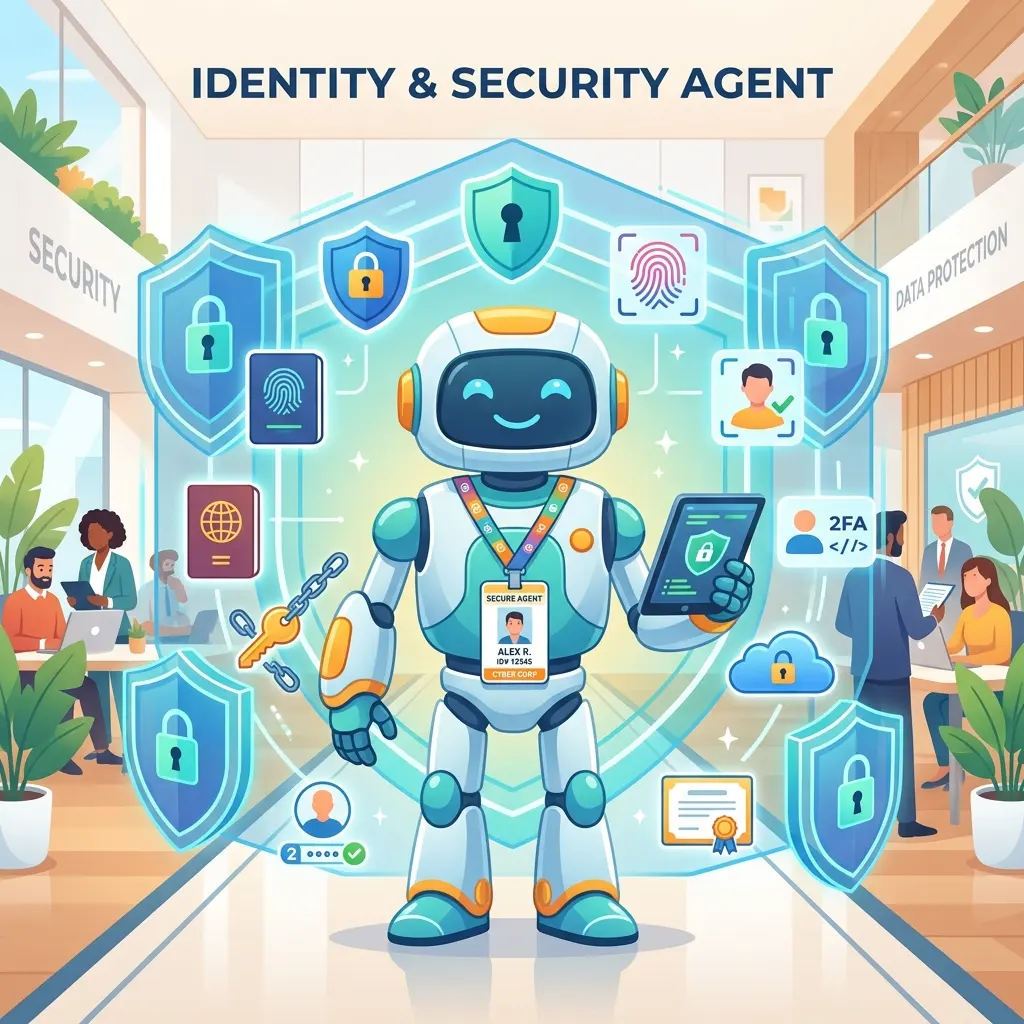
A fundamental architectural shift in Agent 365 is the treatment of agents as independent identities within Microsoft Entra.
Independent Identity: Upon approval, an agent is not just a tool running under a user’s context; it is assigned its own distinct identity.
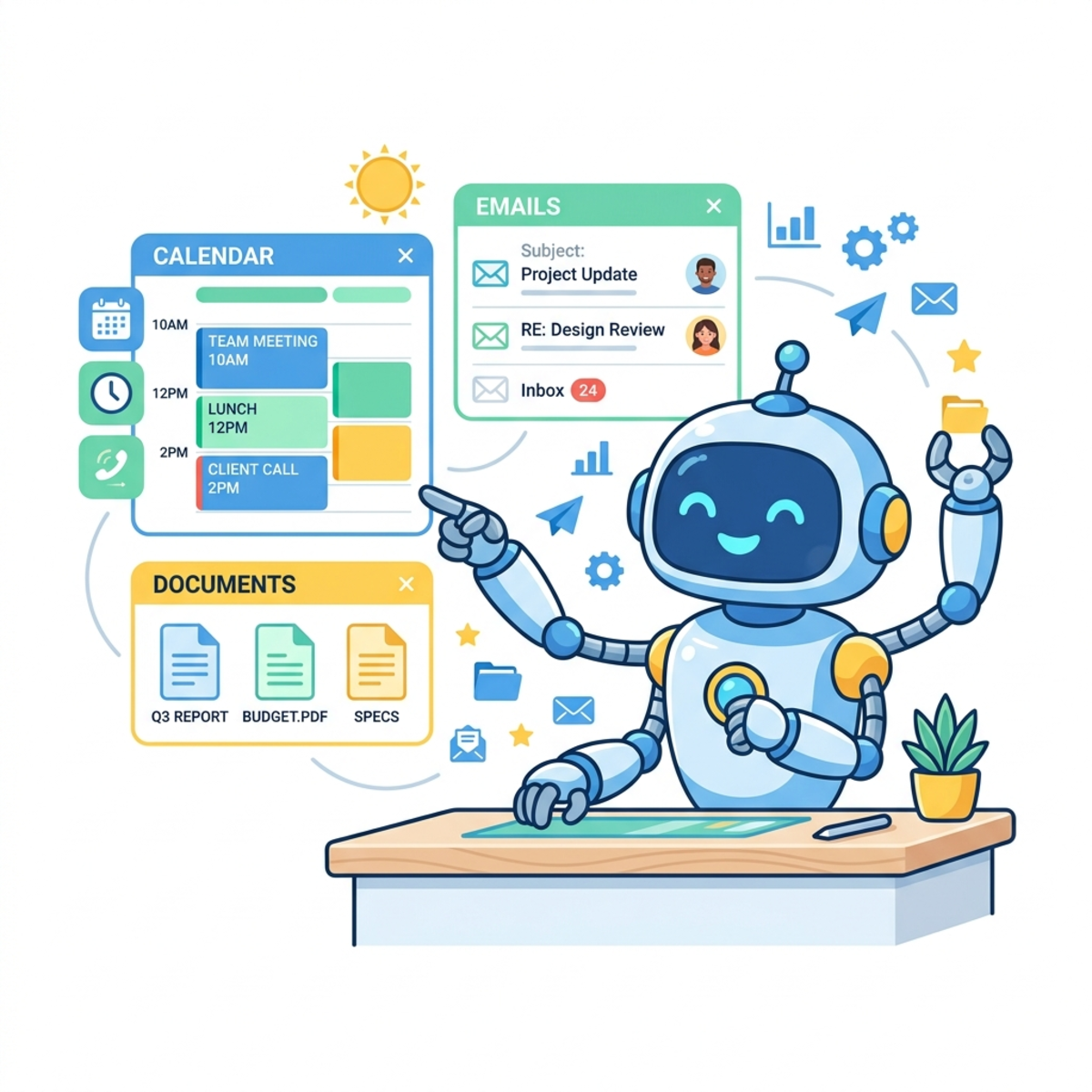
Service Provisioning: Similar to onboarding a new human employee, the system automatically provisions the agent with necessary service accounts, including:
- Exchange Online: A dedicated email address for sending/receiving correspondence.
- Calendar: To schedule and manage meetings.
- OneDrive & SharePoint: Storage for maintaining its own file records and logs.
- Microsoft Teams: Capability to participate in chats and channels.
Work IQ: The Context Engine
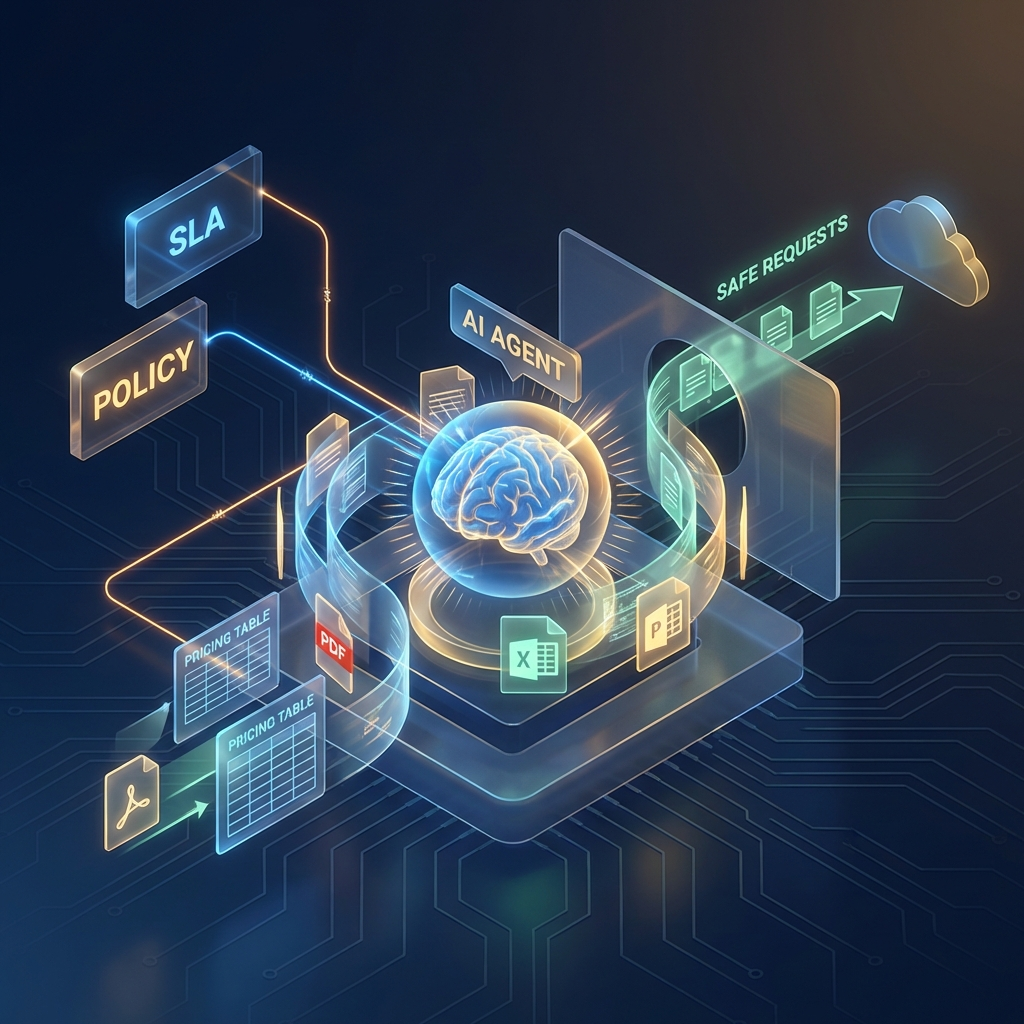
To prevent agents from executing commands blindly, the architecture includes a Work IQ layer. This semantic engine connects agents to the organization’s or department’s internal work context—such as Service Level Agreements (SLAs), pricing tables from recent orders, and organizational policies. This allows agents to “reason” over requests (e.g., checking if a purchase order violates a pricing tier) rather than simply executing an API call.
Discovery & Lifecycle Management
The lifecycle of an agent is strictly managed from discovery to deprecation, involving a handshake between the Information Worker (User) and the IT Administrator.
Phase 1: Discovery & Request (User Experience)
Unified Store: Users discover productivity tools via the Microsoft Teams Store under the “Agents for your Teams” category.
Technical Metadata: Before requesting an agent, the user is presented with a transparency card detailing:
- Capabilities: What the agent can do.
- Permission Scopes: Specific data access requirements (e.g.,
Mail.Send,Files.ReadWrite). - Certifications & Pricing: Compliance badges and cost implications.
Phase 2: The Agent Registry & Assessment (Admin Experience)
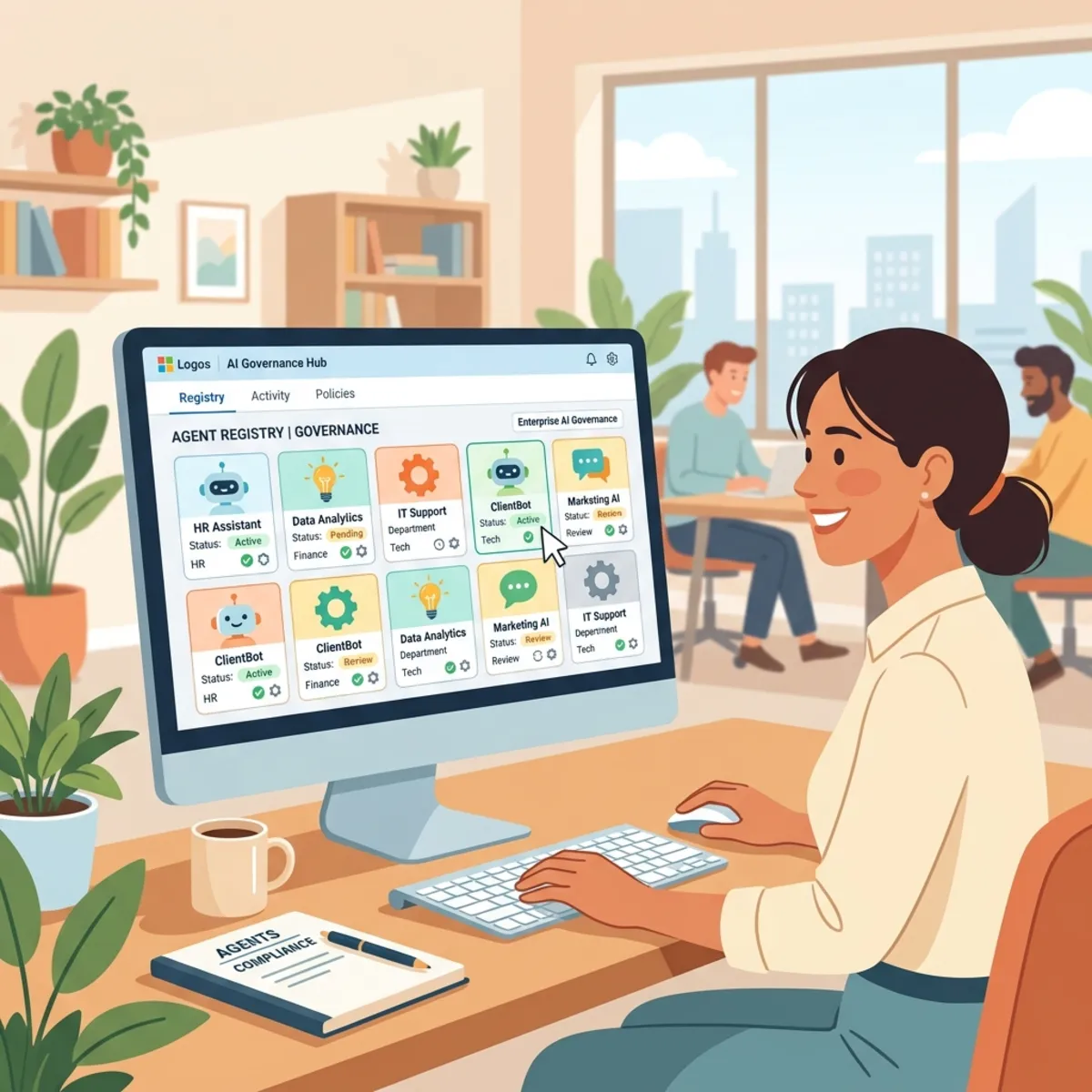
IT Administrators manage incoming requests via the Agent Registry in the Microsoft 365 Admin Center. This registry provides a granular inventory of every agent, broken down by publisher and platform.
Deep-Dive Validation: Admins can inspect the agent’s “supply chain”:
- Tools & Compute: View the provisioned compute resources and external tools the agent utilizes.
- Graph Connectors: Analyze exactly which Microsoft Graph API endpoints the agent targets.
- Data Access: Verify specific site memberships (SharePoint sites, Teams groups) the agent is requesting access to.
Phase 3: Activation & Policy Enforcement
Once an agent passes review, the Admin activates it with strict guardrails:
- User Scoping: Access is defined precisely—limited to the requestor, a specific security group, or the entire organization.
- Policy Templates: Admins apply pre-built Microsoft policy templates that automate Agent 365 license assignment and enforce default security postures (e.g., prohibiting external data sharing).
- Managerial Oversight: The creator/requestor is effectively designated as the agent’s “manager” in the organizational chart, establishing clear human accountability for the agent’s actions.
Runtime Governance: The Model Context Protocol (MCP)
Agent 365 employs a sophisticated runtime enforcement engine to manage external connections, specifically utilizing the Model Context Protocol (MCP).
Centralized MCP Server Management
Admins control the backend services (MCP servers) that agents connect to. The Admin Center offers a Block/Allow list for these servers.
Example Scenario: An agent may have the capability to send emails, but if the Microsoft Outlook Mail MCP server is blocked by policy, the agent is technically incapable of performing that action.
Real-Time Policy Propagation
Policies are enforced at the runtime layer with zero latency.
- The Blocking Flow: If a user asks an agent to “send an email” while the policy is active, the agent will fail and return a specific error: “Action blocked by company policy.”
- The Unblocking Flow: If an Admin navigates to the MCP server settings and clicks “Unblock,” the change propagates immediately. The user can retry the exact same prompt seconds later, and the agent will successfully execute the task. There are no local overrides; the central policy engine is absolute.
Agent Capabilities & User Interaction
Agents are designed to handle multi-step, complex workflows independently.
Procurement Example: A Procurement Agent can receive a vague request (“order laptops”), consult the Work IQ layer for approved suppliers, analyze pricing against budget policies, create a Purchase Order, and log the final transaction in a SharePoint Excel tracker—all without human intervention between steps.
User Visibility Tools
To build trust, the platform offers transparency tools for business users:
- Agent Card: A quick-reference view displaying the agent’s manager, skills, and organizational alignment.
- Activity View: A real-time log accessible to the user showing recent sessions, detailed actions performed, specific files accessed, and the logic steps taken to complete a task.
Observability, Security, & Compliance (The Three Pillars)
Agent 365 leverages an Observability SDK to standardize telemetry and stream it into Microsoft’s enterprise security stack.
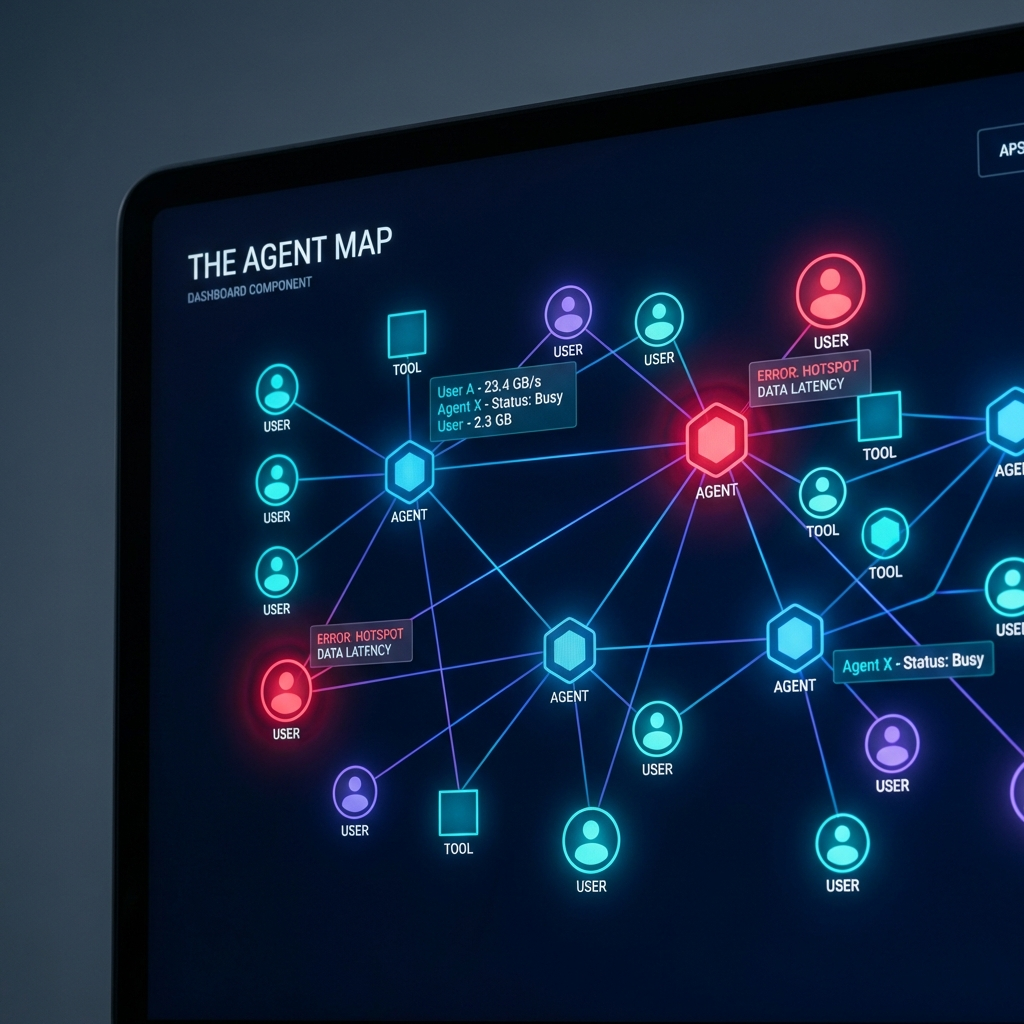
Pillar 1: Deep Observability & The Agent Map
Standardized Schema: Telemetry is unified into specific event types:
- Invocation Events: Triggering the agent.
- Tool Calls: API usage and external connections.
- Inference Events: The model’s reasoning process.
The Agent Map: A visual interface that maps the entire ecosystem, showing relationships between agents, users, data, and tools. It highlights “hotspots” (e.g., high error rates) directly on the visual map for rapid troubleshooting.
Pillar 2: Security (Microsoft Defender)
- Identity Protection: Because agents have identities, they are subject to Conditional Access policies.
- Risk Detection: If an agent exhibits “abnormal sign-in frequency” or is accessed by a compromised user account, the system can automatically block access in real-time.
- Advanced Hunting: Security teams can query raw traces of agent activity to detect anomalies.
- Custom Alerts: Rules can be configured to raise incidents based on specific behaviors (e.g., an agent attempting to access sensitive HR files repeatedly).
Pillar 3: Compliance (Microsoft Purview)
- Audit Trails: Every action is logged in the Purview Audit log under specific Record Types:
AI Invoke Agent,AI Execute Tool, andAI Inference Call. - Data Loss Prevention (DLP): Purview policies extend to agents, preventing them from oversharing sensitive data or leaking internal documents to unauthorized users or external locations.
Read next