Microsoft AI SDKs Decoded: From Bot Framework to MAF—A Developer's Survival Guide (2025)

Writer
Quiz available
Take a quick quiz for this article.
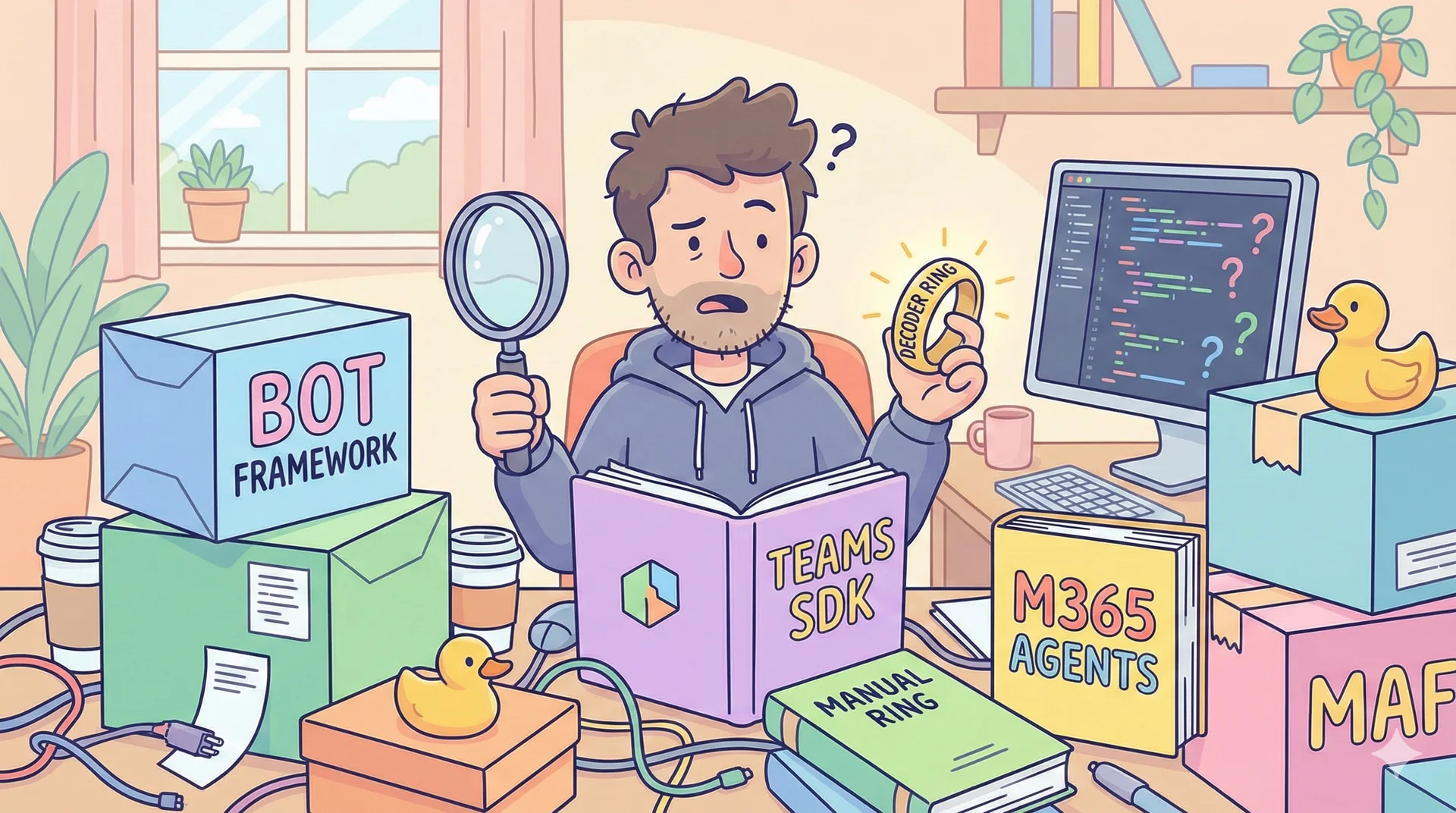
If you’ve tried to build an AI agent with Microsoft tools in the last two years, you’ve likely felt whiplash from all the name changes: “Wait—is it Semantic Kernel or AutoGen? Is Bot Framework still alive? What’s the difference between Teams SDK and M365 Agents SDK? And now there’s MAF, ATK, and Azure AI Foundry?”
You’re not alone. Microsoft has been aggressively consolidating its AI developer stack—merging projects, deprecating old SDKs, and introducing a clearer (but initially confusing) layered architecture.
This guide cuts through the noise. In 15 minutes, you’ll understand:
- Which tools are deprecated (and what replaces them),
- Which SDKs are active and recommended,
- Exactly what channels each supports,
- What enterprise features they actually provide,
- And how the M365 Agents Toolkit (ATK) ties it all together.
No fluff. Just facts, mappings, and actionable advice.
The Big Picture: Microsoft’s New Two-Layer Agent Architecture
Microsoft’s 2024–2025 AI strategy centers on a clean separation of concerns:
- Orchestration Layer: Where your agent’s intelligence lives (multi-agent logic, reasoning, tool calling). → Handled by Microsoft Agent Framework (MAF).
- Deployment & Operations Layer: Where your agent meets users (channels, identity, monitoring, scaling). → Handled by Microsoft 365 Agents SDK (or Teams SDK for Teams-specific needs).
This replaces the old “one SDK fits all” approach (e.g., Bot Framework), which tried to do both—and did neither particularly well for enterprise scenarios.
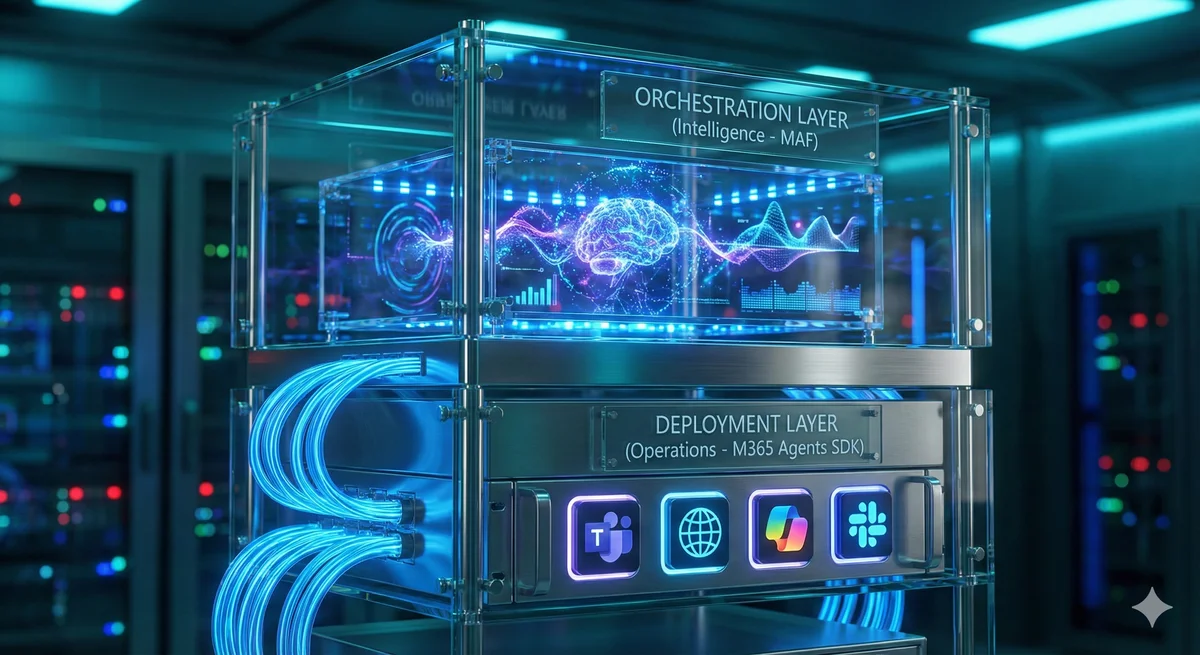
Key insight: These layers can be monolithic (same codebase) or hybrid (separate services). This is a critical architectural choice we will discuss below.
Deprecated & Replaced: What’s Gone and What Takes Its Place
❌ Bot Framework SDK
- Status: Deprecated. No new support after December 31, 2025.
- Was used for: General bots across 10+ channels.
- Replaced by:
- M365 Agents SDK → for enterprise, multi-channel agents.
- Teams SDK → for Teams-native bots requiring deep integration.
❌ Semantic Kernel (v0.x) & ❌ AutoGen
- Status: Merged and superseded by a unified successor.
- Were used for: Orchestration (SK for lightweight LLM integration, AutoGen for multi-agent chats).
- Replaced by: Microsoft Agent Framework (MAF) — the official open-source orchestration engine.
Key takeaway: If you’re starting a new project in 2025, do not use Bot Framework, Semantic Kernel, or AutoGen. They’re either deprecated or in maintenance mode.
The Modern Framework Matrix (2025)
| Framework | Primary Focus | Multi-Channel Support | Enterprise Features | Language Support | Current Status |
|---|---|---|---|---|---|
| M365 Agents SDK | Enterprise agent deployment across M365 |
|
| C#, JS/TS, Python | GA – Recommended for all new enterprise agents |
| Teams SDK | Teams-native bots & specialized experiences | Teams only |
| TS/JS, C#, Python | Active – Use only for deep Teams integration |
| Bot Framework SDK | General-purpose bots (legacy) |
|
| C#, JS, Python | Deprecated (EOL Dec 31, 2025) |
| Microsoft Agent Framework (MAF) | Multi-agent orchestration & workflows | Not a channel layer. Supports Model Context Protocol (MCP) for tool integration. |
| .NET, Python | Active – Open-source successor to Semantic Kernel + AutoGen |
| Azure AI Foundry (Agents) | Cloud-native agent development in Azure | Azure-hosted channels, AI Studio integrations |
| Python, C#, TS | Emerging – For Azure-centric advanced agents |
Note on Azure AI Foundry: SDK is available at aka.ms/aifoundrysdk. Still evolving—best for Azure-native workflows.
Monolithic vs. Hybrid: It’s Your Architecture Choice
A common misconception is that the “Brain” (MAF) and the “Body” (M365 Agents SDK) must be separated. That is not true. This is an architectural decision based on your scaling needs, performance requirements, and language constraints.


1. The Monolithic Pattern
You run the M365 Agents SDK and MAF in the same application process/container.
- Why choose this? Zero network latency, single deployment pipeline, and lower infrastructure costs.
- Verdict: You should default to Monolithic if you are using C# or Python, as it offers the best balance of simplicity and performance for most enterprise scenarios.
2. The Hybrid Pattern
You split the system into two distinct services: a “Proxy” (handling Teams/M365 traffic) and a “Brain” (handling the AI logic), communicating via REST or gRPC.
- Why choose this? It allows independent scaling of the “Brain” (GPU/memory-heavy) vs. the “Proxy” (high concurrency I/O) and lets you reuse the AI logic across non-M365 apps (e.g., mobile or web apps).
- Verdict: You should choose Hybrid if you need that independent scaling or plan to reuse logic. Node.js teams MUST use this pattern, as MAF has no Node.js runtime—your frontend (Node.js) will handle channels, while a separate backend (Python/C#) handles the intelligence.
The Developer Experience Layer: M365 Agents Toolkit (ATK)
You can’t talk about Microsoft’s agent stack without the tooling layer.
From Teams Toolkit (TTK) → M365 Agents Toolkit (ATK)
- Teams Toolkit (TTK) was for building Teams apps.
- It evolved into M365 Agents Toolkit (ATK) to support the broader M365 agent vision.
What ATK Does
ATK is a VS Code extension + CLI (atk) that:
- Scaffolds new projects with
atk create. - Auto-configures auth (Entra ID, CLI login).
- Enables local debugging with Teams/Copilot emulator.
- Deploys to Azure or Copilot Studio with one click.
How It Relates to SDKs
When you run atk create or use “Agents Toolkit: Create a new agent” in VS Code:
- It generates code using
microsoft-agents-*(for multi-channel agents). - Or
teams-ai(for Teams-specific bots). - It’s the official, Microsoft-recommended way to start any agent project.
Always start with ATK—it handles config, auth, and deployment so you don’t have to.
- Official repo: github.com/microsoft/m365-agents-toolkit
- VS Code extension: Search “M365 Agents Toolkit”
So… Which Tool Should You Use?
| Your Goal | Recommended Path |
|---|---|
| Enterprise agent for Teams + Copilot + Web | ✅ M365 Agents SDK + ATK (C#, Python, or Node.js) |
| Specialized Bot requiring deep Teams APIs | ✅ Teams SDK + ATK (Best for single-channel, deep integration) |
| Advanced multi-agent reasoning | ✅ MAF in C# or Python, optionally wrapped in M365 Agents SDK |
| Node.js team needing MAF logic | Build hybrid system: Node.js (M365 SDK) + C#/Python microservice (MAF) |
| Deep Azure AI Studio integration | Explore Azure AI Foundry (verify GA status first) |
Final Advice: Future-Proof Your Development
- Never start a new project with Bot Framework SDK—it’s deprecated.
- Use
atk createto scaffold every new agent—it enforces best practices. - In C#/Python: combine MAF + M365 Agents SDK in one project—it’s simpler and fully supported unless you have specific scaling needs.
- In Node.js: design for hybrid from day one—MAF won’t run in your codebase.
Microsoft’s AI stack is now more coherent than ever—once you understand the layers. The confusion comes from legacy names still floating around. With this guide, you’re equipped to cut through it and build agents the 2025 way.
Last updated: December 28, 2025
Read next