Architecting AI Agents Users Actually Adopt

Writer

The transition from deploying a neat AI proof-of-concept to building an agentic workflow that survives contact with real users is a brutal learning curve. When building enterprise agents, the hardest problems usually aren’t the LLM parameters—they are context, grounding, and workflow integration.
Based on recent field reports from enterprise rollouts at Signetic (healthcare operations) and Aphne (global contact centers), this post breaks down the technical architectures and adoption strategies required to build AI agents that operators will actually use.
The Architecture: Power Platform, Dataverse, and the MCP Unlock
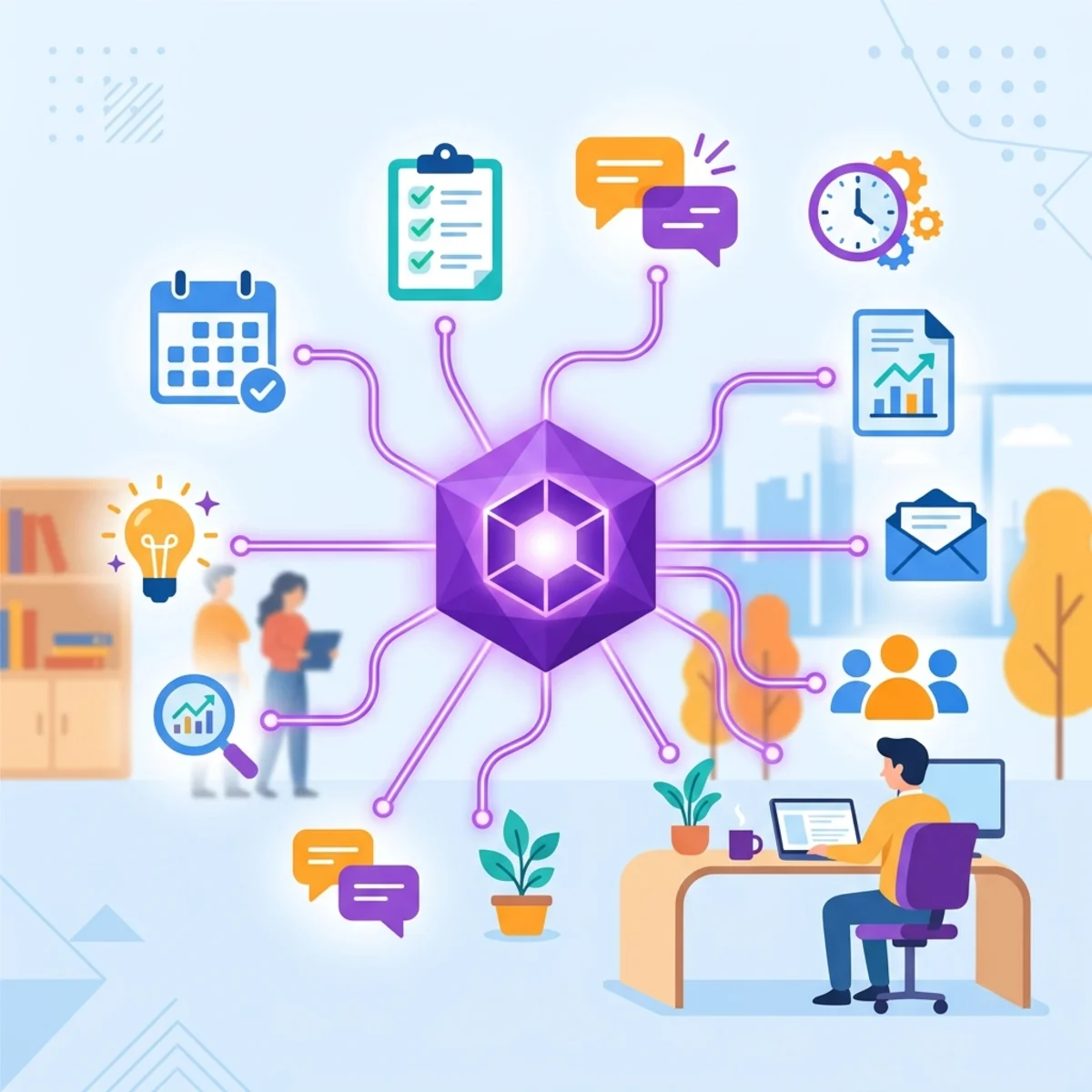
To move beyond simple chat interfaces, an AI agent needs the ability to reason over live, structured enterprise data. Both organizations leveraged the Microsoft Power Platform with Dataverse acting as the central data store, supported by React/Node frontends, Azure Functions, and Azure Service Bus for scalable event routing.
The technical breakthrough for autonomous workflows is the integration of the Model Context Protocol (MCP).

Why MCP Changes the Game
Historically, connecting an agent to a database meant building highly specific, rigid API endpoints. By utilizing a Dataverse MCP server, agents are granted a semantic understanding of the underlying database schema.
Instead of hitting a pre-built endpoint for GetPatientClaim, the agent reasons about what data it needs, understands the table relationships, and uses MCP to pull the exact clinical history, provider data, and medication lists required for the task.
This enables true end-to-end autonomy without requiring continuous custom API development for every new edge case.
Case Study 1: Solving Cognitive Load in Healthcare Revenue Cycles
Signetic was dealing with manual, paper-based healthcare workflows resulting in massive backlogs, missed 24-hour reporting deadlines, and complex billing or prior authorization delays.
Their first attempt at a Copilot Studio billing agent failed. It successfully retrieved error codes (e.g., “rejection code 76”) but failed to explain the root cause. It simply reworded the error in friendlier language, effectively increasing the cognitive load on operators who were already processing 50-60 claims a day. Users quickly abandoned the tool.
The Pivot: Building With the Operators
The engineering team shadowed operators and looked specifically for workflows justified by the phrase, “that’s just how we do it.” They realized they needed to rebuild the agents with the users, not just for them.
Agent 1: Billing Ops Agent (Retrieval & Conversational)
The team rebuilt the agent using Copilot Studio + Dataverse MCP server, grounding the prompt in two distinct layers:
- Unstructured Knowledge: Payer-specific standard operating procedures (SOPs), error code documents, and business logic.
- Structured Live Data (via MCP): Full access to the patient record, claim history, and Dataverse schema mapping.
The Result: When asked why a claim failed, the agent now queries the live patient record against the unstructured payer rules and returns actionable intelligence: “Claim rejected because patient’s annual benefit limit was reached on [Date]. Here are the three steps to fix this.” This reduced manual digging from 30-45 minutes per claim to mere seconds.
Agent 2: The Autonomous Pattern: Event-Driven Prior Authorization
For tasks requiring heavy data collection, Signetic implemented an autonomous, event-driven agentic workflow with a “human-in-the-loop” approval gate:
- Trigger: A Power Automate flow captures an incoming prior-authorization email.
- Verification: The agent extracts ID data (Name/DOB). If missing, it autonomously emails the sender back.
- Data Fetch: Once verified, it queries Dataverse via MCP to pull live appointment, clinical history, and medication data.
- Generation & Routing: It generates a highly specific, payer-formatted form and routes it to a human supervisor for a final click-approval.
- Submission: Upon approval, it dispatches the form to the insurer via Azure Service Bus.

The Result: This workflow completely replaced up to 2 hours of manual data collection per case, ensuring 24-hour reporting deadlines were consistently met.
Case Study 2: Building Trust Through Simplicity
Aphne, managing 12,000 agents in a highly regulated contact center and insurance environment using Microsoft 365, faced a different issue. They deployed complex semantic-search and MCP-backed agents early on, but saw low adoption due to a lack of user trust and high complexity.
The “Day One” Trojan Horse: The Catalyst Agent
To build trust, they pivoted to a universally understood, low-friction workflow: the SMART Goals Evaluator.
They built a Copilot agent grounded strictly in HR documentation and corporate strategic pillars. Employees paste in their quarterly goals, and the agent reviews them, rewrites them to fit the SMART framework, and aligns them with company objectives.
Because this tool worked flawlessly with zero training (Day 1 usable), it generated massive goodwill, onboarding 3,000 active employees in a single quarter. This trust cleared the path for adopting the more complex operational agents.
The Playbook: Deployment & Agent Orchestration
Building the model is only half the battle. To ensure your AI agents aren’t quietly abandoned, follow these deployment principles:
1. Zero Context-Switching (UI Integration)
Do not force users to open a new tab to talk to an agent. Embed the agent directly inside the primary application—whether as a side-panel in your custom React/Node frontend or embedded in your existing Model-driven apps. It must sit right next to the data the user is working on. Deploy role-specific agents (e.g., one tailored for billing, another for pharmacy) directly where the work happens.
2. Implement a Lean Governance COE
Governance in AI shouldn’t mean locking down environments until they are useless. Implement a Lean Governance Center of Excellence (COE): create sandboxed environments that enable safe experimentation rather than restricting innovation. Empower local champions to train their teams and ease adoption.
3. Scale with Multi-Agent Orchestration
As you deploy role-specific tools, you run the risk of creating an “agent swamp.” Do not expose 15 different bots to your users.
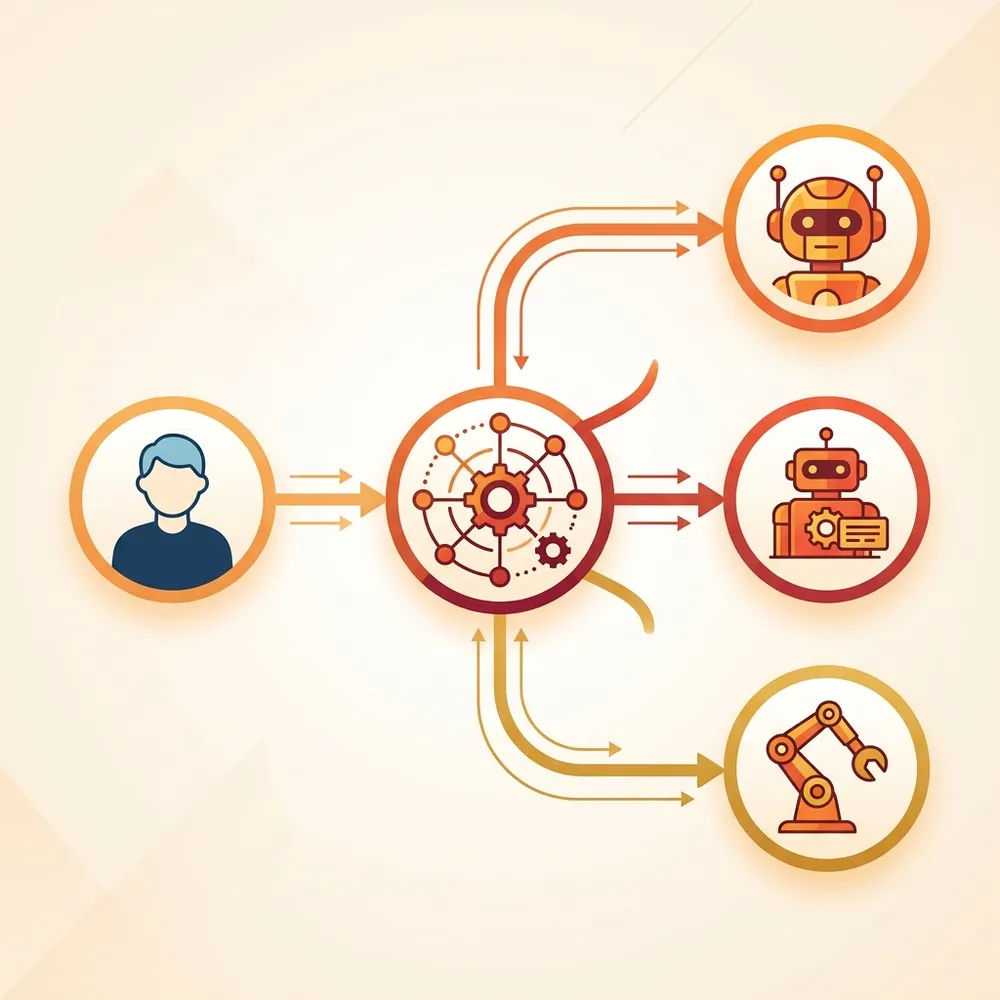
Implement a “Front Door” Orchestration pattern. Deploy a single, primary routing agent that understands user intent and seamlessly hands the request off to the specialized sub-agent (via agentic frameworks) operating in the background.
4. Rollout is a Project, Not an Announcement
Treat adoption as a structured pipeline. Aphne and Signetic succeeded by following a clear timeline:
- Phase 1: Shadow users. Look for workflows justified by “that’s just how we do it.”
- Phase 2: Build with the operators, not for them. Let them break the prototypes.
- Phase 3: The Structured Rollout.
- Week 1: Live demos using synthetic data.
- Weeks 2-3: Guided, side-by-side usage.
- Week 4: Independent use.
- Phase 4: Measure Everything. Track telemetry via App Insights and Dataverse dashboards continuously. Monitor error rates and failed prompts monthly to find your next automation target.
AI doesn’t fix broken processes; it just makes them execute faster. By leveraging tools like MCP for live database reasoning and focusing heavily on user-centric design, you can build autonomous systems that genuinely strip away cognitive load rather than adding to it.
Read next