Governing Copilot Studio at Enterprise Scale

Writer

Governing Copilot Studio at Enterprise Scale
Copilot Studio makes agent development accessible. That is its strength—and, without an architecture around it, a governance problem.
The risk is not simply that employees create too many agents. The deeper problem is that an agent can combine instructions, enterprise knowledge, connectors, credentials, and automated actions. A prototype can therefore become operational long before anyone has reviewed its data access, sharing model, ownership, or release process.
The answer is not to shut down experimentation. It is to give experimentation a safe place to happen and create a controlled path from idea to production.
This guide presents that architecture. It focuses on six connected layers:
- Environment placement — where makers build.
- Policy inheritance — how controls remain consistent at scale.
- Capability boundaries — which data sources, connectors, actions, and sharing patterns are allowed.
- Risk zones — how controls become stronger as impact increases.
- Application lifecycle management — how an agent moves from development to production.
- Inventory and monitoring — how administrators discover, assess, and operate the agent estate.
Mental model: Treat an environment as a security and lifecycle boundary, not as a folder. An environment determines where an agent and its related resources live, who can work with them, which policies apply, and how development is separated from testing and production.
1. Start with the Default Environment—but do not treat it as production
Every Power Platform tenant has a Default Environment, and every user in the tenant can access it. That makes it useful for broadly accessible personal productivity scenarios, but it also makes it a poor production boundary for enterprise agents. Microsoft explicitly recommends using a non-default production environment for agents deployed to production.1
The Default Environment is not inherently insecure, nor does it have “zero isolation.” It is, however, a shared tenant-wide workspace. The governance challenge comes from its broad membership and from the mix of personal, experimental, and potentially business-critical assets that can accumulate there.
A practical baseline is to reposition it as a controlled personal-productivity space:
- Rename it descriptively. A name such as
Personal Productivity (Default)communicates intent without implying that renaming changes the underlying environment type. - Inventory before restricting. Identify existing agents, apps, flows, connectors, owners, dependencies, and usage. Do not apply a policy that breaks production-like assets before you have a migration plan.
- Move business-critical agents. Rebuild or transport them through solutions into purpose-built development, test, and production environments.
- Apply data policies. Use connector and Copilot Studio data-policy controls to reduce the capabilities available in this shared space.
- Consider enabling Managed Environments. Microsoft recommends evaluating Managed Environment controls for the Default Environment, including sharing limits, usage insights, security controls, and administrative recommendations.2
- Restrict self-service environment creation where appropriate. Tenant settings can limit creation of Developer, Production, and Trial environments to specific administrators. This prevents uncontrolled provisioning while still allowing administrators to provide governed maker workspaces.3
Do not blindly “block all Copilot Studio connectors.” Some Power Platform connectors and platform capabilities cannot be blocked, controls differ by connector type, and a policy change may affect existing assets. Begin with an inventory and a tested allowlist based on approved use cases.
Roles: separate building, administration, and use
Environment access and Dataverse security roles should follow least privilege. The Environment Maker role is intended for creating resources; it is not a substitute for administrative access. Dataverse roles govern access to data and solution components inside an environment, while Copilot Studio sharing determines who can edit or use an agent.
Avoid assigning broad roles such as System Administrator or System Customizer as a convenience. Define personas first—maker, tester, release approver, platform administrator, security reviewer, and agent user—and then grant the minimum permissions each persona needs.
Match the environment type to the job
Power Platform exposes several environment types, but they are not interchangeable lifecycle labels:
| Environment type | Appropriate use in this architecture |
|---|---|
| Default | Tenant-wide personal productivity and tightly constrained experimentation; not the production home for shared enterprise agents |
| Developer | A personal development workspace for an individual maker; by default, makers can create up to three Developer environments when tenant policy and licensing allow it |
| Sandbox | Non-production development, integration testing, UAT, training, or early-feature evaluation; a sandbox can be reset, so do not treat it as a durable production system |
| Production | Stable, supported workloads used by their intended audience; changes should arrive through the release process rather than direct editing |
| Trial | Time-limited evaluation or proof of concept; standard and subscription-based trials have different administration and expiration behavior |
| Dataverse for Teams | Environments tied to Teams-based solutions, with their own constraints; do not assume the same sharing behavior as a regular Dataverse environment |
| Support | Microsoft-managed support scenarios rather than a normal customer lifecycle stage |
Developer environments are owner-oriented workspaces, while a shared sandbox can be useful when several developers must integrate and test one solution. The lifecycle principle matters more than the label: isolate active development from acceptance testing and production operation.4
Distinguish the people without hard-coding the controls to titles
The source discussion uses three useful maker personas:
- A professional developer routinely builds software and might combine pro-code services, APIs, source control, Azure services, and low-code components.
- A professional maker builds solutions as a regular part of the job and is skilled with Copilot Studio and Power Platform, even if most implementation is low-code.
- A citizen developer solves a business problem outside a full-time development role.
These personas shape training and support, but the agent’s risk, reach, data, and authority should determine its zone. A citizen developer can propose a high-impact use case, but that does not mean the person should implement it without partnered or professional engineering support.
2. Route makers into governed personal development spaces
Telling makers not to use the Default Environment is weak governance. Routing them somewhere safer is stronger.
Environment routing automatically directs eligible makers to personal Developer environments when they enter Copilot Studio and other Power Platform maker experiences. These routed environments are created as Managed Environments and can inherit rules from an assigned environment group.5
The experience is similar to giving each maker a private workbench instead of placing the entire organization around one shared table:
- An admin defines one or more routing rules.
- A rule targets a maker population, such as an existing Microsoft Entra security group.
- When an eligible maker opens Copilot Studio, Power Apps, or Power Automate, the platform routes that person to a personal Developer environment rather than the Default Environment.
- The environment is associated with the configured environment group and inherits its published rules.
This reduces accidental collaboration and resource collisions during development. It does not make the output production-ready. A personal Developer environment remains a build space, not a deployment destination.
Managed Environments are the control surface—not a magic security switch
Managed Environments provide premium management capabilities across Power Platform, including environment groups, sharing limits, pipelines, solution checker, usage insights, and other controls.6 They are foundational to this architecture because several governance features depend on them.
But enabling the setting does not secure an environment by itself. The value comes from the controls you configure after enabling it.
Licensing also deserves precise language. Managed Environments are included as an entitlement with several standalone products, including Microsoft Copilot Studio, but the licensing position depends on the users and workloads operating in the environment. The Power Apps Developer Plan does not by itself entitle users to run assets in Managed Environments.6 Validate the current licensing guide for your tenant rather than treating “Managed” as automatically free.
3. Use environment groups to turn standards into inherited policy
Creating a personal environment for every maker solves isolation, but it can create administrative scale problems. Environment groups address that problem by organizing Managed Environments into logical collections and applying rules centrally.7
Think of an environment group as a policy domain. You might group environments by:
- risk zone;
- business unit;
- geography or data-residency pattern;
- development versus production purpose;
- or a combination represented through separate groups.
An environment can belong to only one group, and groups cannot be nested. When a tenant administrator publishes a group rule, the corresponding setting becomes read-only in member environments. Per-environment exceptions are not currently supported, so group design matters.7
Useful group-level rules include controls for agent sharing, maker welcome content, solution checking, generative AI settings, transcript access, unmanaged customizations, and—depending on current availability—Advanced Connector Policies and default deployment pipelines.8
This creates an important architectural principle:
Route by maker population; govern by risk zone; deploy by lifecycle stage.
Do not create groups only to mirror the organization chart. Two departments with the same risk and lifecycle requirements may belong under the same policy baseline, while one department may need several zones.
4. Control both capability and distribution
A governed development environment needs two kinds of boundaries:
- Capability controls: What can an agent connect to, read, or do?
- Distribution controls: Who can edit or use the agent, and where can it be published?
These are separate problems. Restricting connectors does not prevent oversharing, and restricting sharing does not make every connector safe.
Classic data policies and Advanced Connector Policies are different models
Classic Power Platform data policies classify connectors into Business, Non-Business, and Blocked groups. They help prevent data from moving between incompatible connector groups and can block many connectors entirely.9
Advanced Connector Policies (ACP) use a stricter model for supported certified connectors: connectors and actions are blocked unless explicitly allowed. ACP can operate alongside classic policies in mixed mode, or—after deliberate migration—in ACP-only mode. ACP also exposes action-level controls, so an administrator can allow selected operations without authorizing everything a connector can do.10
| Control | Best suited to | Important limitation |
|---|---|---|
| Classic data policy | Broad connector grouping, blocking, and data-boundary rules | Connector categories can be coarse for agents that need only selected operations |
| Connector action control | Allowing or denying particular actions or triggers in supported connectors | Support and administration details vary; some trigger controls require PowerShell |
| Advanced Connector Policies | Default-deny allowlisting of supported certified connectors and actions | ACP does not currently govern every connector type; custom and HTTP connectors still require classic data policies |
| Connector endpoint filtering | Restricting supported connectors to approved static endpoints | It is a preview capability with a limited connector list and known gaps for dynamic endpoints |
A useful rule is to start from the minimum capability the agent needs, not from the full connector its maker requests. If an agent only needs to read approved records, do not grant write or delete operations “just in case.”
Govern knowledge sources separately from connector endpoints
The source demonstration highlights an important distinction: knowledge-source controls are not the same as connector endpoint filtering.
Copilot Studio data policies expose controls for knowledge sources and related agent capabilities. Depending on the currently available connector controls, administrators can restrict categories such as SharePoint, OneDrive, uploaded documents, public websites, or other supported knowledge options. Where the policy surface supports URL configuration for an agent knowledge source, use an explicit allowlist for approved development or production locations—for example, a designated SharePoint test site instead of every site the maker can access.
This control must be combined with identity. For native SharePoint knowledge, Copilot Studio normally searches on behalf of the authenticated user and should return only content that user can access. A site allowlist limits what makers can configure as knowledge; SharePoint permissions limit what each agent user can retrieve. These are complementary boundaries.11
By contrast, connector endpoint filtering is a separate preview capability for a documented subset of connectors, such as HTTP, SQL Server, Azure Blob Storage, and SMTP. It evaluates configured static endpoints and has known gaps for runtime-generated values. Do not generalize connector endpoint filtering into a universal SharePoint control.12
Knowledge-source and skills controls are also evolving. If a newly available rule appears in the admin center, validate its documented scope, release status, and enforcement behavior before relying on it. A visible setting—especially a preview setting—is not proof that every authoring surface and runtime path is already covered.
Prevent development environments from becoming unofficial production
Managed Environment sharing limits can restrict whether makers grant Editor or Viewer access, whether security groups can receive Viewer access, and how many viewers an authenticated agent can have. These controls can be applied per environment or through environment groups.13
For personal development zones, a strong default is:
- prevent broad Viewer sharing;
- tightly limit Editor sharing;
- require authenticated agents;
- and make formal deployment the route to a wider audience.
Be aware that new sharing rules do not retroactively remove access already granted. They are enforced when users attempt to share, and enforcement may take time to propagate.13 Inventory and remediate existing access separately.
Also distinguish sharing from publishing to a channel. A production-readiness gate should examine both who can use the agent and where it is exposed.
5. Add an intake gate before choosing the zone or platform
Governance should begin before a maker creates an agent. A lightweight intake can capture the business problem, intended users, data sources, actions, authentication model, risk, expected volume, ownership, support expectations, and technical complexity.
The output should answer two questions:
- Which governance zone fits the use case?
- Which implementation surface fits the solution?
Not every request belongs in Copilot Studio. A private, read-oriented productivity agent may fit Agent Builder in Microsoft 365 Copilot or a SharePoint agent. A departmental agent that needs tools, channels, and managed ALM may fit Copilot Studio. A mission-critical or deeply custom multi-agent solution may require Microsoft Foundry, Azure services, custom code, Logic Apps, or a combination. Microsoft’s zoned guidance similarly associates Agent Builder and SharePoint agents with Zone 1, Copilot Studio with partnered development, and Copilot Studio or Microsoft Foundry Agent Service with professional development.14
An intake agent can streamline this assessment by applying a documented rubric and opening the appropriate service request. It should support—not silently replace—human review for higher-risk cases.
6. Apply zoned governance based on impact—not maker job title
Not every agent needs the same control set. A private read-only helper and an autonomous agent that updates a production system do not belong in the same governance lane.
Microsoft’s Copilot Studio guidance describes three zones: citizen development, partnered development, and professional development.14 The most useful interpretation is a progression of increasing impact, reach, privilege, and operational responsibility.
| Zone | Typical scenario | Default posture | Route to production |
|---|---|---|---|
| Zone 1: Citizen development | Personal or low-impact experimentation | Private, read-oriented, constrained connectors and knowledge, personal Developer environment | Promote only after the use case enters a reviewed Zone 2 process |
| Zone 2: Partnered development | Team or departmental agent built by trained makers with IT partnership | Approved data sources, managed sharing, named owner, testing, review, and support model | Solution-based deployment through a governed pipeline |
| Zone 3: Professional development | Mission-critical, high-privilege, custom, or cross-platform agent | Strongest engineering, identity, security, testing, observability, and change controls | Enterprise CI/CD and formal operational acceptance |
Classify the use case, not the person. The same maker might build a Zone 1 personal assistant one month and contribute to a Zone 2 departmental agent the next.
Useful classification questions include:
- Can the agent only read, or can it create, update, delete, approve, or send?
- Does it use the current user’s permissions or a shared/application identity?
- Is the audience one person, a team, the organization, or external users?
- Does it process sensitive or regulated information?
- What is the consequence of a wrong answer or action?
- Is there a named owner, support path, and retirement process?
- Can the agent be rebuilt and redeployed predictably?
Ownership attestation—such as a recurring review every 90 days—can be a sensible organizational policy, but it is not a universal Copilot Studio requirement. Present it as your governance design, not as a built-in rule that every tenant must follow.
7. Treat agents as software: use solutions and ALM
The most important lifecycle rule is simple:
Do not build and operate a production agent in the same environment.
A healthy minimum topology is:
Development → Test/UAT → Production
Microsoft’s current Copilot Studio ALM guidance recommends at least these three stages. Agents and related components should travel in Power Platform solutions, with environment variables for stage-specific configuration and connection references for environment-specific connections.15
That separation provides several benefits:
- makers can change development assets without changing production;
- testers evaluate the same packaged components that will be released;
- target-specific URLs and settings are not hard-coded;
- production permissions can be narrower than development permissions;
- and deployment history becomes auditable.
Set preferred solutions before makers build
Copilot Studio agents are solution-aware. Configure a custom preferred solution for each maker or development stream so newly created agents and related components land in the intended solution rather than being scattered across default containers. A solution is the carrier used to move the agent and its dependencies through environments.16
For multi-developer or professional-development scenarios, add source control and integration practices appropriate to the team. Native pipelines are suitable for many low-code releases; GitHub Actions or Azure DevOps can provide deeper source-control, branch, validation, and CI/CD workflows. Environment groups can also assign a default deployment pipeline where that rule is available.8
A governed component catalog can promote reuse of approved connectors, prompts, components, templates, and other building blocks. Catalog adoption is a later maturity step—not a prerequisite for securing the Default Environment—but it reduces reinvention and makes approved patterns easier to discover.
Power Platform Pipelines: the governed promotion path
Power Platform Pipelines provide an approachable deployment mechanism for solution-based assets. Administrators can use the default platform host or configure a custom host for centralized control. A custom host is valuable when you need organization-specific pipelines, stages, permissions, reporting, and extensions—but it is not mandatory for every implementation.17
A robust pipeline design should include:
- solutions as deployment units;
- environment variables and connection references;
- automated validation or solution checking;
- a test stage before production;
- approval for higher-risk releases;
- delegated deployment where makers should not access target environments;
- versioning and release notes;
- post-deployment verification;
- and a tested recovery procedure.
Delegated deployment can run under a service principal or pipeline stage owner instead of the requesting maker. For a service-principal deployment, the identity must be configured as a server-to-server application user in the pipeline host and target environments and assigned the documented roles.18
Do not describe rollback as an instant, consequence-free undo button. Pipelines can redeploy an earlier successful solution version when the relevant setting is enabled, but Microsoft warns that redeployment overwrites the current version and can irreversibly remove data introduced by that version.19 Recovery must therefore include data considerations, not only solution files.
8. Add runtime security as a separate layer
Environment and connector governance reduce what an agent is allowed to do. They do not eliminate prompt injection, malicious content, compromised identities, or unsafe sequences of otherwise permitted actions.
Copilot Studio includes built-in protections against user and cross-domain prompt-injection attacks. Microsoft also documents external threat detection for generative agents using generative orchestration; that integration is currently preview and evaluates proposed tool use through an external service before execution.20
Microsoft Defender can provide real-time protection for supported AI-agent scenarios, including evaluation of Copilot Studio tool invocations and blocking through configured rules. Onboarding involves Microsoft Agent 365, Defender configuration, and collaboration with a Power Platform administrator; the Microsoft 365 app connector is used for investigation and advanced-hunting visibility.21
The practical model is defense in depth:
- Least privilege limits the blast radius.
- Data and connector policies constrain available capabilities.
- Authentication and identity controls determine whose authority is used.
- Sharing and channel controls constrain exposure.
- Runtime protection evaluates suspicious behavior during execution.
- Logging and investigation support detection and response after an event.
Runtime protection should complement deterministic controls, not replace them.
9. Build visibility with native inventory, Copilot Agent Kit, and Agent 365
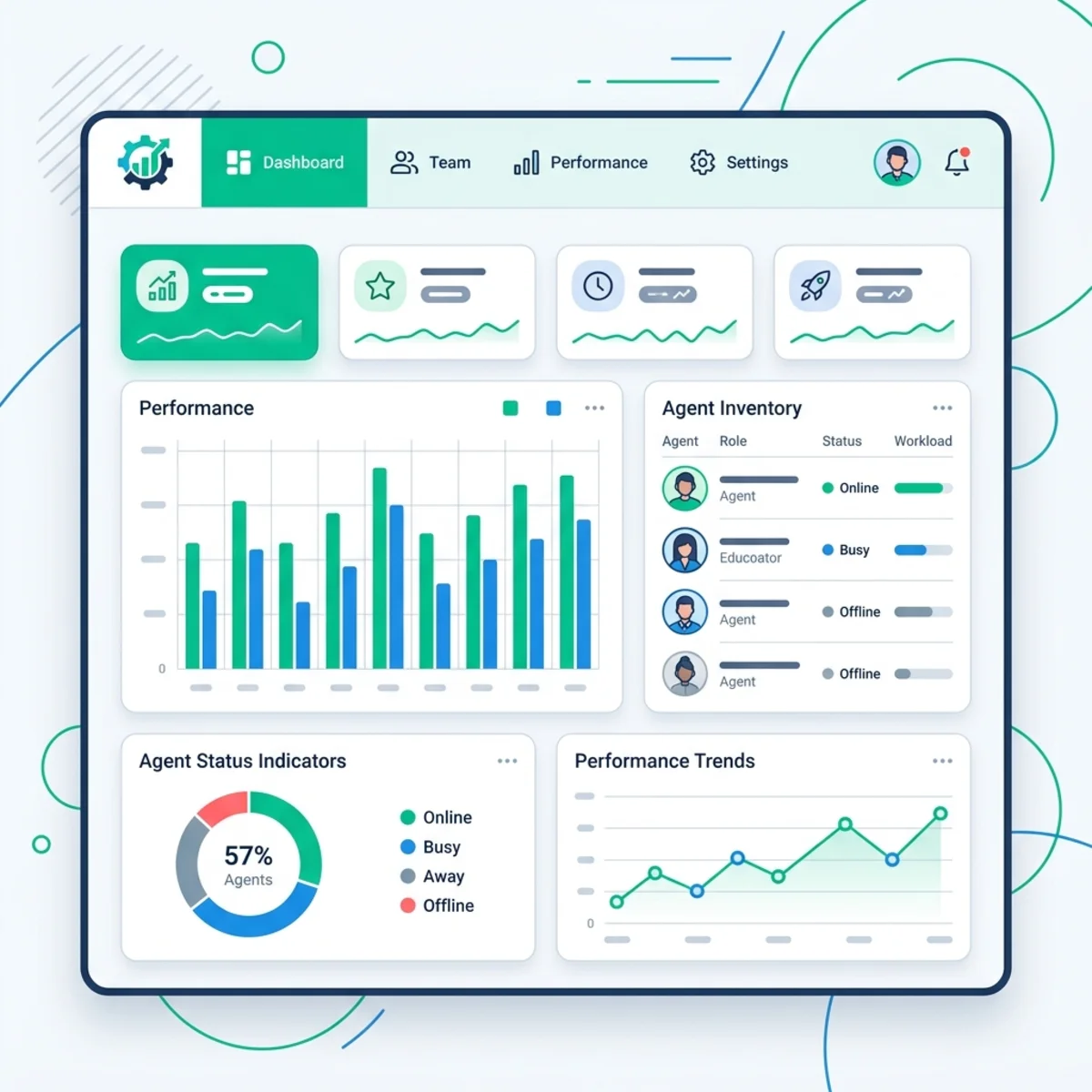
Governance fails when the inventory is a spreadsheet that becomes stale the day it is created.
Microsoft now provides several overlapping—but distinct—visibility layers:
Power Platform and Copilot Studio inventory
The Copilot Studio agent inventory gives IT and security administrators a centralized view of Copilot Studio and Agent Builder agents, including published and draft agents. It exposes metadata such as creator, publication status, channels, authentication, and capabilities through the Power Platform admin center, Power Platform API, and Azure Resource Graph. Some inventory functionality remains documented as preview, so verify status before making it a control dependency.22
Copilot Agent Kit
The current toolkit is named Copilot Agent Kit, not “Copilot Studio Kit” or the Power Platform CoE Starter Kit. It includes Agent Inventory, Compliance Hub, testing, insights, debugging, and governance-oriented capabilities. Compliance Hub can evaluate agent configurations against organization-defined controls and support remediation or enforcement workflows. Agent Inventory can support actions such as reassignment and quarantine for eligible agents.23
It is a useful accelerator, but it is still a solution that must be installed, configured, secured, maintained, and permitted to use its required connectors.
Microsoft Agent 365
Microsoft Agent 365 became generally available for commercial customers on May 1, 2026. It is positioned as a control plane for observing, governing, and securing agents across Microsoft and supported partner ecosystems. Its centralized registry, lifecycle governance, Entra and Purview integration, and Defender-based protection address a broader scope than Copilot Studio administration alone.24
Agent 365 is available as a standalone per-user product and is included in Microsoft 365 E7; pricing, prerequisites, and feature availability should be checked for the tenant and region before architecture decisions are finalized.25
Do not collapse these tools into one fictional “ultimate dashboard.” Use each for its documented scope:
- Power Platform admin center: environment, policy, capacity, and platform operations;
- Copilot Studio inventory: Copilot Studio and Agent Builder resource discovery;
- Copilot Agent Kit: configurable inventory, testing, compliance, and operational accelerators;
- Agent 365: cross-agent control-plane capabilities integrated with Microsoft 365 security and governance services.
Monitor adoption, quality, risk, and consumption
Inventory answers “what exists,” but operations also need “what is happening.” Track at least:
- sessions, active users, and usage trends;
- answer quality, grounding, latency, tool failures, and exception rates;
- authentication and publication posture;
- connectors, tools, knowledge sources, and external dependencies;
- policy violations, security incidents, quarantines, and owner changes;
- abandoned drafts, inactive agents, and orphaned ownership;
- deployment success and failed releases;
- and Copilot Credit consumption by environment and agent.
The Power Platform admin center provides Copilot Studio capacity and consumption views, including prepaid and pay-as-you-go usage. Current controls can expose tenant-wide agents, month-to-date consumption, agent limits, and the ability to turn off an agent from the administrative experience.26
This is the legitimate FinOps edge of the article: not a speculative cost model, but operational capacity control. Use historical consumption and expected workload to allocate capacity, set limits where supported, and identify unexpected spikes. Keep those controls separate from security quarantine: an agent can be disabled for risk, capacity, lifecycle, or support reasons, and the operational record should state which one.
Review newly released and preview controls deliberately
Power Platform and agent administration evolve quickly. Assign a platform custodian to review the Power Platform admin center’s Copilot settings, environment-group rule gallery, release notices, preview features, and newly introduced roles on a recurring cadence. The current group-rule catalog includes sharing, transcripts, AI settings, external models, solution checking, unmanaged customization, usage insights, maker welcome content, and preview capabilities such as ACP and default deployment pipelines.8
Do not grant an undocumented or newly surfaced role merely because its name sounds appropriate. Test it in a non-production environment, compare its privileges with documented roles, and use least privilege. Similarly, preview and early-release features belong in a designated sandbox before they enter a governed production baseline.
A pragmatic 90-day implementation plan
A timeline is useful only if it reflects dependencies. “Day 1, Day 60, Day 90” can imply that nothing happens between milestones, so use three outcome-based phases instead.
Days 0–30: Discover and stabilize
- Inventory environments, agents, owners, sharing, authentication, connectors, knowledge sources, and production dependencies.
- Rename and communicate the intended purpose of the Default Environment.
- Apply a tested baseline data policy; do not break critical assets blindly.
- Restrict new environment creation where governed provisioning is required.
- Identify production-like agents in the Default Environment and assign migration owners.
- Define maker, tester, approver, administrator, and support personas.
- Establish an exception and emergency-change process.
Days 31–60: Create the governed maker path
- Enable Managed Environments where required.
- Design risk-based environment groups.
- Publish group rules for sharing, maker guidance, AI settings, and other approved controls.
- Configure environment routing for selected maker populations.
- Pilot ACP in mixed mode where available and appropriate; retain classic policies for unsupported connector types.
- Launch maker welcome content explaining zones, approved capabilities, the intake route, and the production path.
- Configure preferred solutions so maker-created components land in governed solution containers.
- Test policy behavior with representative agents before broad rollout.
Days 61–90: Operationalize delivery and oversight
- Establish Development, Test/UAT, and Production stages.
- Package agents and dependencies in solutions.
- Replace hard-coded settings with environment variables and connection references.
- Configure Power Platform Pipelines or the organization’s approved CI/CD tooling.
- Add approvals and delegated deployment for higher-risk stages.
- Implement release validation and a data-aware recovery procedure.
- Deploy inventory, quality telemetry, security monitoring, and Copilot Credit reporting appropriate to the estate.
- Pilot a catalog of approved reusable components where it reduces duplicated work.
- Define ownership review, incident response, decommissioning, and policy-exception processes.
- Establish a recurring review for newly released settings, preview controls, and administrative roles.
- Measure outcomes: unmanaged-agent count, policy violations, orphaned ownership, deployment success, recovery time, consumption, and agent quality—not merely the number of agents created.
The architecture in one view
A scalable Copilot Studio operating model should look like this:
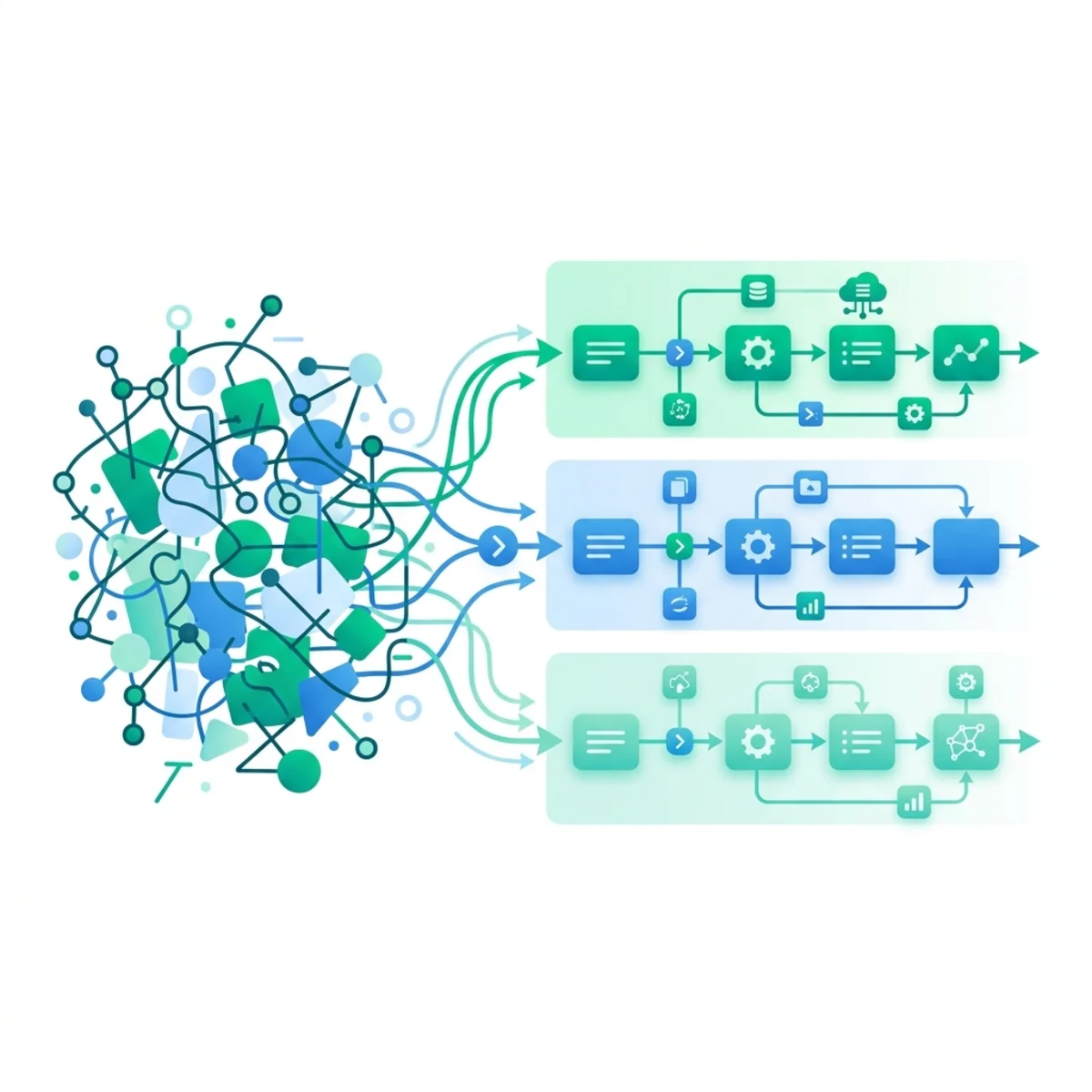
The point is not to create maximum control everywhere. It is to make the safe path the easy path:
- route makers away from shared chaos;
- give them constrained places to experiment;
- apply policy through inheritance rather than manual configuration;
- increase controls as impact and privilege grow;
- deploy through repeatable lifecycle stages;
- and maintain enough visibility to identify ownership, risk, quality, and operational health.
That is how an organization avoids “shadow AI” without turning governance into an innovation freeze.
References
Footnotes
-
Microsoft Learn, Work with Power Platform environments in Copilot Studio. ↩
-
Microsoft Learn, Manage and govern the default Power Platform environment. ↩
-
Microsoft Learn, Control who can create and manage environments in Power Platform. ↩
-
Microsoft Learn, Power Platform environments overview, Sandbox environments, About trial environments, and Get your developer environment. ↩
-
Microsoft Learn, Environment routing. ↩
-
Microsoft Learn, Managed Environments overview. ↩ ↩2
-
Microsoft Learn, Environment groups. ↩ ↩2
-
Microsoft Learn, Rules for environment groups. ↩ ↩2 ↩3
-
Microsoft Learn, Data policies. ↩
-
Microsoft Learn, Advanced Connector Policies. ↩
-
Microsoft Learn, Configure data policies for agents, Knowledge sources summary, and Add SharePoint as a knowledge source. ↩
-
Microsoft Learn, Connector endpoint filtering (preview). ↩
-
Microsoft Learn, Control how agents are shared and Limit sharing. ↩ ↩2
-
Microsoft Learn, Implement a zoned governance strategy. ↩ ↩2
-
Microsoft Learn, Establish an Application Lifecycle Management strategy. ↩
-
Microsoft Learn, Create and manage custom solutions. ↩
-
Microsoft Learn, Set up pipelines in Power Platform and Overview of pipelines. ↩
-
Microsoft Learn, Deploy pipelines as a service principal or pipeline owner. ↩
-
Microsoft Learn, Redeploy past Microsoft Dataverse solution versions. ↩
-
Microsoft Learn, Enable external threat detection and protection for Copilot Studio custom agents (preview). ↩
-
Microsoft Learn, Protect AI agents in real time using Microsoft Defender and Enable security for AI agents using Microsoft Defender. ↩
-
Microsoft Learn, Microsoft Copilot Studio Agent inventory. ↩
-
Microsoft Learn, Copilot Agent Kit overview and Monitor agents by using Agent Inventory. ↩
-
Microsoft Learn, Microsoft Agent 365 overview; Microsoft Security Blog, Microsoft Agent 365, now generally available. ↩
-
Microsoft, Microsoft Agent 365 plans and pricing. ↩
-
Microsoft Learn, Manage Copilot Studio credits and capacity, Control agent capacity consumption, and Copilot Studio licensing. ↩
Read next