M365 Declarative Agents & MCP Servers: Building Bi-Directional UI Widgets for Copilot

Writer
Quiz available
Take a quick quiz for this article.
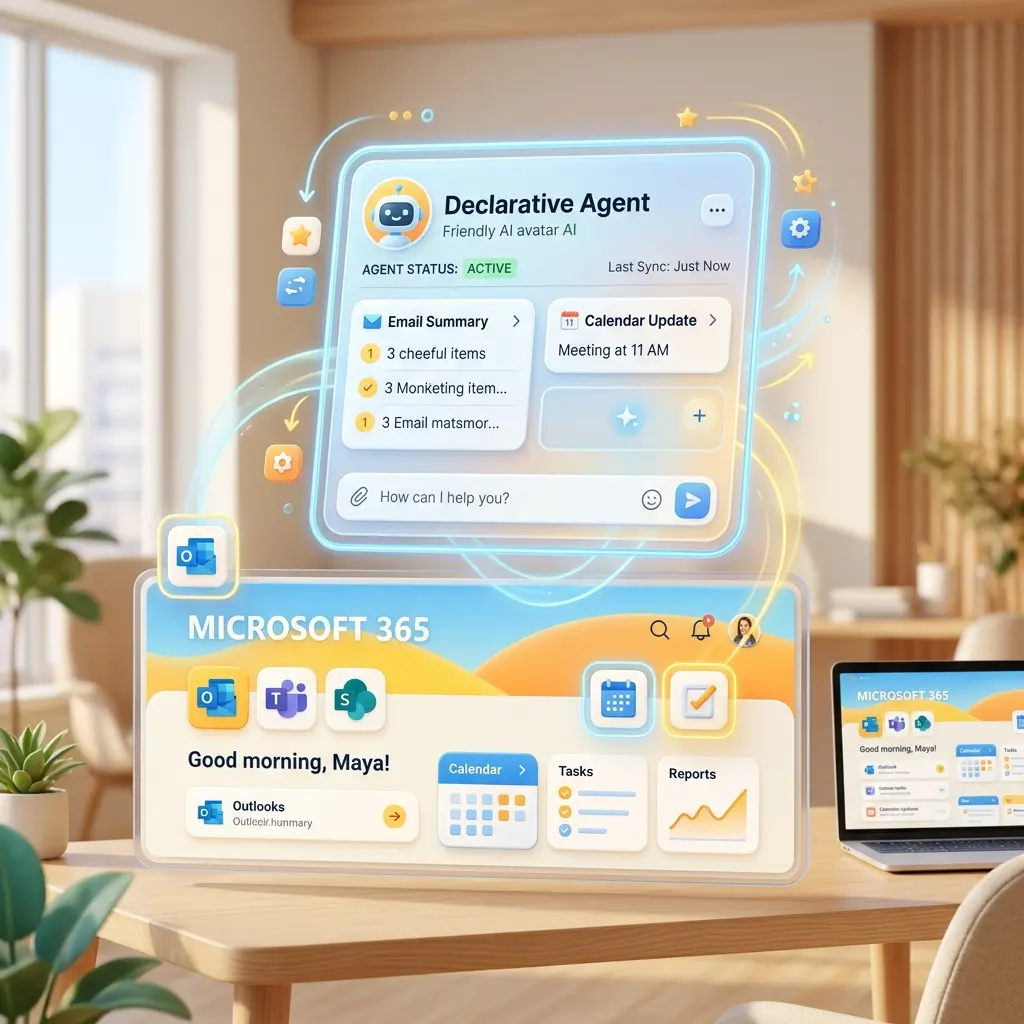
When engineering AI solutions within enterprise environments, orchestration and user experience are often the highest hurdles. If we think of Microsoft 365 as the operating system for modern work, Declarative Agents are the purpose-built apps installed natively on that OS.
By combining Microsoft’s orchestration engine with the Model Context Protocol (MCP) and React-based UI Widgets, we can transition from simple plain-text chatbots to dynamic, bi-directional applications. Here is a deep dive into architecting these solutions.
The Anatomy of a Declarative Agent
At its core, a Declarative Agent allows you to inject specific domain knowledge and scopes into Copilot without writing complex orchestration code. Microsoft 365’s native engine handles the heavy lifting of routing and reasoning.
From an architectural standpoint, a Declarative Agent is wonderfully lightweight—essentially a collection of structured JSON files:
- Plugin Manifest & Declarative Agent File: Defines the AI’s directives, personality, and capabilities.
- Teams Package Manifest & Icons: Handles the packaging for the M365 ecosystem.
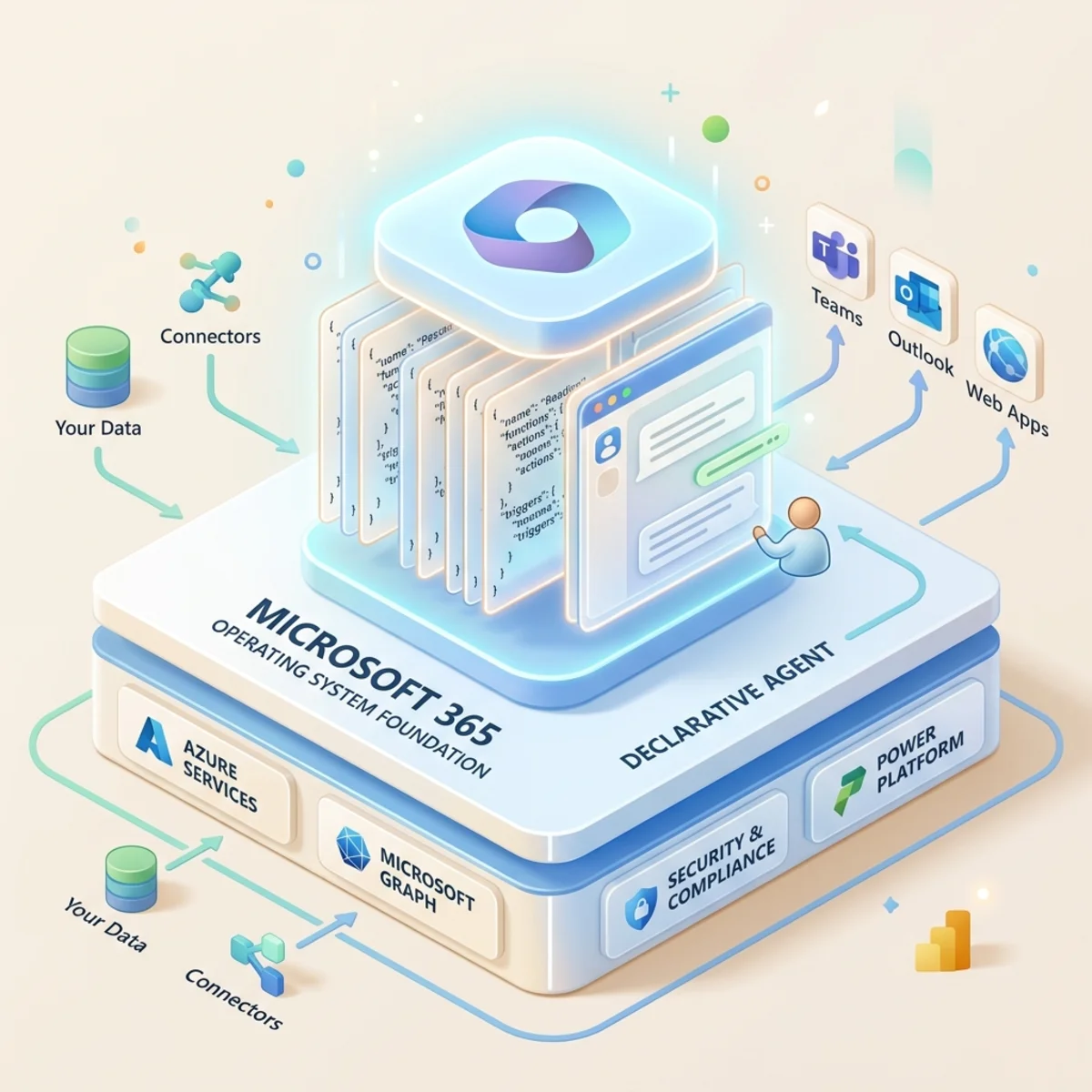
Because it runs inside M365, it natively inherits your tenant’s security, meaning enterprise-grade compliance is built-in from day one. You can ground these agents in SharePoint or OneDrive data, or extend their capabilities outward using APIs and conversation starters for user adoption.
Supercharging with the Model Context Protocol (MCP)
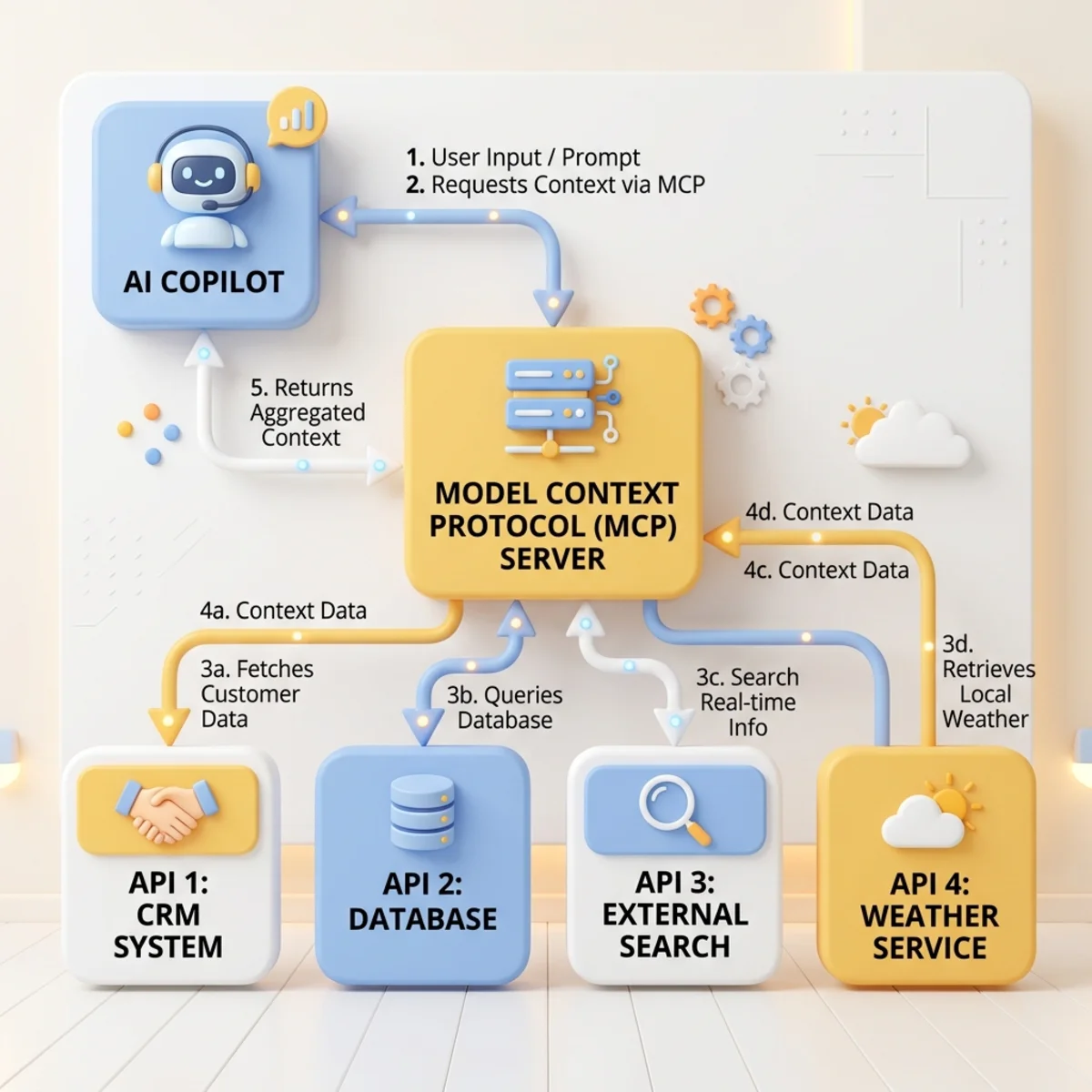
To truly make an agent capable, it needs tools. This is where MCP comes in. The Model Context Protocol is a standard protocol for exposing tools (functions) to AI models.
Instead of writing bespoke integration layers for every LLM, you can wrap your standard REST APIs into an MCP server. Inside this server, you declare your tools (functions) via JSON schemas for laser-focused agent actions.
Key Architectural Benefits of MCP:
- Laser-Focused Invocation: You define exactly what tools the agent can use, ensuring predictable AI behavior.
- Enterprise Auth: Full support for OAuth 2.0 and Single Sign-On (SSO) for both remote (HTTP streamable) and declarative setups.
- Cross-Platform Portability: While OpenAI App SDK-based declarative agents are available in Copilot now, upcoming MCP apps dropping “soon” will allow your architecture to work seamlessly across Copilot, ChatGPT, and Claude.
Going Beyond Text: Bi-Directional UI Widgets
The standard AI output—plain text or basic Adaptive Cards—is often insufficient for complex workflows. Visuals drive better engagement and data comprehension.
Enter UI Widgets.
Instead of relying solely on Adaptive Cards, developers can now build React-based UI widgets (using Fluent UI React components) that operate behind the scenes. This grants developers significantly more control over formatting, logic, and updates compared to standard Adaptive Cards.
Crucially, these widgets are bi-directional. A user can query Copilot to trigger a widget (like a sales dashboard, approval workflow, editable form, or ticket preview). The user can then interact with that widget, which in turn calls tools/functions back to the AI.
Real-World Impact: The Demo (Trey Research HR Consulting)
Consider a standard HR resource allocation workflow: Assigning consultants with JavaScript skills to a new project. Traditionally, this process involves ~15 clicks and 2 form updates across multiple web tabs.
With an Agentic process backed by a UI widget, this takes ~3 minutes via a natural language workflow:
- Prompt: “Show me the project details and find available consultants with JavaScript skills.”
- Action: Copilot calls the MCP tools and renders a full-screen React dashboard directly in the chat.
- Interaction: The widget displays expandable dashboards, a bulk editor of filtered consultants based on specific skills, and deep-dive views (forecast, active projects). You review and submit the assignment right there.
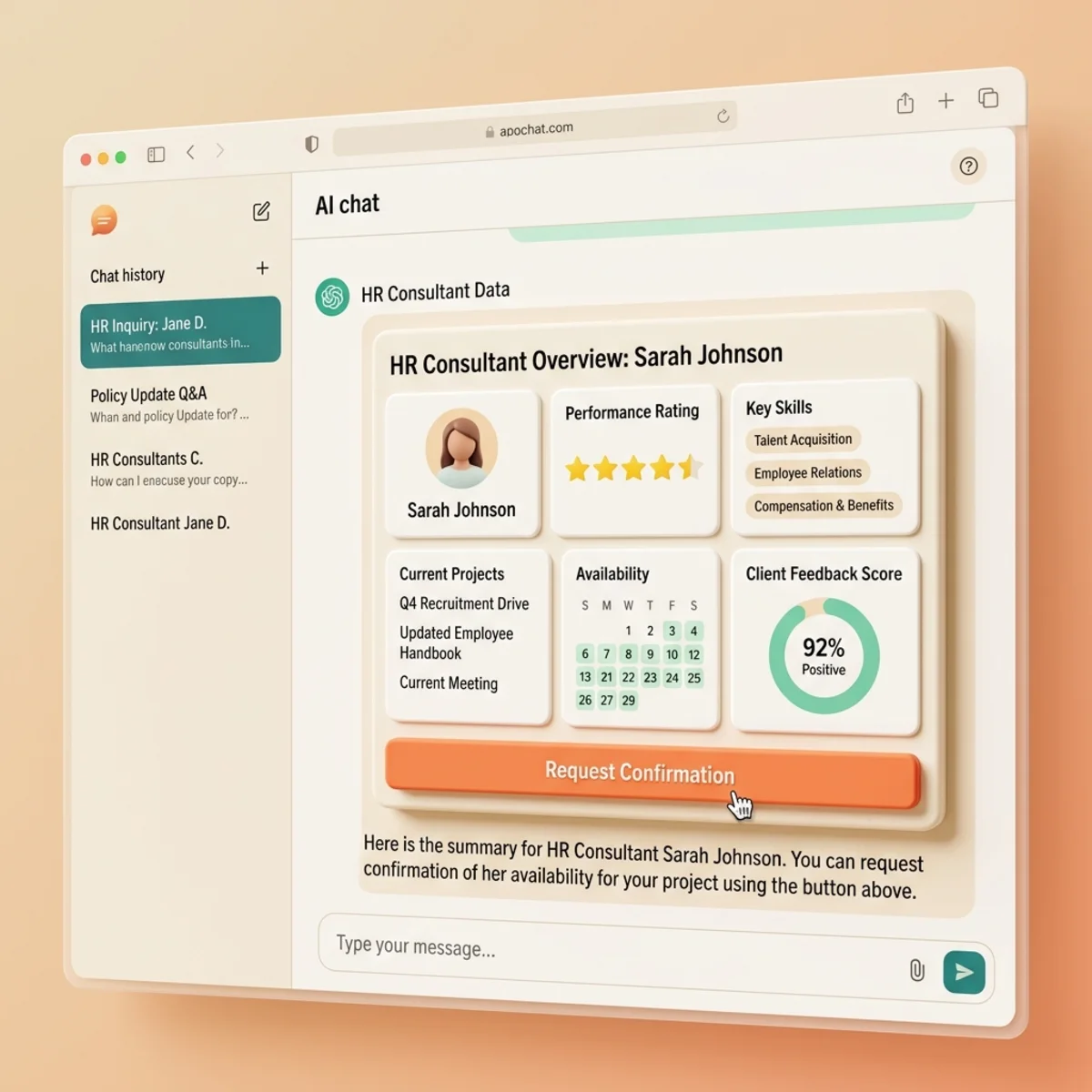
Developer Trick: When building these workflows, if Copilot renders a native “Confirmation” button before executing an action, it’s a solid indicator your tool schema and app are working correctly.
The Developer Playbook: Tips & Resources
If you are looking to architect these patterns today, here is the recommended roadmap:
1. The Architecture Path
Start with a basic Declarative Agent. Once stable, expose your REST APIs as MCP tools. Finally, design your Fluent UI React widgets and tie them to the tool responses.
2. The AI Coding Trick
Don’t write widgets from scratch. Feed the official sample repository code to a coding agent to establish the pattern, then have the agent generate your custom widgets based on that structure.
3. Essential Resources
- Samples:
aka.ms/mcp-ui-en-samples(includes Trey Research, Field Service Dispatch). - Training:
aka.ms/copilot-devcamp(Self-paced labs authored by Paulo, Aicha, etc.). - Docs Reference: Search for
da-ui-widgets-docsin the Microsoft developer portals for strict schema requirements.
The line between chatting with an AI and interacting with a traditional SaaS application is disappearing. By combining Declarative Agents, MCP, and React widgets, we can build solutions that meet users exactly where they work.
Read next