Mastering Agent Skills: The Open Standard for Portable AI Workflows

Writer
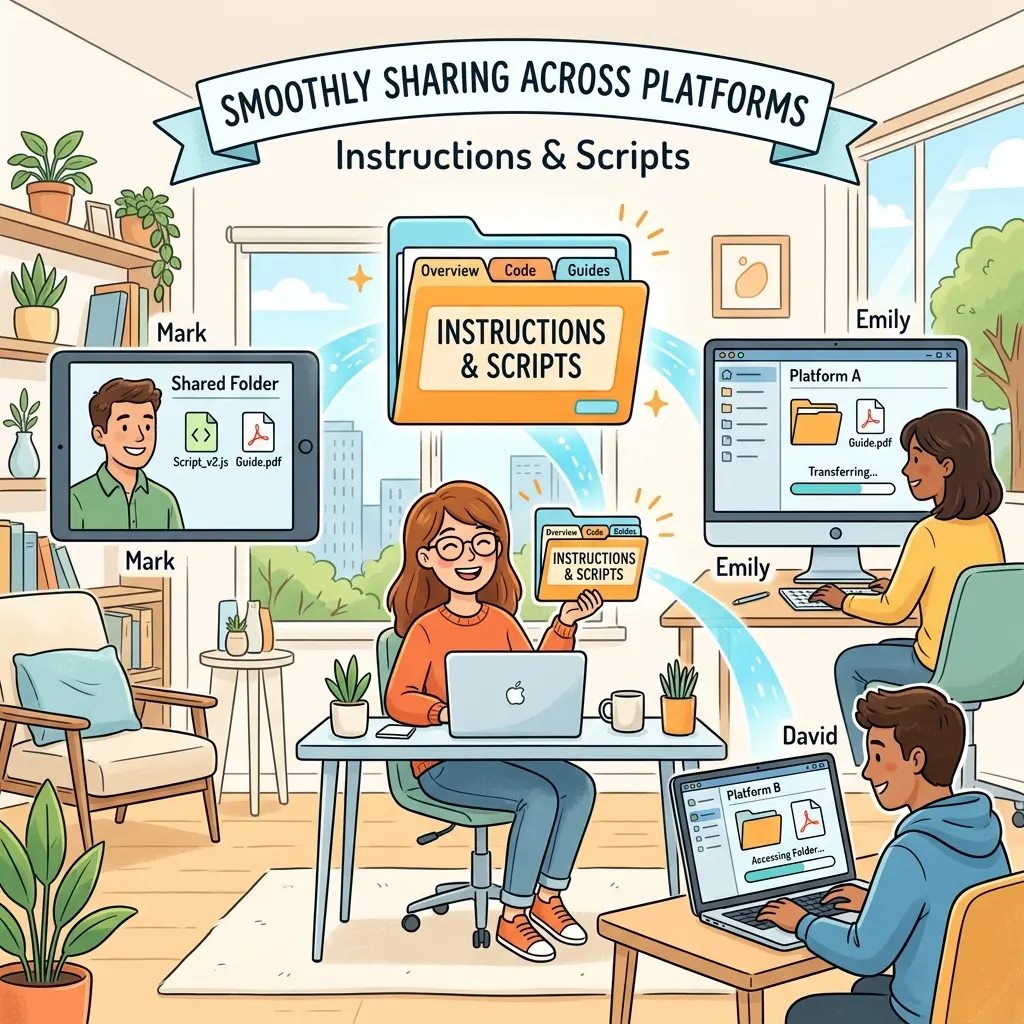
As AI agents become deeply integrated into software development and enterprise workflows, the need for standardized, reusable instructions has never been greater. Enter Agent Skills: a portable, open-standard package of instructions, scripts, and resources that provide AI agents with domain-specific expertise.
Backed by major tech companies like Microsoft, Google, Meta, and Anthropic, and standardized at agentskills.io, Agent Skills allow you to build complex, multi-step workflows that can be universally understood across platforms like GitHub Copilot and Claude.
Here is a deep technical dive into how Agent Skills work, how they are structured, and how to implement them in your ecosystem.
1. The Core Architecture: Progressive Disclosure
One of the biggest challenges in agentic engineering is managing the LLM’s context window. Loading all organizational rules, scripts, and templates at once degrades performance and bloats token usage. Agent Skills solve this using a concept called Progressive Disclosure, which operates in three distinct phases:
- Discovery: At startup, the agent loads only the metadata (specifically, the name and description) of the available skills. This costs virtually zero tokens while allowing the agent to map out its capabilities.
- Activation: When a user’s prompt or a specific task matches the skill’s description, the agent activates the skill. Only at this point is the full
skill.mdfile loaded into the agent’s active memory. - Execution: The agent reads the deep, narrow context provided in the file and executes the defined task, pulling in necessary scripts or resources as required.
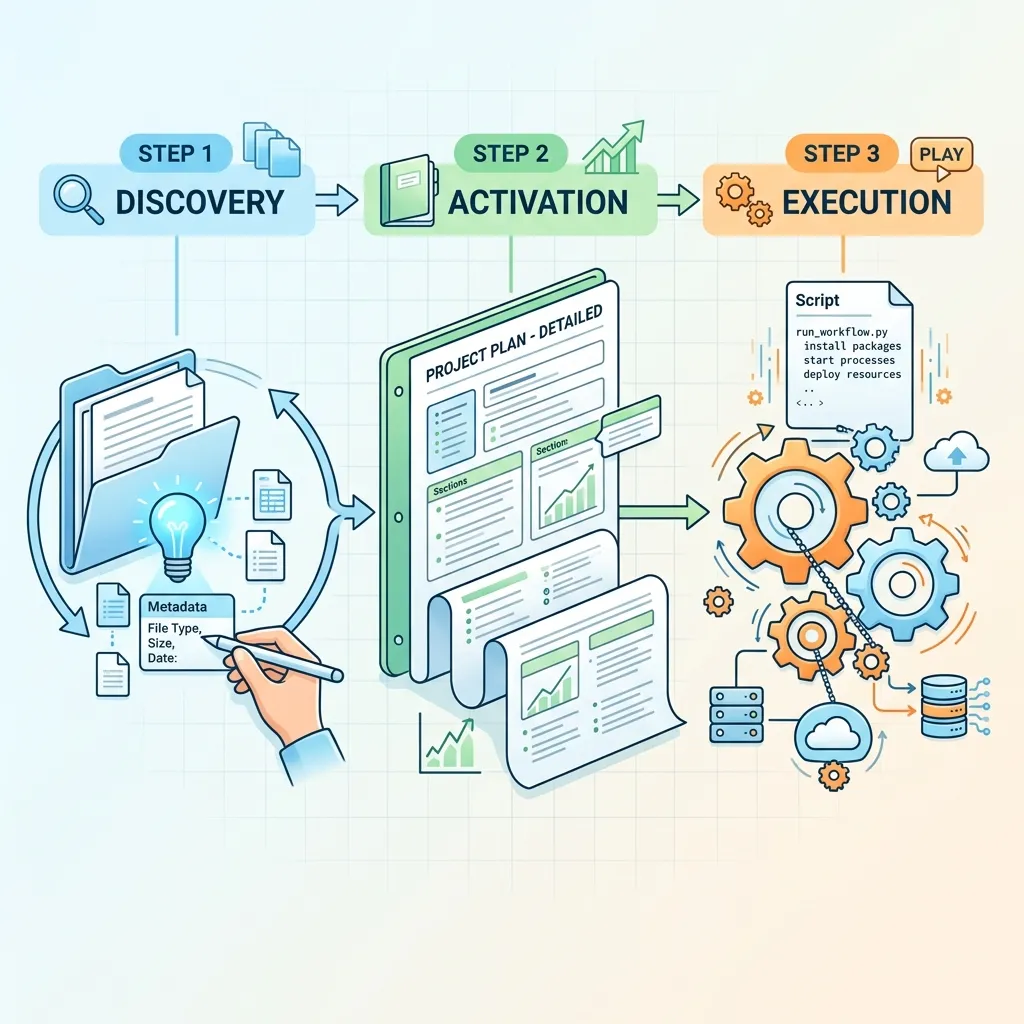
Progressive Disclosure: By loading only metadata during the discovery phase, agents save massive amounts of context window space, loading the full instructions only upon activation.
2. Directory Hierarchy and the skill.md File
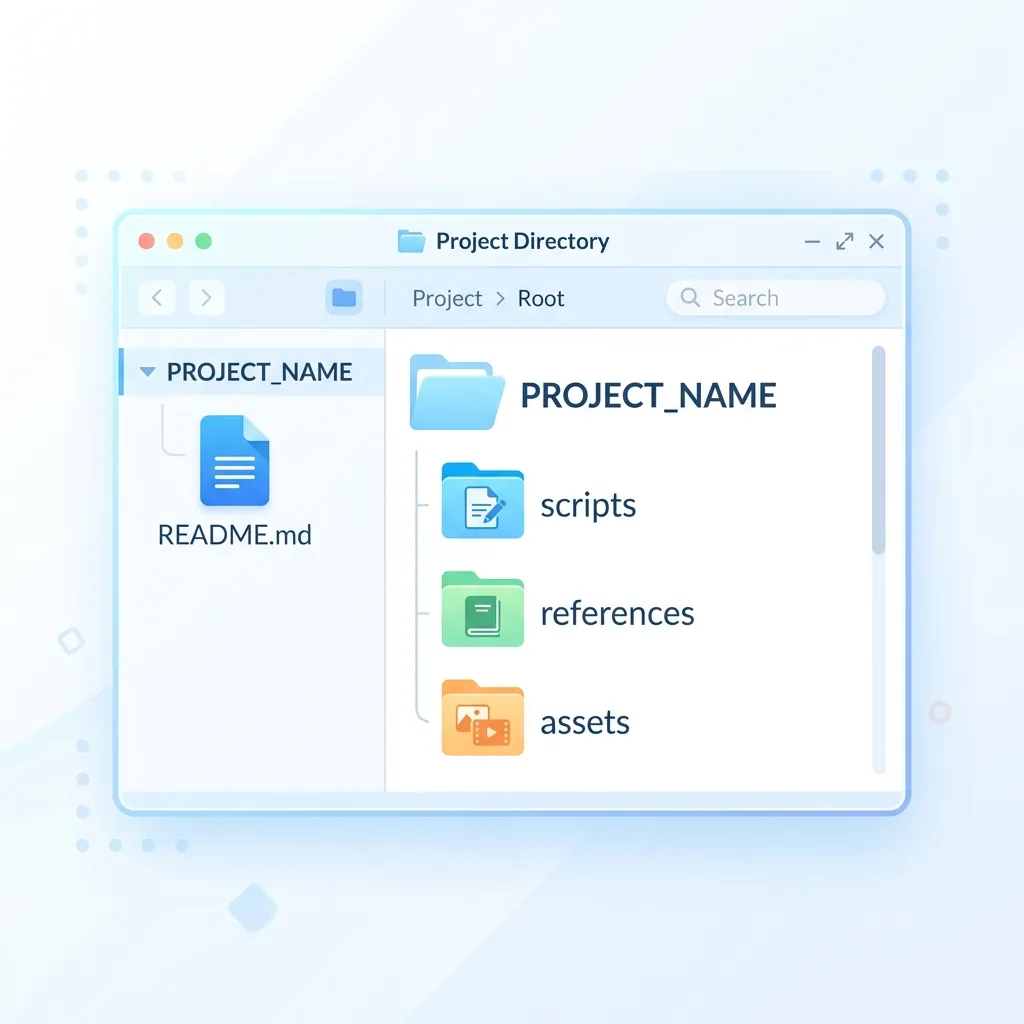
An Agent Skill is not just a text prompt; it is an organized package. If you are building a complex agent with multiple modules, you can establish a project hierarchy where each module contains its own skill set.
A standard skill folder structure looks like this:
skill.md(The core instruction and metadata file at the root)/scripts(Executable scripts, e.g., Python or Bash)/references(Supporting documentation or data)/assets(Templates or static files)
Defining the skill.md Metadata
The skill.md file begins with a strict YAML frontmatter block containing critical metadata. To enforce standardization, the agentskills.io specification applies rigorous constraints:
| Metadata Field | Constraints & Rules | Purpose |
|---|---|---|
| Name | Max 64 characters. Lowercase letters, numbers, and hyphens only. Must not start or end with a hyphen. | A unique identifier for the skill (e.g., expense-report). |
| Description | Max 1024 characters. Cannot be empty. | Explains exactly what the skill does and when to activate it. Provides narrow and deep context. |
| Allowed Tools | Space-separated string. | Defines pre-approved tools the skill is permitted to use (crucial for security). |
| Compatibility | Max 500 characters. | Specifies intended products, required system packages (e.g., Python 3), and network access details. |
| License | String. | References the bundle’s license file. |
| Metadata | Key-Value pairs. | Stores arbitrary tracking data like author and version. |
| UI Extensions | argument hint (text) & user invocable (boolean). | Controls how the skill appears in UI chat menus and slash commands. |
Example use-case (from Microsoft): A skill named expense-report might have the description: “File and validate employee expense reports according to company policy.”
3. Agent Skills vs. Custom Instructions
If you are already using Custom Instructions in IDEs like VS Code, you might wonder why Agent Skills are necessary. The two serve entirely different purposes:
- Custom Instructions: Best for setting global coding standards, framework languages, or commit message formatting based on file types (using glob patterns). They contain text instructions only and are typically broad in scope.
- Agent Skills: Built for specialized, repeatable workflows (like testing, debugging, or complex deployments). They are loaded dynamically on demand, are entirely portable across different ecosystems (VS Code, Copilot, Claude), and bundle executable scripts and source code examples alongside the instructions.
Portability is Key: Agent Skills are universally portable across platforms like GitHub Copilot, Claude, Google, Meta, Microsoft, and Anthropic!
4. Ecosystem Integration & Setup
The power of Agent Skills lies in their cross-product reuse. The standard has already been adopted by organizations and tools like Fire Bender, mdash, Root Code Factory, Gemini CLI, and Superconductor.
VS Code Integration
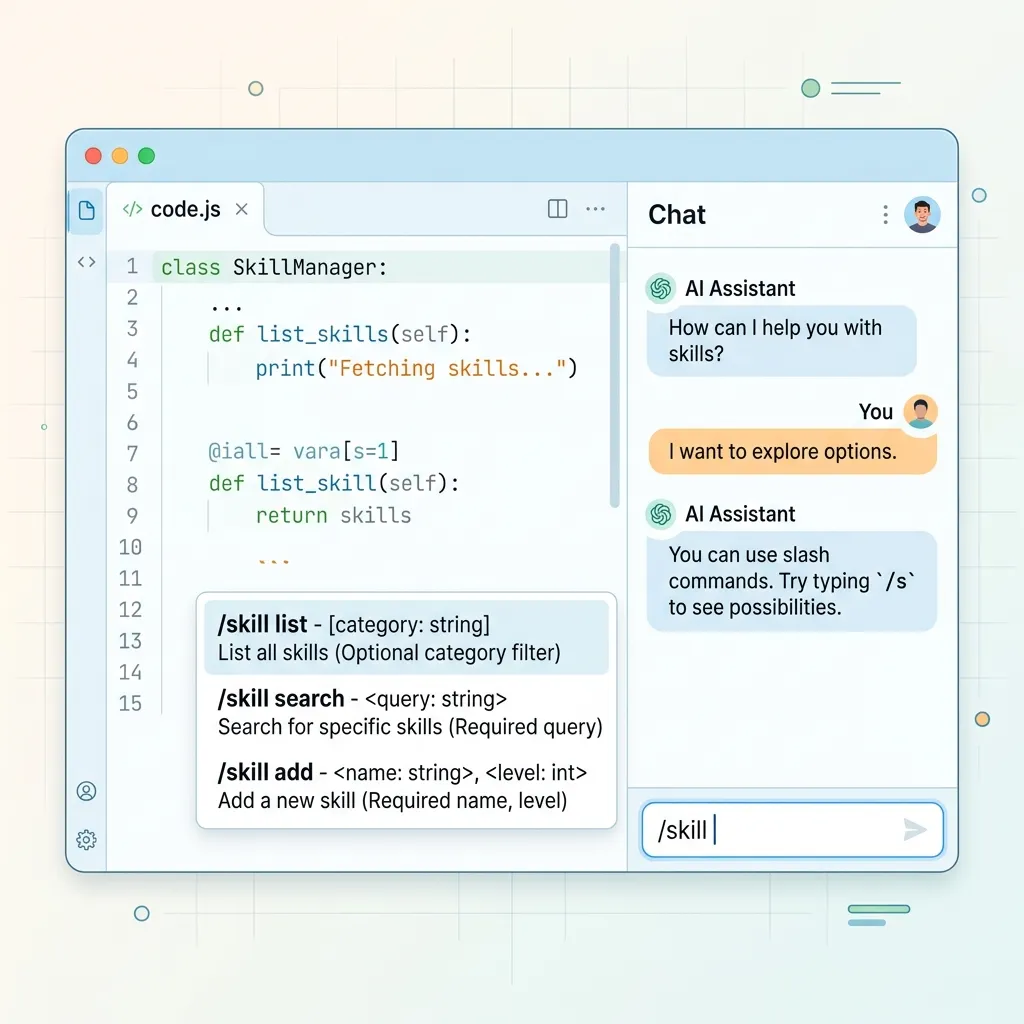
In VS Code, interacting with skills is seamless. You can quickly open the configuration menu by typing /skills directly in the chat input.
- Creation: You can create skills manually (navigating to New Skill -> Workspace or User level) or have the AI generate the boilerplate for you.
- Invocation: By setting
user invocableto true in the metadata, your skill becomes a direct slash command in the chat menu, displaying the configured argument hint to guide the user.
Claude Integration
Claude also natively supports Agent Skills. By navigating to the Claude setup instructions on agentskills.io, you can view sample folder structures and see exactly how Claude processes the skill.md metadata to execute multi-step analysis tasks.
Summary
Agent Skills are a paradigm shift from “vibe-based prompting” to structured, agentic engineering. By packaging narrow, deep context into standard markdown files with progressive disclosure, you can ensure that your AI agents behave consistently, securely, and efficiently across any platform. This allows for standardizing and enforcing strict organizational policies and repeatable workflows with ease.
Official Resources: To dive deeper into the specification and start building your own Agent Skills, check out the official documentation at https://aka.ms/AgentSkills-AO.
Read next