The Mental Model for Transformers.js: Bringing Local AI to JavaScript

Writer
Quiz available
Take a quick quiz for this article.

Running state-of-the-art machine learning models locally is no longer restricted to Python backends and dedicated GPU clusters. Transformers.js brings this capability directly to JavaScript environments, allowing developers to run AI models locally in the browser or on the server.
By utilizing a single, high-level API, the library abstracts away the complexities of model loading, pre-processing, inference, and post-processing. Whether you are running a tiny sub-1B parameter model or a larger Mixture-of-Experts (MoE) architecture like GPT-OSS 20B, the execution philosophy remains the same.
Let’s break down the mental model of how Transformers.js operates under the hood, covering tensors, ONNX runtimes, quantization, and the Pipeline API.
1. The Fundamentals: Tensors and Neural Networks
To understand the library, you must understand the data it processes. Modern ML systems are built on artificial neural networks that essentially take in one tensor and produce another.
A tensor is simply numbers organized by shape:
- Scalar: A single number (0D tensor).
- Vector: An array of numbers (1D tensor).
- Matrix: An array of arrays (2D tensor).

In a neural network, inputs move through hidden layers to an output layer. The connections between these layers have associated weights. Each neuron combines its inputs using these weights, adds a bias, applies an activation function, and passes the mathematical result forward. While the math is straightforward, modern models scale this up to millions or trillions of connections.
2. Decoupling Graph from Runtime with ONNX
To run a neural network, you need three components:
- The architecture (the model graph describing layers and operations).
- The trained weights.
- A runtime to execute the mathematics.
Transformers.js handles this by utilizing ONNX (Open Neural Network Exchange). ONNX stores the model as a computation graph and trained weights (typically in a .onnx file, paired with .onnx_data files for massive models).
The brilliance of ONNX is the separation of model format from the runtime. ONNX dictates what to compute, while the execution provider decides how to compute it based on the available hardware.
- In the Browser: Execution relies on WebGPU or WebAssembly (wasm).
- Native Environments: Execution can target CUDA or DirectML (DML).

3. Optimizing for the Web: Quantization
Moving gigabytes of model weights to a browser client requires aggressive optimization. This is where quantization becomes critical.
Quantization stores and executes model weights at a lower numerical precision. Instead of giving every value 32 bits (FP32), a model might be quantized to 4-bit precision (Q4), 2-bit, or even 1-bit. By remapping numbers to a drastically smaller set of possible values, you achieve:
- Significantly smaller model files.
- Faster download times.
- Lower RAM/VRAM utilization.
- Faster inference speeds.

The inherent trade-off is a potential drop in accuracy. Transformers.js allows developers to easily select quantized variants using the dtype configuration, allowing you to strike the perfect balance between speed, memory, and quality without altering your application logic.
4. Why Use Transformers.js Instead of Raw ONNX Runtime?
If the ONNX Runtime handles the heavy lifting of mathematical inference, what is the role of Transformers.js? It acts as the orchestration layer, managing three vital operational phases:
A. Asset Management and Caching
Depending on the task, a model might require weights, tokenizer files, and processor configurations. Transformers.js figures out exactly what is needed, fetches it, and caches it.
- In the browser, it leverages the Cache API.
- On the server, it uses file-based caching.
- Custom infrastructure? You can plug in a
CustomCacheobject.
B. Pre-Processing
Models do not understand JPEGs or text strings; they only understand tensors. Transformers.js automatically converts plain text into tokenized tensors, images into properly resized and normalized matrices, and audio waveforms into model-ready inputs.
C. Post-Processing
After the ONNX runtime outputs raw prediction tensors, Transformers.js converts them back into usable application data—whether that is generated text, depth map images, confidence scores, or bounding boxes.
5. The Pipeline API: Contracts for 27 Tasks
The primary interface for developers is the pipeline API. You can conceptualize a pipeline as an asynchronous factory that provisions a task-specific function.
A task in this context is a strict contract defining the expected input and output. Transformers.js currently supports 27 tasks across Natural Language Processing (NLP), Computer Vision, Audio, and Multimodal categories.
Here is how you instantiate a pipeline in code:
Pro-Tips for Pipeline Configuration: - progress_callback: Always
implement this for front-end applications to provide UI feedback during large
model downloads. - Server-Side WebGPU: As of Transformers.js v4, webgpu
is the highly recommended device setting even for server-side JavaScript
runtimes to drastically improve performance. - Default Models: If you omit
the Model ID, Transformers.js will intelligently default to an optimized model
tailored for the specified task. - Aliases: Some task IDs have aliases to
improve readability (e.g., passing sentiment-analysis will route to
text-classification).
6. Under the Hood: Tracing Execution Flows
Because tasks have different contracts, their internal execution loops vary wildly. Transformers.js abstracts these differences, giving you a unified API over roughly 200 different architectures.
Flow A: Autoregressive Text Generation (LLMs)
- Pre-process: The pipeline applies a tokenizer and chat template to an array of messages, converting them into structured prompt token IDs, and mapping those to tensor embeddings.
- Inference: The model executes a forward pass through its layers, outputting scores for the next potential tokens.
- Decoding: Using greedy decoding (highest score) or sampling (shaped by a temperature variable), the next token is selected.
- Loop: This new token is appended to the sequence. The inference loop repeats until the model emits a stop-token or hits a configured token limit.
- Post-process: Token IDs are decoded back into readable strings.
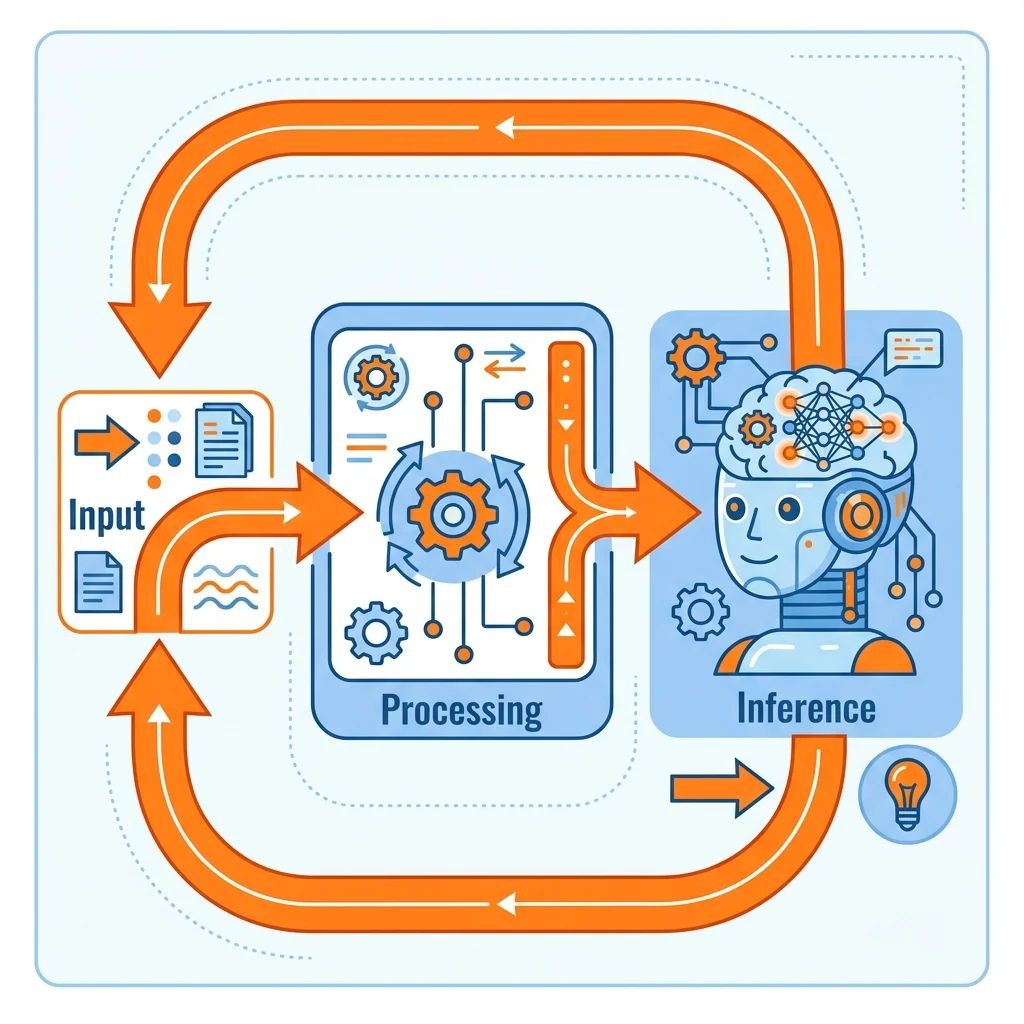
Flow B: Computer Vision (Depth-Estimation)
- Pre-process: The image is loaded, resized, and normalized by the processor into a standardized image tensor.
- Inference: The tensor is sent through the model in a single forward pass.
- Post-process: The model outputs a raw depth prediction tensor representing relative distance. Transformers.js converts this into both a raw data structure and a renderable depth map image for the UI.
Conclusion
If you can call an asynchronous JavaScript function, you can now ship advanced local machine learning features. By abstracting the heavy lifting of ONNX runtimes, tensor math, and pre/post-processing pipelines, Transformers.js provides a unified developer experience for bringing true, private, agentic AI directly to the client.
Read next