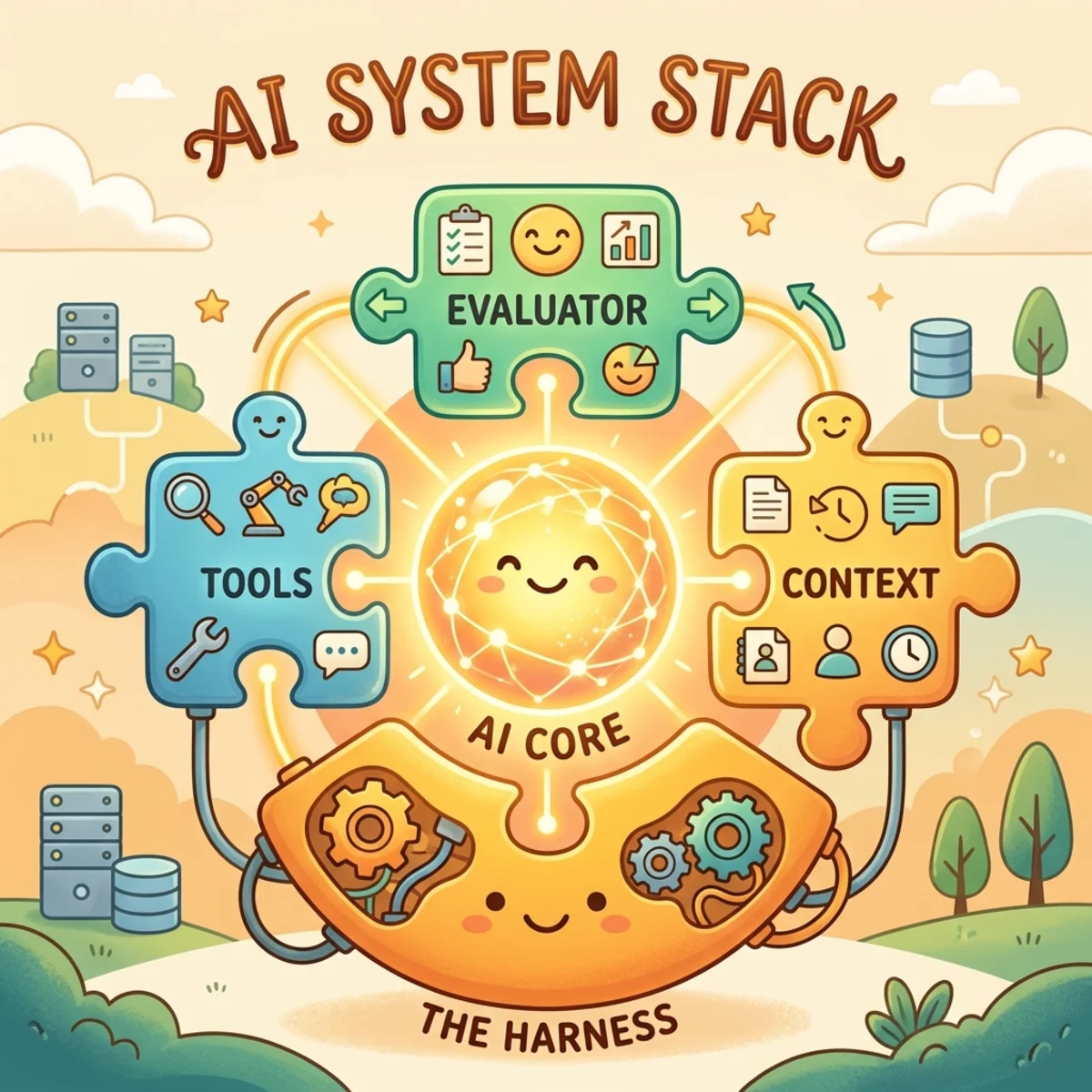
Microsoft Webwright: Browser Agents That Write Code Instead of Clicking

Writer
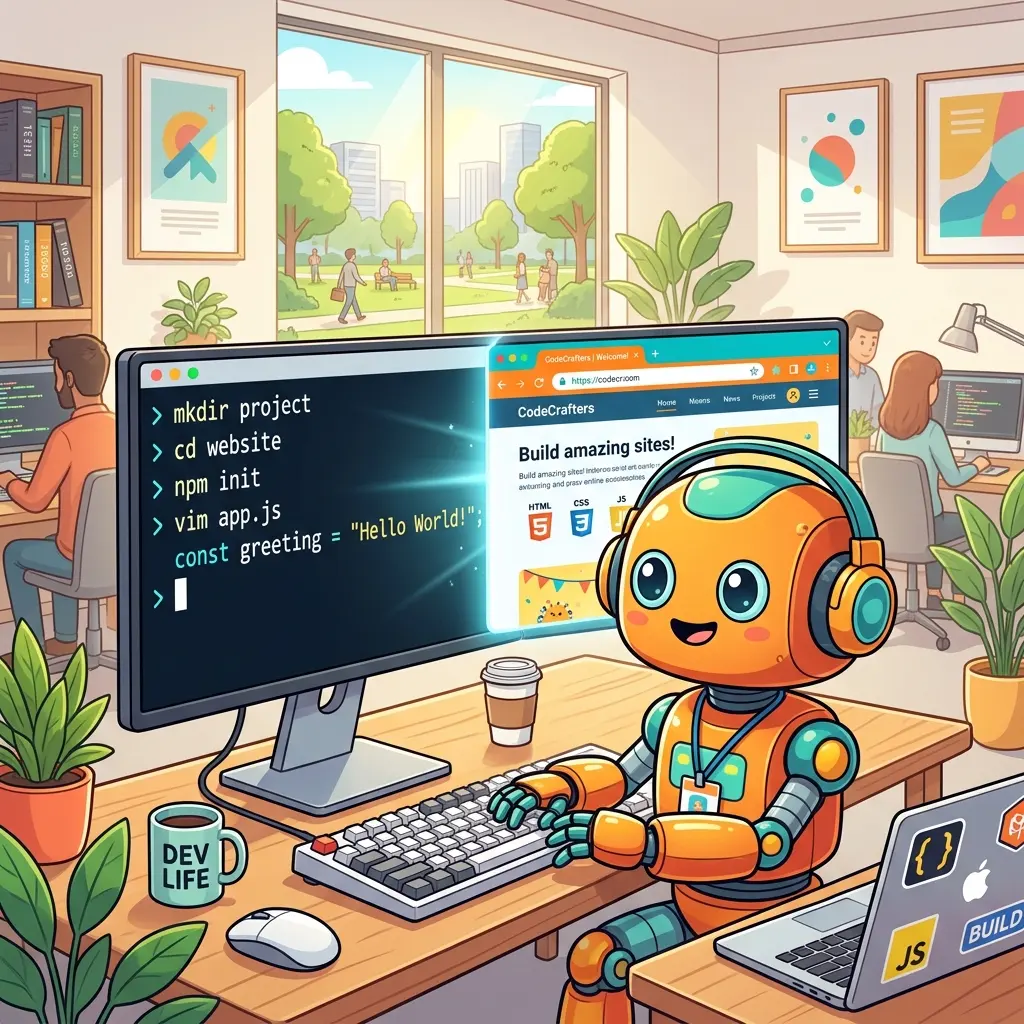
Webwright is an open-source Python framework from Microsoft Research that lets an AI model operate a web browser by writing and running code, instead of looking at screenshots and guessing where to click next. It is released under the MIT license, it runs on your own machine, and it works with language models you already have access to, either through an API key or through a coding assistant like Claude Code.
That is the whole pitch in one sentence. The rest of this article unpacks it: what the tool actually is, what you need to run it, why “write code” is a meaningfully different approach, and how it performs on real benchmarks. I’ll start from the basics, so it should make sense whether or not you’ve touched browser automation before.
First, a 30-second primer on browser automation
If you already know what Playwright is, skip ahead. If not, here’s the grounding you need.
Browser automation means controlling a real web browser with software instead of a human hand: opening pages, typing into fields, clicking buttons, waiting for things to load, and reading back whatever appears. Developers have done this for years to test websites and to scrape data. Microsoft maintains a popular open-source library for it called Playwright, which can drive Chrome, Firefox, and Safari’s engine from a short Python or JavaScript program. A few lines of Playwright can open a page, find the search box, type a query, and pull the results, all without a person watching.
When people started building AI web agents, the common design was different. The model is shown a screenshot (or a simplified text version) of the current page and asked to choose one action: “click at this spot,” “type this here,” “scroll down.” The system performs that single action, takes a new screenshot, and asks again. Repeat until the task is done.
This works, but it’s brittle. Each step is an isolated guess against the current pixels. If a button moves, a banner pops up, or a list loads half a second late, the guess misses and the run derails. Long tasks are the worst case, because the chance of one bad step compounds over dozens of steps.
What Webwright is (and what it is not)
Webwright keeps the browser but changes the agent’s job. Instead of predicting one click at a time, the model is given a terminal and a working folder, and it solves the task the way a software engineer would: write a small Playwright script, run it, read the output (or the error), fix it, and run again. The browser is something the model launches and discards as needed. The thing that survives at the end is not a session, it’s a re-runnable Python file that performs the task.
To set expectations clearly, here is what Webwright is and isn’t:
- It is an open-source Python framework (the repo describes it as “a simple SWE-style browser agent framework”). “SWE-style” means it behaves like a developer: code, run, inspect, repair.
- It is something you run locally, on your own machine, from the command line, or invoke from inside a coding assistant.
- It is not a browser extension. There is nothing to add to Chrome or Edge.
- It is not an MCP server or a hosted SaaS product. You don’t sign up for it; you install it.
- It does not ship its own AI model. You bring the model.
What you need to run it
This is the part the marketing pages usually skip. Concretely, Webwright depends on:
- Python 3.10 or newer.
- Playwright with Chromium installed (
uv run playwright install chromium). This is the actual browser the agent drives. - Access to a language model. You have two options here, covered below.
For the standalone path, you supply an API key for one of the supported backends: OpenAI, Anthropic, or OpenRouter. The model does the reasoning and writes the code; Webwright is the harness that runs that code against a browser and feeds the results back.
There is no GPU requirement on your side and no local model needed unless you choose one. The browser runs headless (no visible window) by default, so it works fine on a server. And if you’d rather run the model on your own hardware — LM Studio, Ollama, vLLM, and the like — that works too; see Running it locally with your own model below.
Where the intelligence comes from: Webwright itself is a few thousand lines of plumbing. All of the actual reasoning is done by whatever model you point it at. A stronger coding model produces better scripts; the framework just gives that model a terminal and gets out of the way.
Two ways to use it
1. As a standalone CLI
Install it, set an API key, and give it a task on the command line. This is the direct way to try it and the way to build automations you’ll re-run.
(All Python steps in this article use uv; if you prefer plain pip, swap uv pip install for pip install and drop the uv run prefix.)
The -c flags stack config files (one for the base loop, one for the model backend), -t is the task, --start-url is the first page, and -o is where artifacts land. Swap model_openai.yaml for model_claude.yaml and export ANTHROPIC_API_KEY to run on Claude instead.
2. As a plugin inside a coding agent
Webwright ships plugin manifests for Claude Code and OpenAI Codex, and skills for OpenClaw and Hermes. In this mode it borrows the host’s model, so there’s no separate API key or cost beyond your existing subscription.
The plugin path is the low-friction option if you already live in one of those tools. The CLI path gives you more control and is better for building a library of reusable scripts.
The core idea: code-as-action
The phrase the project uses is code-as-action, and it’s worth stating plainly because it’s the one thing that separates Webwright from a conventional click-by-click agent.
In a traditional agent, the unit of work is a single browser action. In Webwright, the unit of work is a program. That distinction has three practical consequences:
- Repetition collapses into loops. Filling out a form for ten dates is one function called ten times, not ten separate prediction rounds. Fewer rounds means fewer chances to fail.
- Dynamic pages are handled in code. Lazy loading, re-rendering, and “wait until this appears” are normal things a Playwright script handles with
wait_forconditions, rather than problems the model has to eyeball from a screenshot. - The result is inspectable and reusable. A finished task is a file you can open, read, version-control, and run again tomorrow with different inputs.
This is also why it scales down to smaller models for repeated work: once the hard part (figuring out the page) is captured as a script, running it again doesn’t need a frontier model at all.
A minimal harness, on purpose
Most agent frameworks bury the actual loop under layers of abstraction. Webwright goes the other way. The whole thing is roughly 1.5K lines of Python, and you can read every part of it:
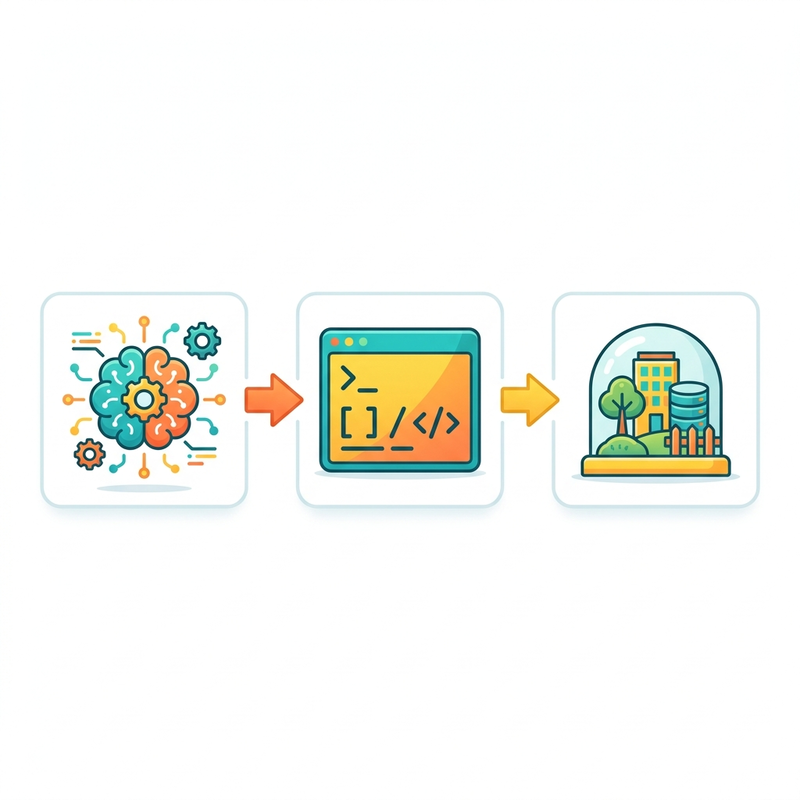
There is no multi-agent system, no planning graph, and no hidden orchestration. Because every run writes its scripts, logs, and screenshots to a folder on disk, you debug the agent the way you debug any program: by opening the files it produced.
How the loop works
The agent loop has four phases, and they repeat until the task is verified complete:

- Send context. The framework gives the model the task, the current state of the working folder, and the most recent results.
- Emit a command. The model replies with a short reasoning block and one shell command, usually “write this Playwright script and run it.”
- Return the observation. The framework runs the command and hands back the raw result: printed output, new files, screenshots, or a Python error and stack trace.
- Refine or finish. If something failed, the model reads the error and tries again. When it believes the task is done, it must prove it (see the next section).
A worked example of one iteration
Say the task is “list the five most recently updated repositories in the microsoft GitHub org.” In one iteration, the model writes and runs:
The framework runs it and returns the observation:
Zero results. The CSS class .repo-list-item didn’t match the live page. The model sees that in phase 3 and, on the next turn, rewrites the locator to something tied to what a user sees rather than to a fragile class name:
No human re-prompting. The empty result is the feedback, and the model patches its own code. A missed selector is a recoverable hiccup, not a dead end. That self-correction is the entire reason the code-as-action approach holds up over long tasks.
A habit worth stealing: notice the fix swaps a CSS class for
get_by_role(...). Locators based on roles and visible text survive design
changes that break CSS-path locators. Even if you never run Webwright, this is
the single most useful reliability habit in browser scripting.
The two hard problems with giving an agent a terminal
A terminal is powerful and also dangerous. Webwright adds just enough structure to handle the two failure modes that show up immediately.
Problem 1: the agent claims it’s done when it isn’t
Models with terminal access love to declare success early. Webwright refuses to accept “done” until the agent has written a final script, re-run it in a fresh, empty folder to prove it works from a cold start (not by luck of leftover state), saved the logs and screenshots, and passed a self-check that compares the output to the original task.
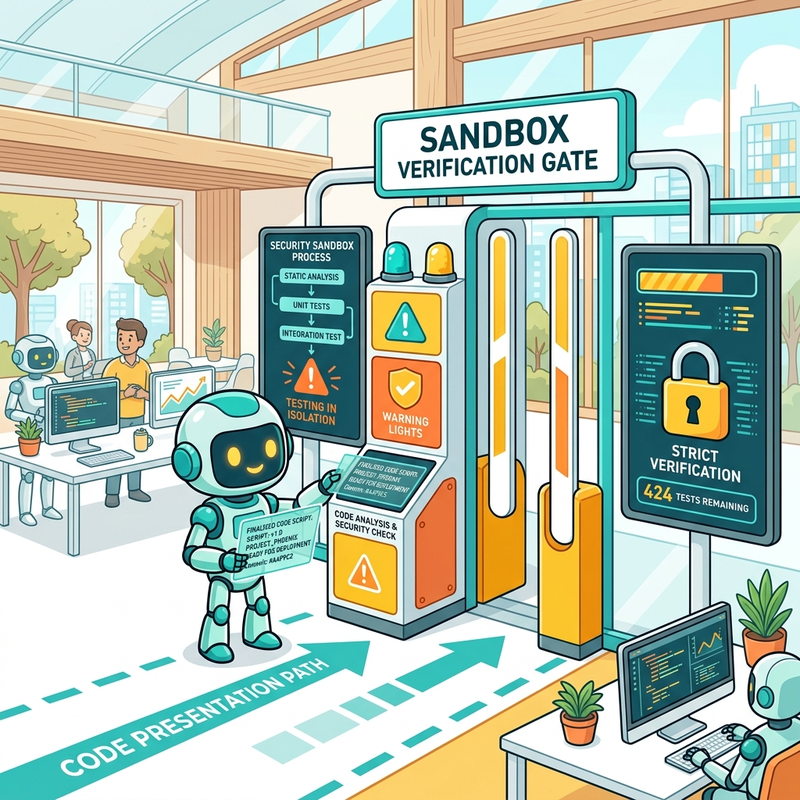
A verified run leaves a folder like this:
Why the cold re-run matters: an agent that “finished” a task while riding on an already-logged-in session hasn’t really finished it. Forcing a clean run in a new folder is what separates a one-off demo from something you can schedule and trust.
Problem 2: the conversation gets too long
Long coding sessions produce a lot of text, and that text will eventually overflow the model’s context window. Rather than carrying the entire transcript forever, Webwright compacts the history into a summary every 20 steps (the summary_every_n_steps setting in base.yaml) while leaving the concrete files on disk. The working folder is the long-term memory; the model’s context is just short-term memory. If the agent needs an old detail, it re-reads the file instead of remembering it.
How it performs
Webwright reports state-of-the-art results on two benchmarks made of real, live websites, both with a 100-step budget.
| Benchmark | Tasks | Webwright + GPT-5.4 | Webwright + Claude Opus 4.7 | Prior best |
|---|---|---|---|---|
| Online-Mind2Web | 300 live tasks, 136 sites | 86.7% | 84.7% | — |
| Odysseys (long-horizon) | 200 tasks | 60.1% (avg 76.1 steps) | — | 44.5% |
A few things worth reading out of that table:
- On Online-Mind2Web, GPT-5.4 leads overall at 86.7%, the highest among open-source harnesses in its evaluation category. Claude Opus 4.7 is close behind at 84.7% and is actually stronger on the hard split (80.5% vs 76.6% for GPT-5.4). So the “better” model depends on whether your tasks are mostly standard or mostly difficult.
- On Odysseys, the long-horizon benchmark, Webwright reaches 60.1%, a 15.6-point jump over the previous best of 44.5% (which used a screenshot-and-coordinate approach with a persistent browser). Against a plain GPT-5.4 doing coordinate prediction (33.5%), the gap is 26.6 points. This is the clearest evidence that writing code, rather than predicting clicks, is what unlocks long tasks.
- The benchmark authors also show that small models can ride on reusable tools: once tasks are packaged as parameterized scripts, even a 9B-parameter model (Qwen-3.5-9B) completes Online-Mind2Web tasks well when it has a handful of those tools available.
Reusable tools: pay once, run cheap
The most interesting consequence of code-as-action is what happens after a task succeeds. Because the output is a working script, it can be turned into a reusable command-line tool. Webwright’s /webwright:craft flow does exactly this: it wraps final_script.py into one parameterized function with an argparse interface, so you can rerun it later with different arguments:
Run that and there’s no model in the loop anymore, just Python. The expensive part (a model figuring out an unfamiliar site) happens once; every rerun after that is ordinary, fast, deterministic code.
The efficiency gap this opens is large. In one published comparison on the same task, the Webwright harness used roughly 424,000 tokens end to end, while running the equivalent as a skill inside another agent used about 3.29 million — close to an 8× difference, because the harness keeps the loop lean and offloads work into scripts rather than into ever-growing prompts. (Individual runs vary; treat this as illustrative of the direction, not a guarantee.)
Reframed: instead of remembering traces of past problem-solving, Webwright accumulates a local library of working capabilities. Each solved task makes the next similar one cheaper.
Running it locally with your own model
This is the path most readers will actually want: no cloud API, just a model running on your own machine through LM Studio, Ollama, vLLM, or similar. It works, but there’s one concept to get straight first.
“Local” means two different things here. Webwright already runs the browser locally by default (browser_mode: local in base.yaml), and there’s even a local_browser.yaml config for it. That has nothing to do with the model. What we’re doing in this section is pointing Webwright at a locally hosted language model instead of a cloud one. The two are independent.
The trick is that local inference servers expose an OpenAI-compatible Chat Completions endpoint — typically a URL ending in /v1. Webwright ships two model backends: its openai backend talks to OpenAI’s newer Responses API, while its openrouter backend speaks plain Chat Completions. We use the second one and repoint it at localhost, because Chat Completions is the one protocol every local server implements identically. (LM Studio added a Responses endpoint in late 2025 and Ollama has a non-stateful version, so the openai backend can sometimes work too — but Chat Completions sidesteps those edge cases entirely.)
You don’t need a proxy or translation layer for this. Webwright’s openrouter backend is a generic Chat Completions client: the endpoint is fully configurable, and it only adds OpenRouter-specific headers when the host actually is openrouter.ai. Pointed at localhost, it sends a standard request and reads back choices[0].message.content. (A bridge like LiteLLM is only worth it in the opposite, niche case — forcing the Responses-based openai backend onto a server that offers only Chat Completions. For this setup it’s an unnecessary hop.)
Step 1 — Install Webwright with uv
Step 2 — Start your local model server
Load a model in your tool of choice and start its server. You don’t need uv for this part — it’s separate software:
- LM Studio: load a model, open the Developer tab, click Start Server. Default URL:
http://127.0.0.1:1234/v1. - Ollama:
ollama pull <model>thenollama serve. Default URL:http://127.0.0.1:11434/v1.
Either way you end up with an OpenAI-compatible base URL. We’ll use the one from your example, http://127.0.0.1:8888/v1.
Step 3 — Create a config that points at localhost
Webwright reads stacked config files from src/webwright/config/. Copy the OpenRouter config to a new file in that folder and change two things — the endpoint and the model name:
Two things people trip on:
- Append
/chat/completionsto the/v1base. Your server’s base URL ishttp://127.0.0.1:8888/v1, but the full endpoint Webwright needs ishttp://127.0.0.1:8888/v1/chat/completions. - Use the exact model id your server advertises (LM Studio and Ollama both show it in their UI/logs), not the cloud name.
Step 4 — Handle the API key (or lack of one)
The OpenRouter backend reads its key from OPENROUTER_API_KEY. Most local servers don’t check it, but the client still wants the variable set, so give it any placeholder:
Step 5 — Run a task
That’s the whole loop, fully offline except for the websites the agent visits.
Your local model must emit strict JSON. The backend asks the server for
structured output (response_format with a json_schema, strict: true),
and the agent must return exactly one valid JSON object per turn. LM Studio,
Ollama, and vLLM all support structured outputs, but a small or older model
will often produce malformed JSON and stall the loop. Pick a capable
instruction-following model and confirm your server has JSON-schema /
structured-output support enabled.
Use a vision-capable local model if you can. Webwright’s image_qa and
self_reflection tools inspect screenshots, and base.yaml ships with
require_self_reflection_success: true — meaning the completion gate calls
the model on images. A text-only local model can’t do that. Either serve a
vision model (e.g. a Qwen-VL), or stack a small override config that sets
require_self_reflection_success: false to let runs finish without the visual
gate (you trade away that verification step). Your checkout’s comments in
base.yaml / model_openai.yaml note which env vars those tools expect —
worth a glance before a fully offline run.
Sandbox it. Giving a model a terminal means it can run arbitrary code on your machine. Run it inside a container or throwaway VM, with no production credentials and least-privilege network access. This is the one operational detail that matters most and the one the architecture diagrams tend to leave out.
When to use it, and when not to
A good fit when:
- The task is long, multi-step, or something you’ll repeat. The reusable-script payoff is the main benefit.
- You want auditable, deterministic automation you can read and version-control.
- The target site is dynamic and JavaScript-heavy, where click-prediction agents struggle.
Think twice when:
- It’s a trivial one-shot action. Standing up the loop costs more than it saves.
- The site actively blocks automation or gates everything behind human verification. No framework fixes a hard wall.
- You can’t sandbox execution. Without isolation, an agent with terminal access is a risk, not a convenience.
The takeaway
Webwright’s bet is simple: as models get better at writing and debugging code, the right interface for a web agent isn’t a smarter clicker, it’s a programmer with a terminal. Treat the browser as disposable and the code as the artifact, and a long, fragile sequence of guesses becomes a short, re-runnable program. The open question it leaves us with is less “can the agent do this task?” and more “how do we organize everything our agents have already learned to do?” That’s a far better problem to have.
Read next