Bridging the Gap: Supercharging Your CLI with GitHub Copilot and M365 Work IQ
Discover how to supercharge your GitHub Copilot CLI with the Microsoft 365 Work IQ extension. A complete technical guide to setup, architecture, and daily workflow tips.

Discover how to supercharge your GitHub Copilot CLI with the Microsoft 365 Work IQ extension. A complete technical guide to setup, architecture, and daily workflow tips.
# "The Corporate Ghost" Survival Script
# Check if the meeting transcript mentioned 'free pizza' (priority: IMPACTful)
$ work iq ask "Did anyone mention 'pizza', 'donuts', or 'open bar' in 'Strategic Alignment'? If not, why was I called?"
# Search M365 for proof that the project deadline is 'Fluid'
$ work iq ask "Find the most recent PowerPoint where the deadline was moved to 'TBD' and summarize the excuse used."
# The 'Mandatory Fun' Risk Assessment
$ work iq ask "Analyze the 'Team Building' Teams chat. On a scale of 1 to 'I am quitting', how much forced social interaction is required?" 
Discover how to supercharge your GitHub Copilot CLI with the Microsoft 365 Work IQ extension. A complete technical guide to setup, architecture, and daily workflow tips.


Learn how Microsoft's Foundry IQ shifts the paradigm by treating data ingestion as a first-class capability through Knowledge Sources, connecting modern protocols like MCP, and handling enterprise governance.


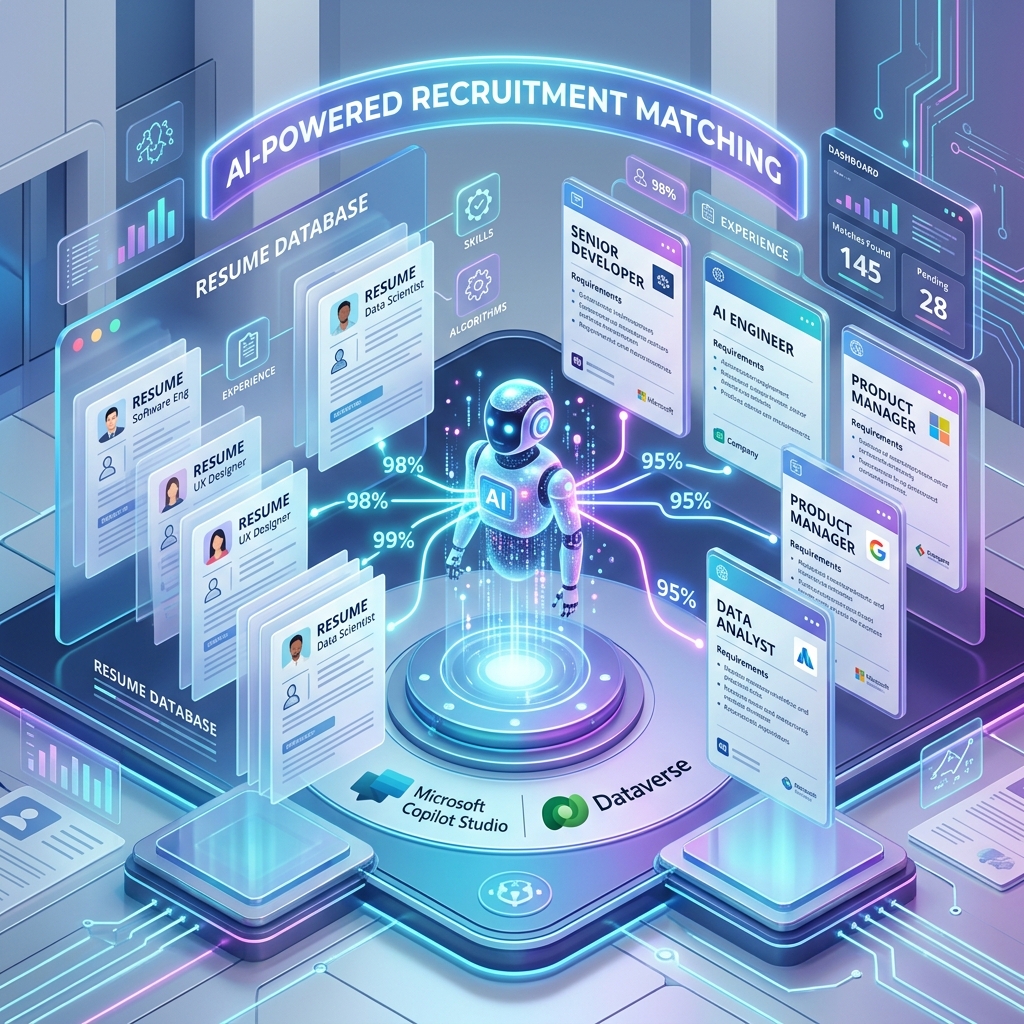
Learn how to build an enterprise-grade resume matching assistant in Microsoft Copilot Studio. This guide covers a Parent-Child agent architecture, Dataverse integration, and strategic multi-model routing.


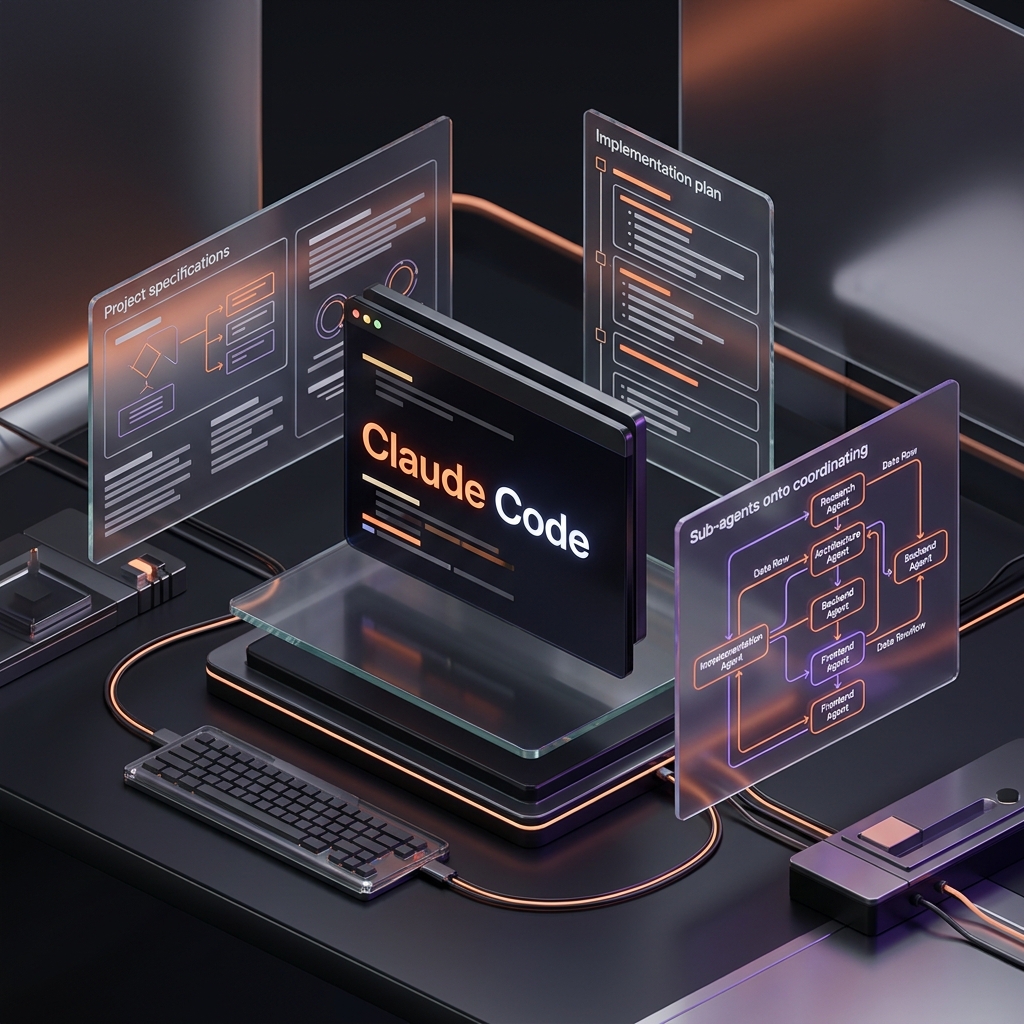
Stop building on 'vibes' and start engineering with surgical precision. This is the exact setup and system required to master Claude Code and orchestrate sub-agents.


Move past the 'vibe coding' ceiling and learn how to direct AI with precision through Agentic Engineering. A technical deep dive into building more robust applications.


An incredibly comprehensive guide to architecting your AI coding workflow with OpenCode, including its three layers, optimal setup with WSL and VS Code, and context management.