Architecting Massive Multi-Agent Loops

Writer
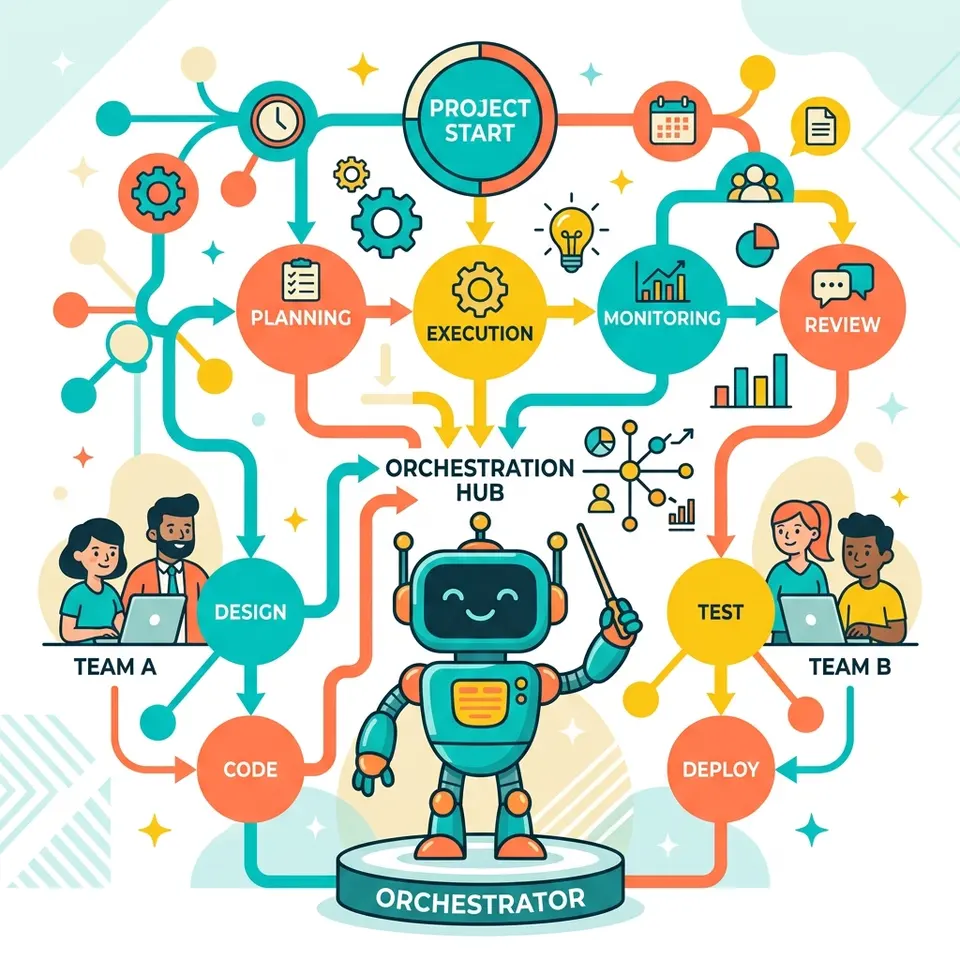
The introduction of dynamic workflows has generated significant buzz—and equally significant confusion—in the agentic engineering space. Developers are attempting to replicate these massive multi-agent orchestrations, sometimes accidentally burning through billions of tokens in the process.
Before adopting dynamic workflows, it is critical to understand what they actually are, how they differ from existing multi-agent patterns, and, most importantly, when not to use them.
The Evolution of Agentic Patterns: Where Does the Plan Live?
To understand why dynamic workflows are a breakthrough, we have to look at how agent architectures handle “the plan.”
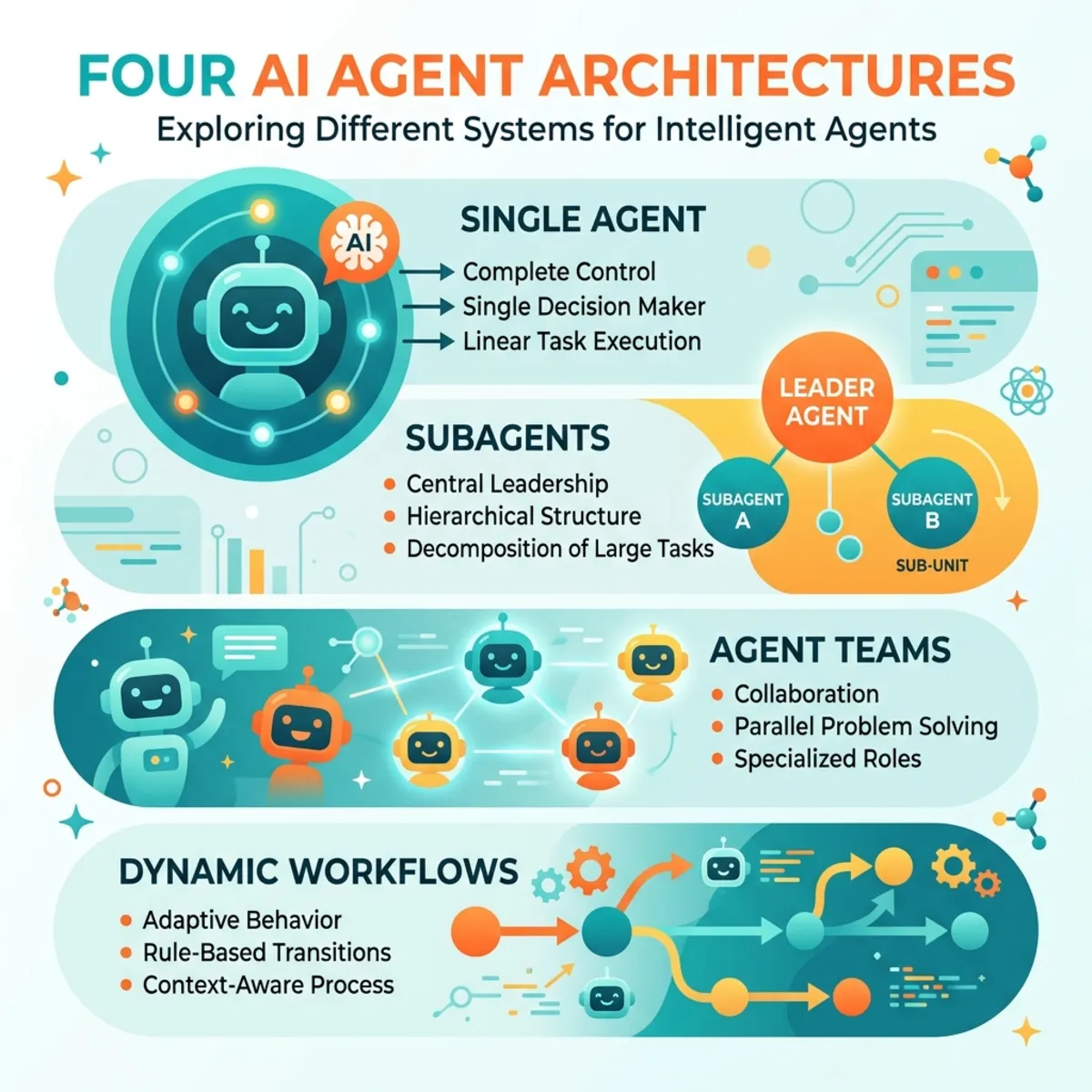
- Single Agents: The agent reads files, executes tools, and plans its next steps entirely within a single context window. If the context window fills up or loses focus, the plan degrades.
- Subagents: A lead orchestrator agent divides a task and delegates it to worker agents. While this separates concerns, the subagents operate in isolation. They don’t communicate, leading to redundant work. The overall plan still lives inside the orchestrator’s context window.
- Agent Teams: Agents operate from a shared task list and can communicate with one another. The plan is the task list itself, but it still resides within the immediate context window of the session.
- The
/goalPrimitive: Popularized by OpenAI and adopted by Anthropic, this pattern pairs a task with strict completion criteria. The agent executes, measures against the criteria, and loops until successful.
The Dynamic Workflow Difference: In a dynamic workflow, the plan is code, not context. Claude dynamically generates a versionable JavaScript script that holds the orchestration logic. A background runtime executes this script, meaning the state of your application lives in script variables, freeing the LLM from trying to hold the entire architecture in its working memory.
The Architecture of a Dynamic Workflow
When a dynamic workflow is triggered, it does not just spin up a massive group chat of LLMs. It utilizes specific primitives (agent, parallel, pipeline, and workflows) to build a structured execution tree.
The script structure contains metadata, phase calls, parallel fan-outs (mapping over files), and schema-bound agent calls, culminating in a final report.
The Execution Loop
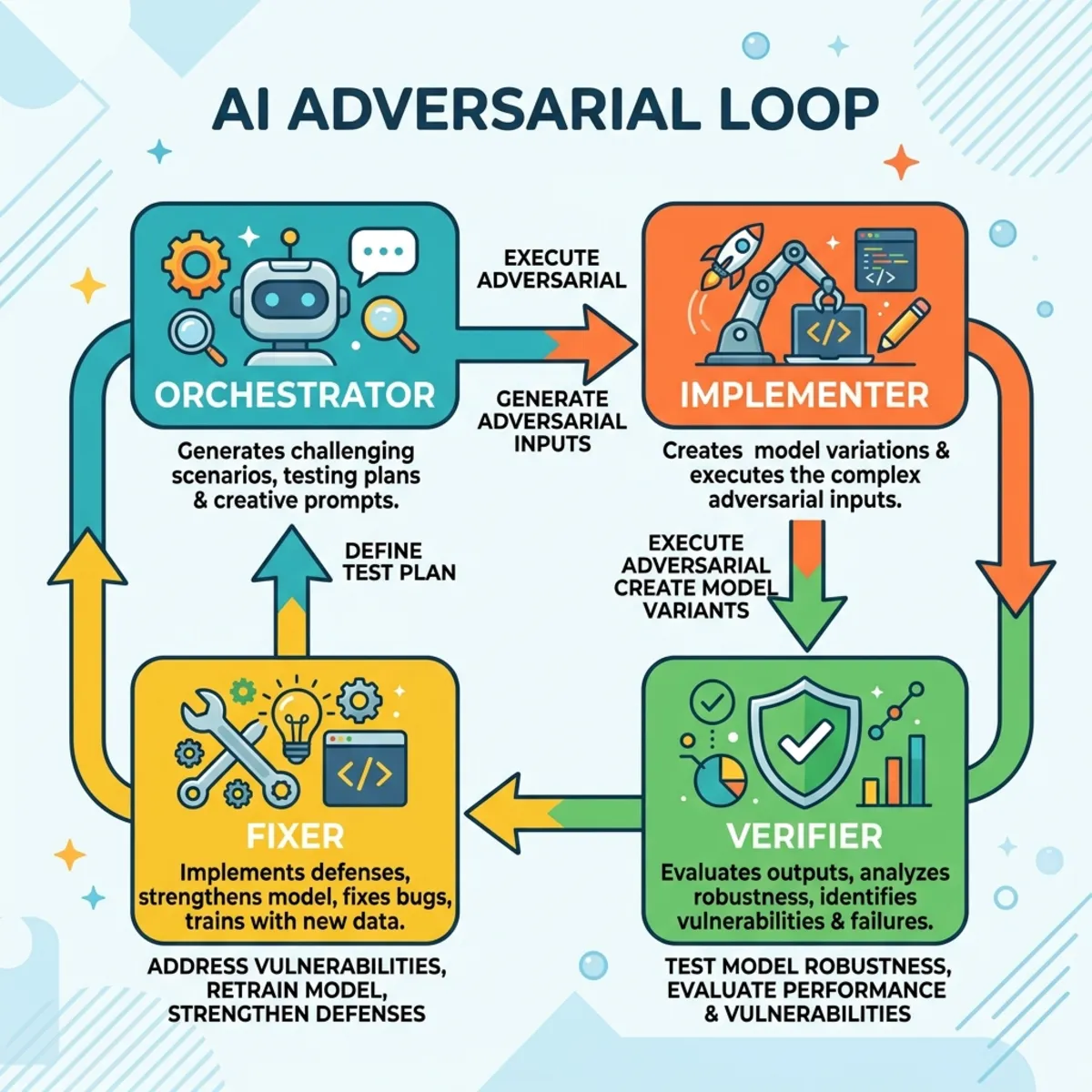
- The Orchestrator: Divides the master task into subtasks and writes the orchestration script.
- Parallel Fan-Out (Implement): The script maps over lists of files, assigning each to an independent subagent with a strict output schema to execute the code.
- The Adversarial Loop (Verify & Fix): This is the core engine. Once a subagent implements a solution, an independent verifier agent—operating in a completely separate context window—is deployed to adversarially attack the implementation and poke holes in it. A separate “fixer” agent then resolves the verifier’s findings.
- The Synthesizer (Orchestrate): The orchestrator collects the structured data from the tree and compiles the final report.
Limitations & Constraints: While workflows can fan out massively, they are currently capped at 16 concurrent agents at a time, with a hard limit of 1,000 subagents per run.
The Economics of Scale: A Cautionary Tale
Power comes with a literal cost. Because workflows fan out and run adversarial loops, they consume tokens exponentially faster than standard chat sessions.
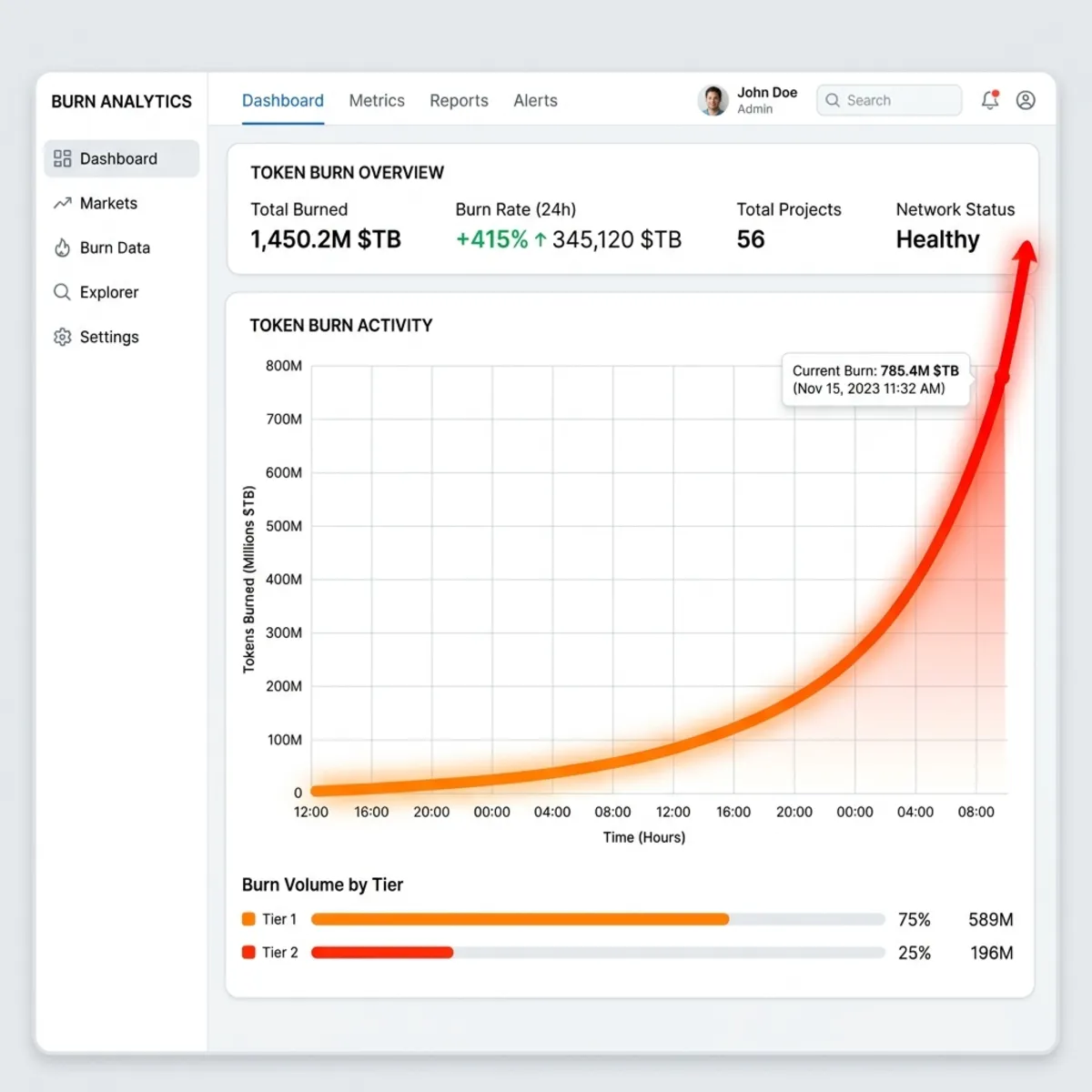
Token Burn: Highly token-intensive. A poorly scoped run can easily burn through hundreds of thousands, or even billions, of tokens. For example, a developer recently attempted to recreate this pattern and blew through a 2-billion token mishap (fortunately on DeepSeek, rather than the vastly more expensive models).
Even a successful, moderately sized workflow—like migrating the local transcription app “Quorum” from MLX Swift to Transformers—dynamically spun up 4 phases and 12 subagents, consuming ~750,000 tokens while successfully passing the test suite.
The Decision Tree: When to Use Workflows
Because of the cost, dynamic workflows are not a silver bullet. Using them to generate 10 variations of website copy or to subjectively rate a skill is an anti-pattern. If your task relies on “vibes” or lacks a ground truth, workflows will simply burn money.
Use this decision matrix before invoking a workflow:
| Criteria | Question | Action if “No” |
|---|---|---|
| 1. Objective Oracle | Do you have verifiable test suites or ground-truth measurements? | Stop. Do not use workflows. |
| 2. Massive Fan-Out | Does the task require evaluating hundreds of files or complex parallel logic? | Use a standard subagent orchestration. |
| 3. Mid-Run State | Do you need to maintain complex state throughout the execution? | Use the /goal primitive instead. |
The Sweet Spot: Dynamic workflows excel at codebase-wide white-box bug hunting, sweeping security audits, deep cross-checked research, and large-scale language migrations (such as the heavily publicized Bun migration from Zig to Rust).
[!CAUTION] Quality Reality Check: Even when successful, automated migrations are rarely production-ready on day one. The Bun migration passed 99.8% of its tests but resulted in over 13,000
unsafeblocks compared to just 73 in the handwritten code.
Implementation in Claude Code
If your task passes the decision tree, executing a workflow in Claude Code is straightforward:
- Invocation Methods: You can type
workflowsdirectly in the prompt, or change effort settings toultracode(or extra high). - Human-in-the-Loop: Because of the token implications, the system performs an initial codebase assessment, asks clarifying questions, and requires explicit user approval before launching the token-heavy script.
- Monitoring: The UI exposes the generated script, phases, active subagents, statuses, and token usage per tool call.
Summary
Dynamic workflows represent a massive leap forward by moving execution plans out of fragile context windows and into durable, versionable code. However, they require discipline. Ensure you have an objective, measurable outcome, deploy them only for tasks requiring massive parallel execution, and always monitor your token consumption.
Read next