Governing the AI Landscape: A Deep Dive into Microsoft Agent 365

Writer

The explosive growth of AI agents has introduced a critical challenge: governance. How do we securely manage, monitor, and deploy these tools at an enterprise scale? With Agent 365 reaching General Availability as of May 1st, featuring basic governance and upcoming advanced licensing components, Microsoft has provided a dedicated platform to answer that exact question.
While advanced licensing features are on the horizon, the baseline experience already provides a robust framework for managing the agent lifecycle. Let’s break down the technical capabilities of Agent 365 and how you can leverage it to secure and streamline your organization’s AI adoption.
The Administrative Overview & Agent Registry
The Agent 365 experience begins with the Overview Dashboard. Familiar to anyone managing Microsoft 365 environments, it provides a high-level roll-up of the agent landscape, displaying the agent registry count, active user metrics, and critically, any orphaned or ownerless agents.
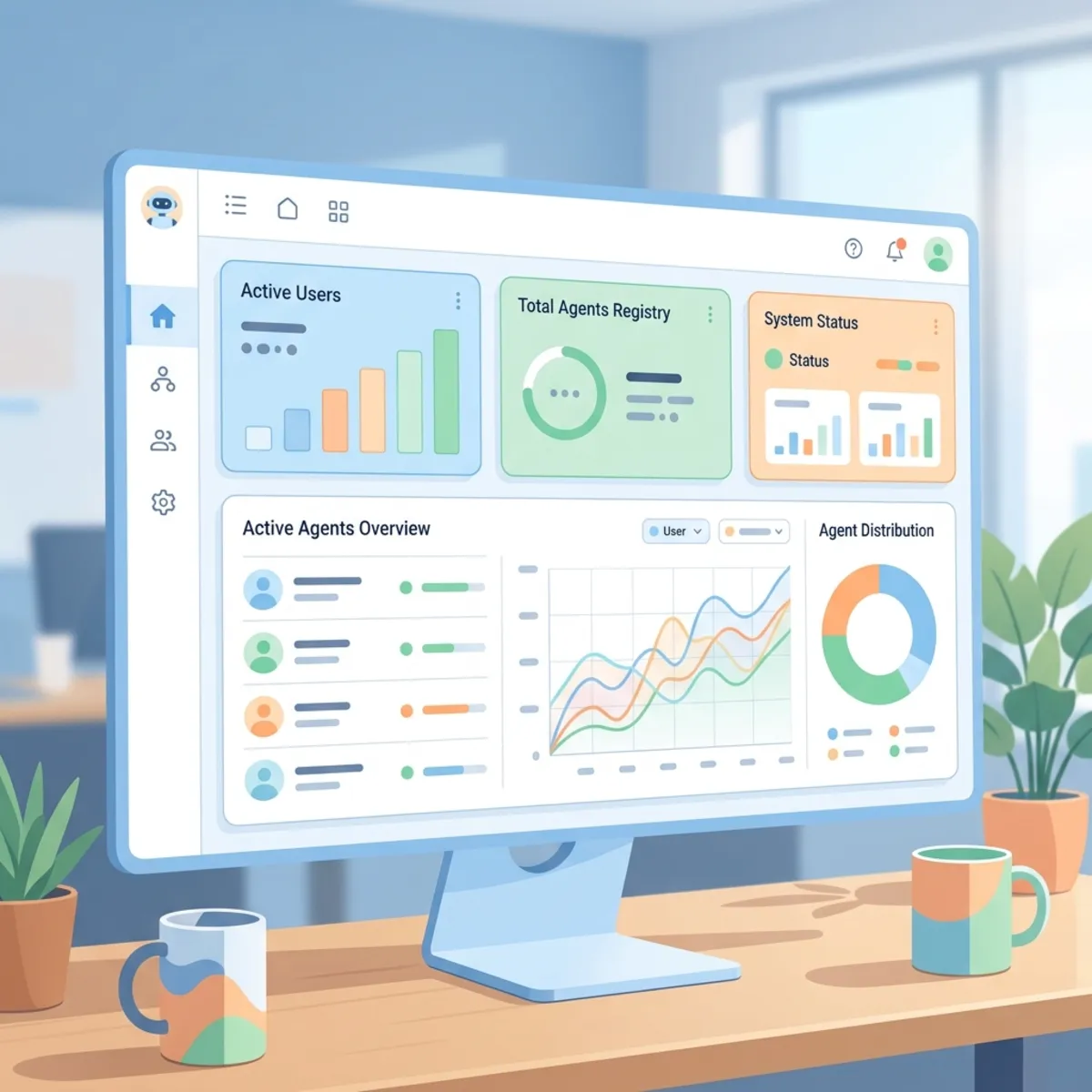
Navigating to the Agent Registry unlocks the centralized hub for sorting, filtering, searching, and managing all accessible agents deployed within the tenant. Clicking into an individual agent—whether it’s an out-of-the-box Microsoft Prompt Coach or a custom in-house build—reveals a wealth of Agent Details & Properties:
- Agent Instructions: Insights into agent instructions (viewable for custom agents or via template for Microsoft agents).
- Deployed Users: Insights into deployed users, and auto-installation status.
- Data, Tools, & Security: Visibility into knowledge sources, Microsoft Purview/Entra ID policies, and delegated permissions (e.g., Azure DevOps integrations).
- Agent Activity Metrics: Analytics covering active users, conversation volume over specific dates, exception/error tracking, and total agent runtime hours.
Lifecycle Management
Administrators have granular administrative controls here to uninstall agents, block them from the store, manually upload agents, export to CSV, and pin agents for specific or all users.
Bridging the Gap: Registry Sync & The Interactive Map
Agent 365 is not restricted to the Microsoft ecosystem. Through the newly released Registry Sync, a new feature to connect and pull in third-party agents from providers like Amazon Bedrock, Google Vertex AI, Salesforce, and Databricks. This consolidates your entire AI portfolio into a single pane of glass.
For those in the Frontier program, the Interactive Map (Frontier Program) offers a visual design interface showcasing data connections between agents and filtering options by status, publisher, and usage.
Managing Sprawl: Requests, Tools, and Shadow AI
Empowering developers while maintaining security requires strict administrative workflows. The Agent Requests section provides administrative workflows to approve or reject custom agents submitted by internal developers.
To combat unauthorized tools, the Shadow AI Detection section provides tools to detect and block unauthorized AI usage on managed devices, currently featuring the “Open Claw” detection standard. IT can identify unauthorized AI usage and apply policies to either monitor or completely block the traffic.
Furthermore, Agent 365 provides a centralized view for Tools & MCP Servers, tracking AI-powered tools, Model Context Protocol (MCP) servers, and Co-work plugins (e.g., financial research). In a powerful new feature currently in Preview, Bring Your Own Server (Preview) allows developers to register remote MCP servers via the Agent 365 CLI for admin approval and use in Copilot Studio and VS Code.
Tenant-Level Settings Configuration
At the foundational level, Agent 365 provides Tenant-Level Settings, which include five core configuration pillars governing agent rules, allowed types, sharing permissions, security templates, and broad user access:
| Setting Category | Technical Functionality |
|---|---|
| Agent Management Rules | Apply bulk policies, such as reassigning ownerless agents to the previous owner’s manager via Entra ID, or automatically pushing first-party Microsoft agents. |
| Allowed Agent Types | Restrict or enable usage based on the publisher: Microsoft first-party, organization-deployed, or third-party external agents. |
| Sharing Controls | Dictate who can share custom agents. You can open sharing to all users, restrict it to specific security groups, or revoke it entirely. |
| Agent Templates & Identity Types | Define baseline security and identity templates for newly built agents. This defines the Identity Types: making the crucial distinction between “AI Teammates” (running on their own Entra ID) and custom agents (running under the user’s context). |
| User Access | The master switch. Control exactly which users or groups are permitted to access and utilize agents within the organization. |
Looking Ahead
Agent 365 is still in its early stages, but the baseline architectural controls it introduces are mandatory for any enterprise seriously pursuing AI integration. By centralizing visibility, standardizing security through Entra and Purview, and providing an avenue for secure third-party integrations via MCP and Registry Sync, Microsoft is providing the exact toolkit needed to move from AI experimentation to enterprise-grade deployment.
Read next