Microsoft Scout: A Deep Dive into Agentic Engineering

Writer
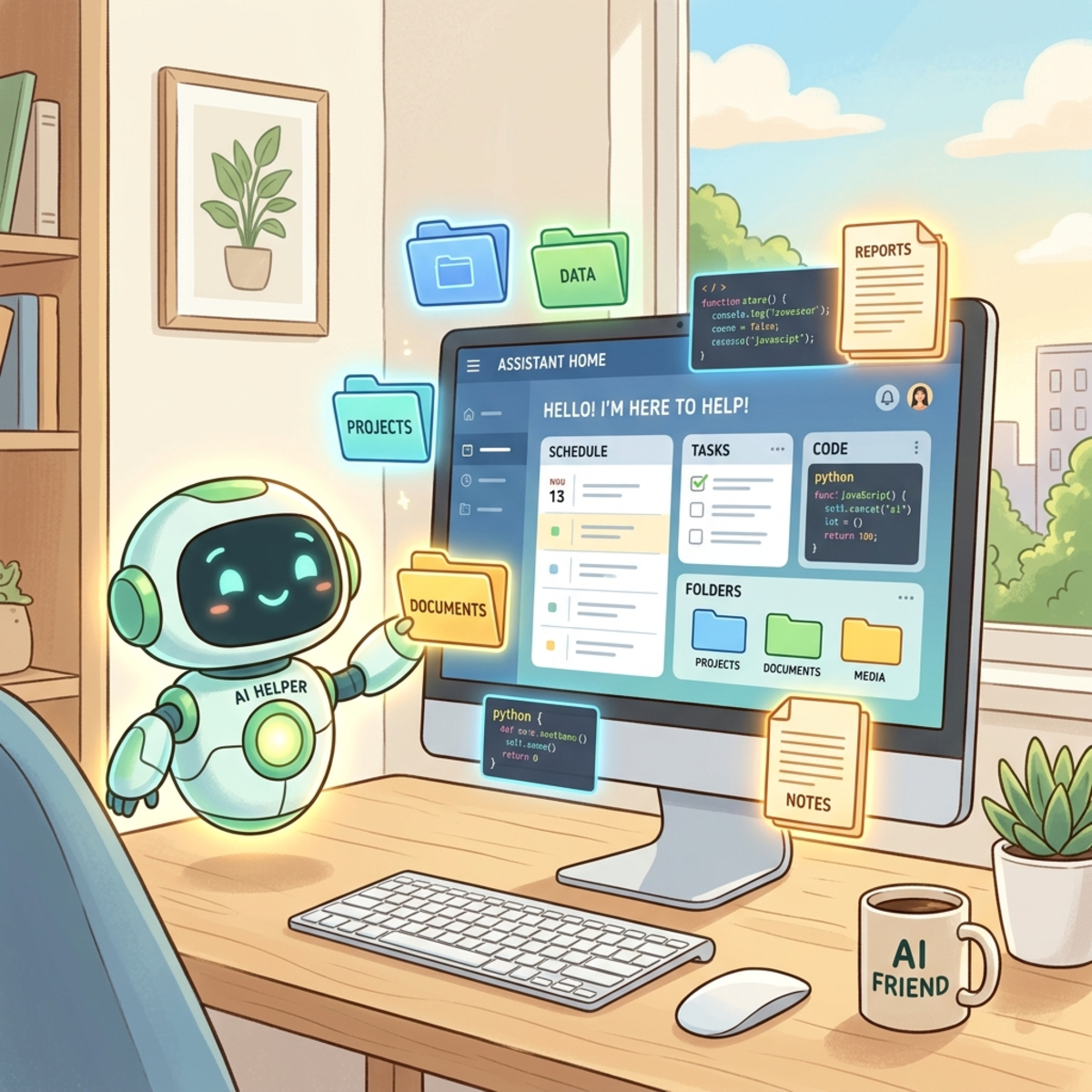
As we accelerate the shift from basic prompt engineering to true agentic engineering, the tools we use must evolve from passive chatbots to autonomous digital operators. Enter Microsoft Scout, the first offering in Microsoft’s new “Autopilot” category.
If you have been building structured workflows in Copilot Studio or defining strict agent rules, Microsoft Scout represents the next logical leap. Built on the “Open Claw” platform, it bridges the gap between cloud-based AI reasoning and local, autonomous action on your Windows or macOS machine, balancing autonomy with necessary security boundaries.
Here is a comprehensive look at how Scout works, its capabilities, and what it takes to get it running.
The Microsoft AI Ecosystem: Where Scout Fits
To understand Scout, we have to look at how it contrasts with the existing Microsoft AI landscape. It is crucial to use the right tool for the right architectural requirement.
| Tool | Core Capability | Target Scope |
|---|---|---|
| Copilot Chat | 1:1 rapid interactions and Q&A. | Immediate, manual quick conversations. |
| Co-work | Executes predefined Standard Operating Procedures (SOPs) on demand. | Recipe-based task execution done on your behalf. |
| Copilot Studio / Agent Builder | Low-code/no-code custom conversational and autonomous agents. | Enterprise-wide or org-wide agents. |
| Microsoft Scout | Autonomous, local execution and background processing. | Deeply integrated personal autonomous assistant. |
Core Capabilities: Breaking Out of the Cloud Box
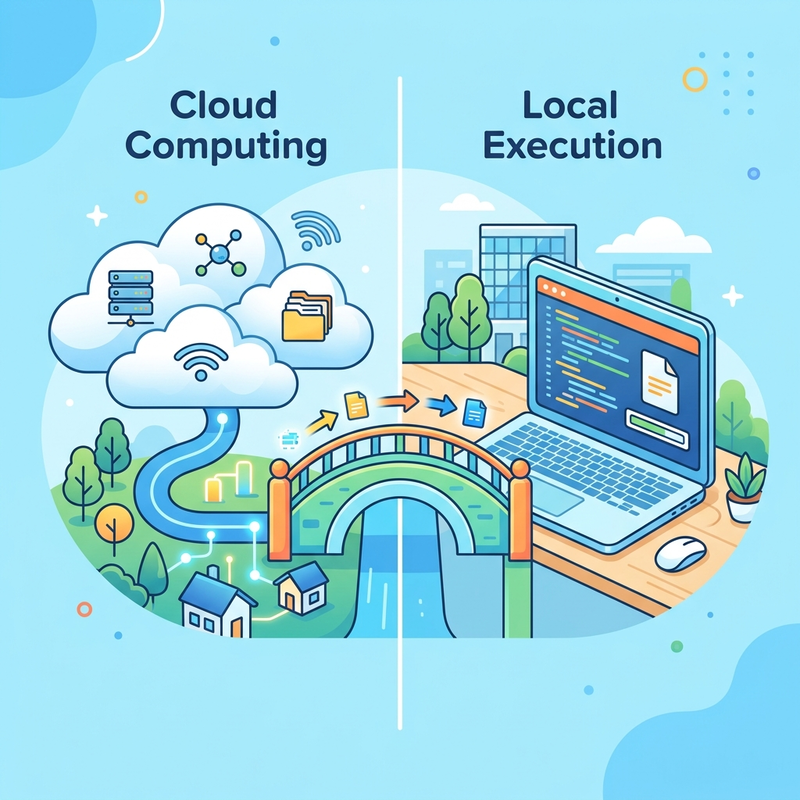
Historically, Copilot and Co-work have operated strictly within the boundaries of the cloud. Scout fundamentally changes this paradigm by interacting directly with your local operating system, file structure, and browser.
Local System Interaction & File Management
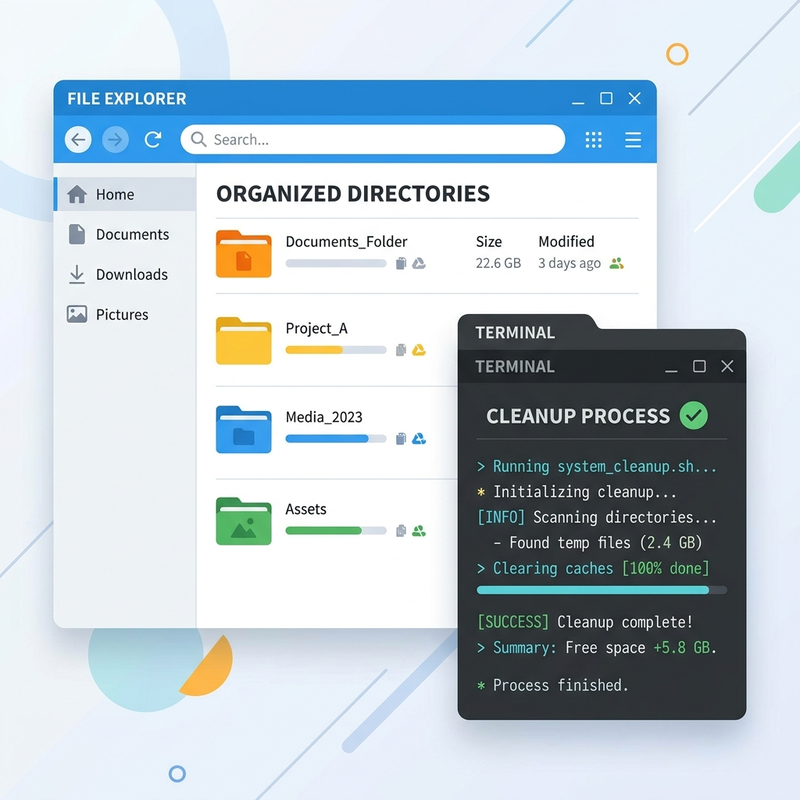
Scout reads, writes, and searches files directly in your designated workspace directory. You can ask it to generate CSVs, build HTML dashboards, or update existing documents. It comes bundled with skills for Word, Excel, and PowerPoint, allowing it to natively create structured Office documents on your behalf.
Autonomous Coding & Shell Execution
Scout does not just write code; it runs it. With its tiered permission system, Scout can execute shell commands for development tasks like building projects, running test suites, or using git and gh.
Commands are classified into three tiers:
- Auto-approve: Runs without prompting (e.g.,
ls,cat,git diff). - Prompt: Pauses for your explicit approval (e.g.,
npm install, network requests, file writes). - Deny: Destructive commands are blocked entirely (e.g.,
rm -rf /).
Security & Guardrails: You can define custom allow/deny patterns and mark specific sensitive paths that always require approval before access.
Browser Automation
Leveraging Playwright, Scout can navigate websites, fill forms, click buttons, and extract page content. This enables it to interact with web applications, take snapshots for inspection, or even edit Microsoft Loop documents seamlessly.
Microsoft 365 & WorkIQ Integration
Scout connects to your organizational M365 data via WorkIQ. It can read emails, draft replies, manage your calendar, find meeting times (resolving availability and out-of-office blocks), and search OneDrive or Teams chats. For example, you can ask Scout to “Summarize what happened in the Engineering channel this week,” and it will synthesize data across multiple sources.
Delegation: Unleashing Sub-Agents
For complex, multi-step tasks, Scout can delegate work to specialized sub-agents that run in parallel in the background:
- Explore: Fast codebase research across modules.
- Task: Runs builds, tests, lints, and dependency installations.
- Code Review: Analyzes changes for bugs and security issues.
- Research: Conducts thorough web and repository searches with citations.
- General-purpose: Handles refactoring and feature implementation.
Running Autonomously: Automations and Heartbeats
Scout transitions from a reactive assistant to a proactive agent through robust background execution modes.

Automations
Automations are independent tasks triggered by a schedule or a condition. You can set them up to run periodically or in response to specific events, and even import automation definitions from GitHub repositories.
Heartbeats
Heartbeats are periodic background check-ins (running every 15 to 120 minutes) that execute prompts while you’re away.
Heartbeat Permissions: Heartbeats have a more restrictive permission policy. They won’t send private data outbound and treat tentative calendar events as busy. Any action normally requiring approval is automatically skipped.
Memory, Mini Mode, and Sensitivity Labels
- Memory & Session History: Scout proactively saves preferences and decisions across sessions. You can query your past session history to recall previous architectural decisions or setups.
- Mini Mode: A compact, always-visible window for quick interactions, ensuring Scout is always readily accessible.
- Sensitivity Labels: Scout tracks Microsoft Information Protection (MIP) labels. If you interact with “Confidential” files, the session elevates its sensitivity level, restricting Scout from writing that data to unprotected destinations.
Extensibility & Personalities
- Custom Skills: You can create your own custom skills by placing
SKILL.mdfiles in your~/.copilot/skills/directory. Scout will automatically discover them for future conversations. - Personalities: Scout offers conversational presets. The default is professional, but you can switch personalities directly from the UI.
- Model Selection: You have the ability to switch between models based on task complexity and cost (e.g., high-end Opus models vs. cheaper GPT/Gemini variants).
Architecture & Setup: The IT Admin Hurdle
Because Scout interacts directly with the local OS, the setup process involves strict access gates and is strictly for the Frontier preview program.
Prerequisites
- Windows 11 or macOS 12 (Monterey) or later.
- Microsoft 365 access with local Administrator permissions.
- GitHub Copilot Business or Enterprise license.
Admin Gate 1: Enable Frontier Access
Your IT administrator must first enroll the organization in the Frontier preview program and turn on Copilot Frontier in the Microsoft 365 admin center for specific users.
Admin Gate 2: Device Enablement & Attestation
Before a user can sign in, three steps must be completed:
- Intune Policy Configuration: Deploy the Microsoft Scout ADMX/macOS profile templates to enable the
AllowScoutFrontierAccesscapability. - Attestation Form: Complete the Frontier organization sign-up form, acknowledging that Scout can route data outside M365 to third-party inference paths like GitHub.
- Provision Licenses: Ensure the target users have an assigned GitHub Copilot license.
User Setup
Once the admin gates are clear, users can download the app, authenticate with both M365 and GitHub, and define their primary workspace directory.
The Verdict
Microsoft Scout is a heavy-hitting tool for those ready to embrace local agentic workflows. While the enterprise deployment constraints are steep, the payoff is a highly capable, autonomous digital operator that executes complex, multi-step local tasks without requiring you to hold its hand.
Read next