Microsoft Security Adoption Model: A Blueprint for Defense

Writer
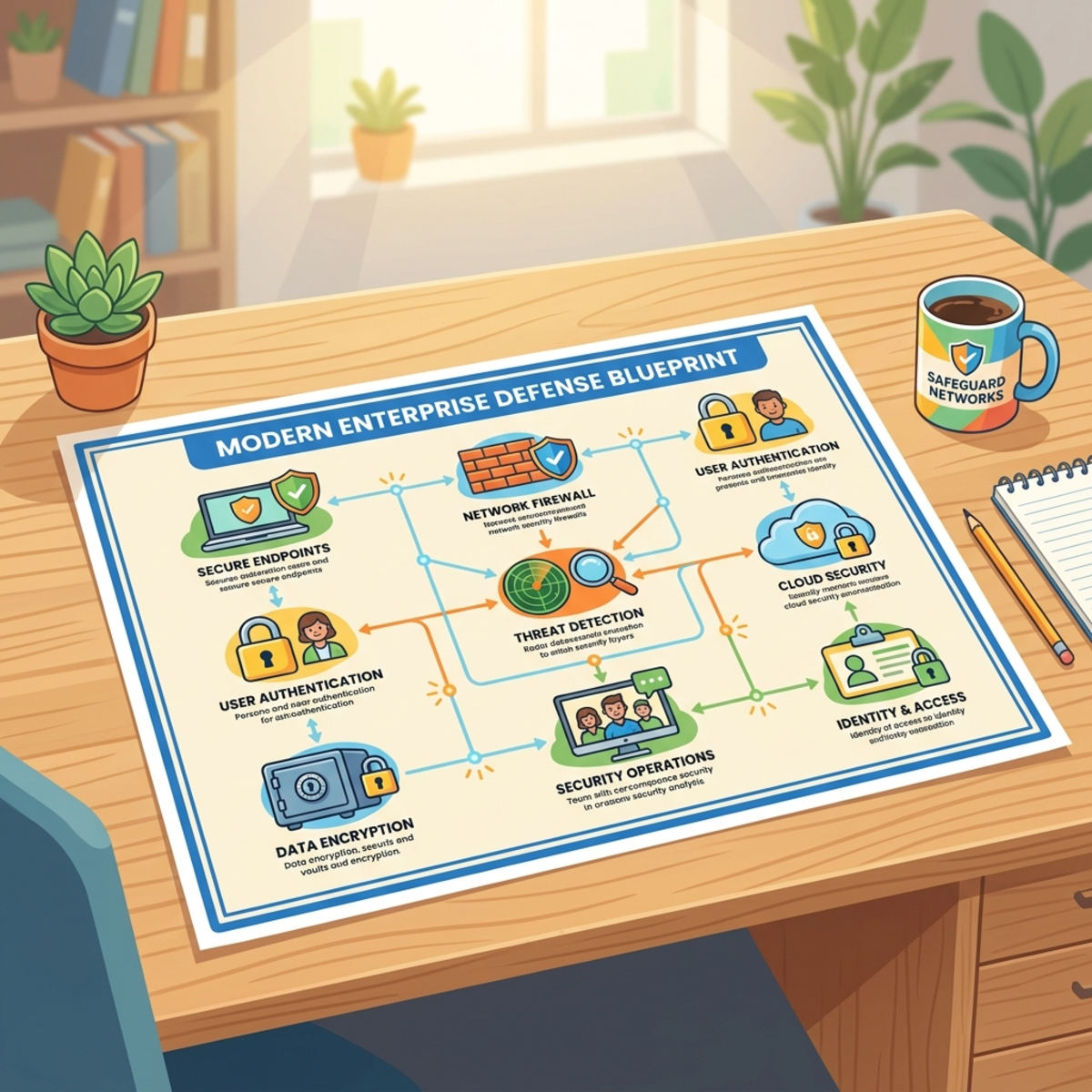
Security architecture used to be something you could plan once a year. That era is over. AI has collapsed the time between “a vulnerability exists” and “a vulnerability is being exploited” — and fragmented, bolt-on security can’t keep up with a threat that moves at machine speed.
Microsoft’s answer is the new Security Adoption Model — a single, role-aware front door for enterprise security planning. The important word is consolidation: it doesn’t deprecate the guidance you already know. Instead, it pulls decades of separate resources — the Microsoft Cybersecurity Reference Architecture (MCRA), the Security Development Lifecycle (SDL), the Zero Trust and CISO workshops, Privileged Access guidance, the Immutable Laws of Security, and incident response playbooks — into one structure, all built on Zero Trust as the baseline.
This post breaks down what the model actually is, the AI threat that triggered it, and — most importantly — how to start using it this week instead of just reading about it.
The one-line version: The Security Adoption Model is a strategic framework, not a product you install. Think of it as the map that connects your business goals to specific Zero Trust controls, with a recommended order to deploy them in.
The Three Core Components
The model organizes security into three connected layers. Each one answers a different question and speaks to a different audience — which is the whole point: it gives business leaders, architects, and engineers a shared language.
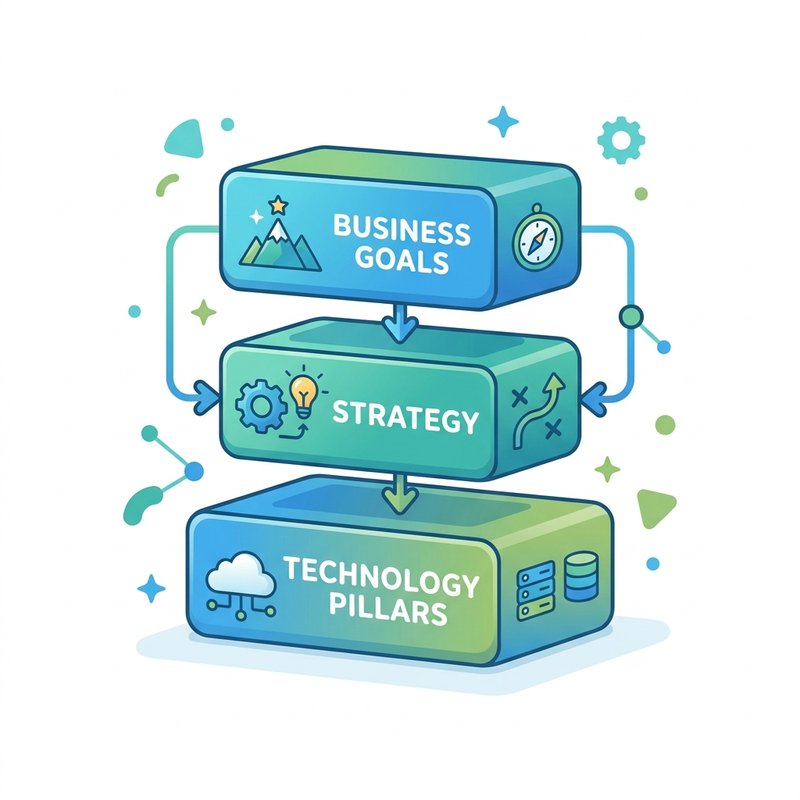
| Component | The question it answers | Who owns it |
|---|---|---|
| Business Scenarios | Why are we doing this? | Business & security leaders |
| Security Disciplines | Who does it, and how? | Security leaders, architects, IT |
| Technology Pillars | What are we protecting? | Implementers & partners |
- Business Scenarios (the “Why”). Security has to map to business reality. The model deliberately steers you away from impossible mandates — like demanding “zero breaches forever” and firing the CISO when one inevitably happens — and toward resilient, measurable outcomes the whole C-suite can rally behind.
- Security Disciplines (the “Who” and “How”). How teams organize, strategize, architect, and operate the controls that deliver those outcomes.
- Technology Pillars (the “What”). The asset domains where Zero Trust controls actually get applied: Identity, Devices, Data, Network, Infrastructure, plus the newly added AI Resources pillar for securing AI agents and the systems they touch.
Because one business scenario almost always spans multiple disciplines and multiple pillars, the model’s real value is the mapping between them — it tells you which controls a given outcome requires, and in what order.
The AI Threat That Triggered This
Here’s the catalyst, and it’s worth getting the facts exactly right, because the story is more interesting than “the bad guys have AI now.”
The attack lifecycle has compressed because AI is now genuinely good at the hard parts of offensive security: reading unfamiliar code, finding vulnerabilities, and writing working exploits. We know this because the defensive research community has openly demonstrated it.
- Anthropic’s Project Glasswing is a collaborative effort to secure the world’s most critical software before increasingly capable models can be turned against it. Using its vulnerability-discovery model, Claude Mythos, Anthropic and ~50 partners reported finding more than ten thousand high- or critical-severity vulnerabilities across systemically important open-source software — in a matter of weeks.
- The telling detail: their bottleneck flipped. Progress used to be limited by how fast you could find bugs. Now it’s limited by how fast you can verify, disclose, and patch what AI already found.
The point everyone misreads: Mythos and Glasswing are defensive research, not threat-actor toolkits. That’s exactly why they matter. They prove the capability is real and accessible — which means the same capability in adversarial hands is no longer hypothetical. The speed of discovery is now the threat, regardless of which side is holding the keyboard.
Microsoft’s countermeasure: MDASH
Defenders need to find and fix flaws at the same machine speed. Microsoft’s answer is MDASH (codename), described by its Agentic Security team as a multi-model agentic scanning system built to discover, validate, and help remediate software vulnerabilities end-to-end.
A few things that are easy to get wrong about it:
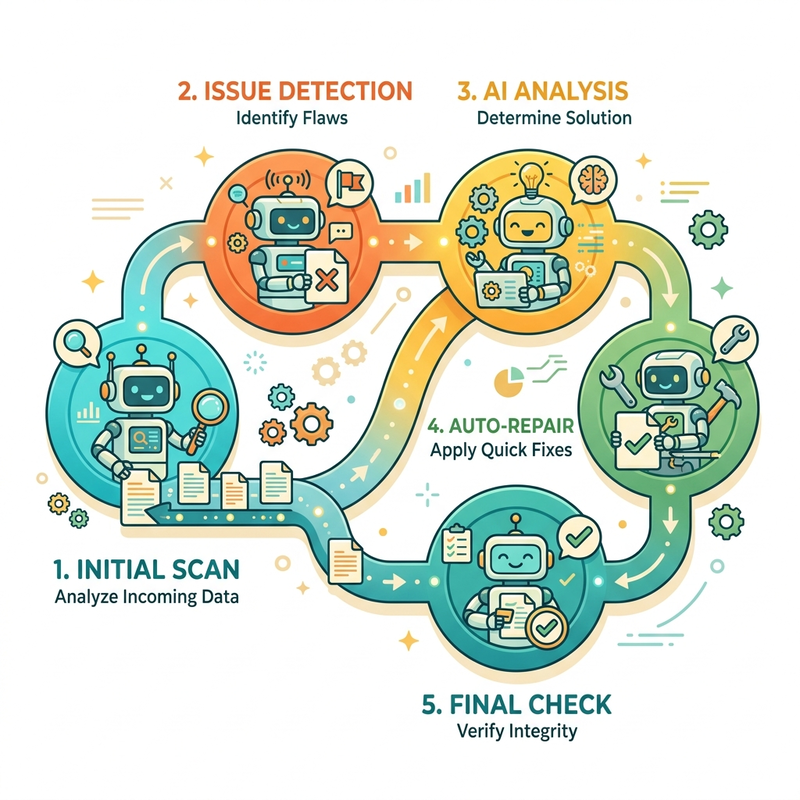
- It’s not a single model or a swarm of identical bots. It orchestrates a panel of specialized AI agents, each with a distinct role in a structured pipeline: prepare → scan → validate → prove (build a proof-of-concept) → fix.
- It plugs into tools engineers already use rather than sitting beside them: validated findings show up as GitHub Advanced Security code-scanning alerts on pull requests, flow into Azure DevOps as work items that can gate builds, and surface in Microsoft Defender prioritized against live threat intelligence.
- It’s aimed at the hardest targets — the Windows kernel, Hyper-V, the networking stack, Azure infrastructure, and Active Directory / identity — and the results are real: it scored 96.5% on CyberGym (an industry benchmark of 1,507 real-world vulnerabilities) and contributed a batch of genuine Patch Tuesday CVEs, including remote-code-execution flaws in Hyper-V and a critical (CVSS 9.8) Windows kernel use-after-free — each caught before exploitation.
The takeaway for your architecture: “Defense at AI speed” doesn’t mean faster scanning in isolation. It means a closed loop — discovery, validation, proof, and fix — wired into the development lifecycle so a finding lands as actionable engineering work instead of dying in a backlog.
Why This Is a Team Sport
Security stopped being an IT-department problem a long time ago. The model is blunt about it: coordinated teamwork across business units, the SOC, and IT operations is the only path to resilience.
The reason is the blast radius of failure. A ransomware hit on a hospital isn’t “IT pulls a late night rebuilding servers.” It halts patient treatments, forces ambulances to divert to neighboring hospitals, and strands clinical staff who can’t access the systems they need to do their jobs. The technical incident is the business incident. That’s why the model insists business leaders own scenarios, not just sign off on budgets.
The Operational Lifecycle: Plan → Build → Run
To move from a pile of recommendations to an actual program, the model frames the work as a simple, repeatable lens:

- Plan — define the business scenario, assess your current posture, identify gaps, assign owners.
- Build — design and deploy the controls across the relevant technology pillars.
- Run — operate, monitor, and continuously improve using real telemetry.
A note on terminology: Different Microsoft materials phrase the lifecycle slightly differently (you’ll also see “Plan / Implement / Monitor” in some summaries). The phases matter more than the labels — define, deploy, operate, repeat. Don’t get hung up on the exact wording in a stakeholder deck.
Three ways adoption actually happens
Most programs start in one of three patterns. Knowing which one you’re in tells you where to apply your energy.
- Top-Down — triggered by a major incident or a new CISO mandating sweeping change. High impact, but the rarest in practice (and the one most likely to stall without grassroots buy-in).
- Build-Up (Land and Expand) — the most common and most practical. One team (often Identity or the SOC) tackles a focused area, lands a quick win, proves the value, and uses that momentum to expand outward. If you’re not sure where to start, start here.
- Scenario-Driven — security acts as the enabler behind a specific business mandate. The business says “Adopt and Secure AI” or “Move to Hybrid Work,” and the security team maps out exactly which controls and pillars that requires.
Mapping Scenarios to Microsoft Technology
The model is intentionally technology-agnostic at its core — the principles work on any stack. But it includes a dedicated layer that maps specific Microsoft products to each business scenario, so a Microsoft-stack organization can see exactly what fits where. Each scenario breakdown includes its business value, the disciplines involved, the planning phases, the technical strategy, and the required technology pillars. “Adopt and Secure AI” and “Hybrid Work” are the flagship worked examples.
The Security Disciplines, Unpacked
The disciplines fall into three groups that, together, cover the whole lifecycle.
1. Planning and Oversight
The governance layer: strategy integration, governance processes, the role of the CISO and security leaders, and the design of the end-to-end technical architecture. This is where security stops being a cost center and starts being a tracked business outcome.
2. Technical Strategy
Where domain architecture lives. Large enterprises may have a dedicated director per domain; smaller orgs fold them into one coherent strategy:
- Access and Identity — the new perimeter, and almost always the highest-leverage starting point.
- Infrastructure Security
- Development Security (DevSecOps)
- Data Security — anchored on the CIA triad: Confidentiality, Integrity, and Availability.
- OT and IoT Security
3. Operational Discipline
The day-to-day execution, split into two complementary functions:
- Security Operations (SecOps / SOC) — the reactive arm that handles active threats when prevention fails: incident planning, defined roles, operational workshops, and known anti-patterns to avoid.
- Posture Management — the proactive arm that partners with IT Operations to prevent incidents in the first place. Critically, the model tells you to retire the old “scan and shame” model of vulnerability management.
Business-Aligned Remediation: “Scan and shame” — dumping a 4,000-line vulnerability report on a team with no context — gets ignored. The model advocates a cooperative approach tied to business value, so the people patching understand the why. That turns ignored alerts into prioritized, owned work.
Hands-On: Where to Actually Start
This is the part most write-ups skip. The model isn’t abstract — Microsoft ships free, concrete tooling to operationalize it. Here’s a practical path.
Step 1 — Measure before you plan
Don’t guess at your posture. Run the Zero Trust Assessment: it connects to your Microsoft Entra tenant and produces an automated read of your Zero Trust posture across Identity, Devices, Data, and Network, with a visual dashboard of gaps. This gives you a baseline and an evidence-backed list of what’s weakest — in an afternoon, not a quarter.
Step 2 — Plan with the Workshop
Use the Zero Trust Workshop (same site) to build a concrete roadmap across all seven pillars — Identity, Devices, Data, Network, Infrastructure, SecOps, and the new AI pillar. It uses a “First / Then” prioritization structure and generates an implementation plan and summary you can take straight to stakeholders.
Step 3 — Pick ONE scenario (Land and Expand)
Resist the urge to boil the ocean. Choose a single high-value scenario, prove it, then expand. A reliable first move:
| Phase | Action | Owner |
|---|---|---|
| First 30 days | Run the Zero Trust Assessment; baseline posture; pick one scenario (e.g. “secure identity for hybrid work”). | Security lead |
| 30–60 days | Enforce phishing-resistant MFA + Conditional Access for all users; require compliant/managed devices for access to key apps. | Identity + Endpoint |
| 60–90 days | Roll out least-privilege / Just-in-Time admin (PIM); turn on data labeling for your most sensitive repository; wire findings into the SOC. | Identity + Data + SOC |
Step 4 — Get expert help if you need it
The structured guidance aligns with the instructor-led Security Adoption Framework (SAF) workshops delivered through Microsoft Unified. If you have a Unified agreement, these are the fastest way to accelerate a program with hands-on architects.
Rule of thumb: Land a quick win in 90 days, measure it, then expand. A small, proven success buys you the political capital for the bigger, harder pillars.
Hands-On: Per-Pillar Quick Wins
If you want a “do this first” list grounded in the three Zero Trust principles — Verify explicitly, Use least-privilege access, Assume breach — start here:
- Identity — Phishing-resistant MFA for everyone (no exceptions for admins); Conditional Access policies; block legacy authentication; deploy Privileged Identity Management for Just-in-Time admin roles.
- Devices — Require device compliance/management as a condition of access; baseline configuration profiles; ensure endpoint detection is deployed and reporting to the SOC.
- Data — Discover and label your most sensitive data first; apply protection (encryption/DLP) to the top one or two repositories before trying to cover everything.
- Network — Segment to limit lateral movement; treat the network as hostile by default (no implicit trust from “being inside”).
- Infrastructure — Continuous posture management; remediate misconfigurations cooperatively with IT Ops, tied to business risk — not a shame list.
- SecOps — Define incident roles and runbooks before you need them; centralize signals; rehearse with tabletop exercises.
- AI Resources — See below.
Hands-On: “Adopt and Secure AI”
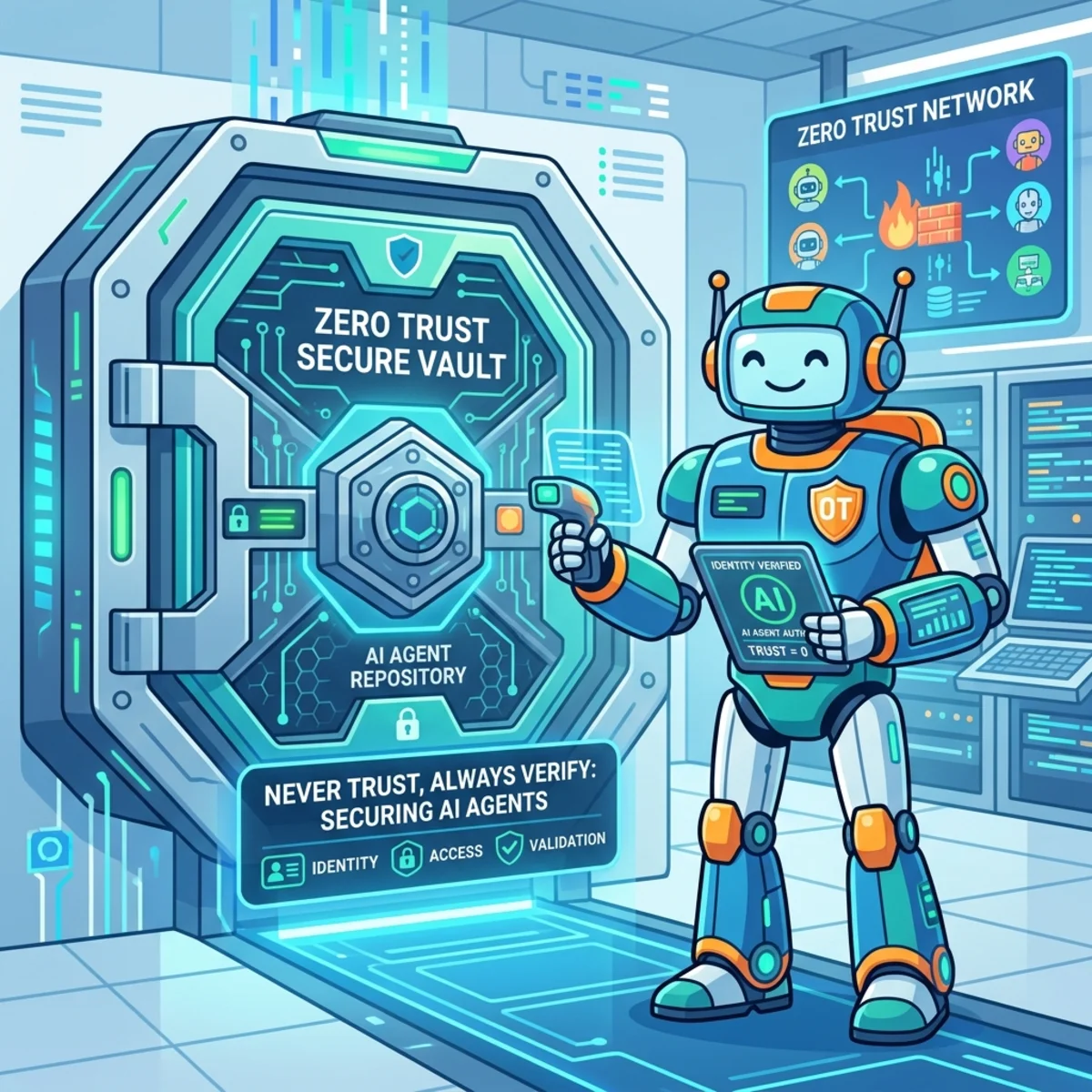
This is the scenario everyone is asking about, and it’s why the Zero Trust framework added a dedicated AI pillar. As organizations stand up AI agents and MCP servers, those workloads need the same Zero Trust rigor as everything else. Practical starting controls:
- Govern the agents. Give every AI agent a managed identity, least-privilege scopes, and an audit trail — treat it like a (very fast, very literal) employee.
- Control the data it can reach. An AI agent inherits the blast radius of whatever it can read. Apply data classification and access boundaries before you connect a model to a knowledge source.
- Watch the new attack surface. MCP servers and agent tool-calls are now part of your perimeter. Inventory them, monitor them, and bring them into SOC visibility.
- Use AI to defend AI. This is the MDASH thesis: pair human-led review with agentic discovery so you can cover more code, earlier, than people can alone.
Summary
Microsoft’s Security Adoption Model breaks down the silos between business scenarios, security disciplines, and technology pillars, and ties them together with Zero Trust as the baseline. Its timing is no accident: AI has proven — through open defensive research like Anthropic’s Project Glasswing and Microsoft’s own MDASH — that vulnerabilities can now be found at machine speed, which means defenses have to operate at that speed too.
The practical message is simpler than the framework looks: measure your posture, plan with the free Workshop, land one scenario in 90 days, and expand. And because it’s a living document that Microsoft keeps enriching, treat it as a resource you revisit — not a binder you read once.
Resources
- Microsoft Security Adoption Model — the official guidance
- Zero Trust Workshop & Assessment — plan a roadmap and scan your Entra tenant
- MDASH: Advancing security at AI speed — Microsoft Security Blog
- Project Glasswing — Anthropic’s defensive AI research (the dual-use reality check)
Read next