Google OKF: Semantic Unbaking & Standardized AI Brains

Writer
The way artificial intelligence interacts with enterprise knowledge just underwent a fundamental shift. On June 15, 2026, Google Cloud unveiled the Open Knowledge Format (OKF) v0.1 — an open, vendor-neutral specification that changes how we expose data to AI agents. We are moving past the era of forcing language models to blindly search through raw documents using RAG (Retrieval-Augmented Generation). Instead, we are entering the era of semantic unbaking — structuring business intelligence so that agents can natively read, understand, and act upon it.
What does “semantic unbaking” actually mean? Knowledge gets “baked” in two ways today: into model weights during training, and into opaque vector embeddings during RAG indexing. In both cases the meaning is locked inside something you can’t open, read, or edit by hand. Unbaking reverses that. You keep knowledge in transparent, human- and machine-readable Markdown that you can open, inspect, version-control, and correct directly — no retraining, no re-embedding, no black box. The “semantic” part is the structure (types, metadata, and links) that makes those plain files navigable by an agent.
As Large Language Models (LLMs) scale, the challenge shifts from model intelligence to context management. While dumping massive tracking documents into a 2-million-token context window is a brute-force option, it introduces latency, ballooning token costs, and attention degradation. OKF turns these ad-hoc setups into a universal, interoperable standard — letting you build a portable, standardized “personal brain.”
This article walks through the concept and gives you the concrete files, commands, and prompts to build your first bundle today.
1. The Core Concept of OKF: What It Is and Why It Matters
At its core, OKF is deliberately minimal. It represents knowledge — metadata, context, playbooks, and curated insights — as a directory of simple Markdown files. If you have ever used tools like Obsidian or Notion, the structure will feel familiar. OKF simply formalizes this into an open, predictable framework.
Google’s own framing is helpful: think of OKF documents as the trees and OKF bundles as the forest. A single document is a Markdown file with a name like orders.md or weekly_cart_abandonments.md. A bundle is the directory of documents that, together, describe a domain.
Crucially, OKF is a format, not a platform. There is nothing to install on the consuming side, no proprietary SDK, no schema registry, and no API key. As the explainer community put it, OKF is “an agreement on shape” — the missing convention that lets independent producers and consumers interoperate.
The primary design goal is Producer/Consumer Independence:
- Producers create and maintain knowledge — a data pipeline that auto-exports table schemas, a DevOps team writing incident runbooks, a technical writer documenting policy.
- Consumers use that knowledge — a coding agent, a data-analysis agent, an internal enterprise assistant, a search index, or a graph visualizer.
The two never have to coordinate on a database, taxonomy, or vendor. If you hand your OKF bundle to an external agent or a colleague’s system, it instantly maps the environment and executes workflows without manual reconfiguration.
The smallest bundle that does anything. You don’t need the full directory tree to start. Three files is a legitimate v0.1 bundle:
That’s it. Add concepts as you go. OKF is intentionally something you grow into, not a structure you scaffold up front.
2. OKF vs. Large Context Windows & Traditional RAG
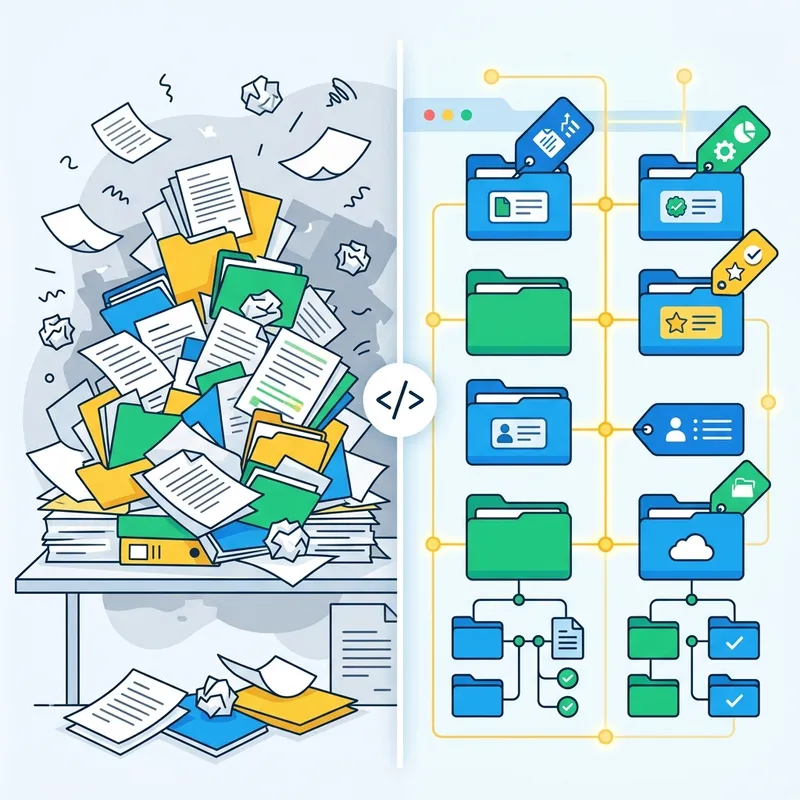
While advanced models handle massive context windows gracefully, parsing raw text across thousands of pages is inefficient. In a traditional RAG setup, you dump thousands of documents into a vector database. When a user queries the agent, the system searches the database, retrieves chunks of text, and synthesizes an answer from scratch — every single time. As Andrej Karpathy puts it in his llm-wiki gist, “the LLM is rediscovering knowledge from scratch on every question. There’s no accumulation.”
OKF acts as a precision routing mechanism instead:
| Feature | Large Context Window / Naive RAG | Open Knowledge Format (OKF) |
|---|---|---|
| Token Efficiency | High consumption; entire documents or massive chunks are re-parsed continuously. | Extremely low; agents selectively pull targeted Markdown files based on indexed paths. |
| Execution Speed | Slower processing due to dense attention matrices over huge contexts. | Fast; scopes down to single-file ingestion for targeted queries. |
| Interoperability | Proprietary or ad-hoc chunking strategies unique to specific application layers. | Standardized schema readable by any compliant agentic framework out of the box. |
| Architecture | Flat or vector-embedded semantic similarity matching. | Hierarchical, explicit relationships driven by metadata and deterministic paths. |
| Maintenance | Re-index the whole corpus when sources change. | Edit one Markdown file; the change is live immediately. |
Formalizing the LLM-Wiki Pattern OKF is the standardization of the LLM-Wiki pattern popularized by Andrej Karpathy (his original gist). Instead of retrieving raw documents at runtime, your language model proactively builds and maintains a persistent wiki: it reads new docs, extracts concepts, physically updates the Markdown files, flags where new data contradicts old claims, and revises summaries over time. The knowledge compiles once and stays current. OKF gave that pattern a shared shape so the hundred incompatible reinventions of it could finally talk to each other.
When OKF is the wrong tool
Balanced engineering means knowing the limits. OKF is not a universal replacement for RAG. Reach for something else when:
- Your corpus is huge and unstructured (millions of PDFs, emails, tickets) and the job is fuzzy semantic recall. Vector search still wins here — you can’t hand-curate a million files into concepts.
- The data changes by the second (live prices, inventory, sensor feeds). Query the source of truth directly; don’t snapshot it into Markdown.
- You can’t budget human review. OKF assumes a human-in-the-loop curates what the agent writes. With zero oversight, an automated brain drifts.
- The knowledge is secret. OKF files are plaintext. Don’t store credentials, PII, or anything you wouldn’t commit to a Git repo.
And the most important long-run caveat: stale knowledge is worse than no knowledge. Karpathy’s own pattern includes a periodic “lint” step precisely because, past a couple of months, the dominant failure mode flips — a confidently-worded but outdated page makes the agent worse, not better. Plan for maintenance from day one (see Section 7).
3. The Core Directory Architecture
You do not simply take your existing website or internal wiki and convert it page-by-page. OKF operates on Concepts. The single most important habit to build: one concept equals one Markdown file.
The three layers (borrowed from the LLM-Wiki pattern)
Before the folders, understand the three layers your brain is made of. This separation is what keeps the system trustworthy:
- Raw sources — your curated source documents (articles, papers, exports, transcripts). These are immutable: the agent reads them but never edits them. This is your ground truth.
- The bundle (the wiki) — the LLM-generated Markdown. The agent owns this layer entirely: it creates, updates, cross-links, and keeps it consistent. You read it; the agent writes it.
- The schema / instructions — a single file (often
CLAUDE.md,AGENTS.md, or askills.md) that tells the agent how the bundle is structured and what workflow to follow when ingesting, querying, or maintaining. This is the configuration that turns a generic chatbot into a disciplined librarian. You and the agent co-evolve it.
The bundle layout
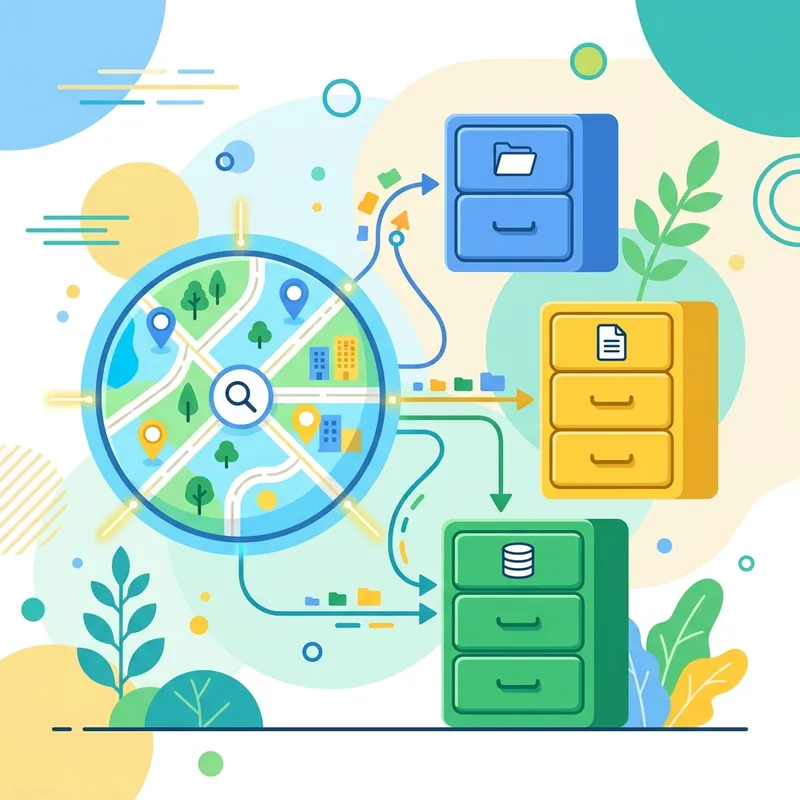
A robust OKF bundle is a directory of directories built from standard .md files:
The power of index.md and progressive disclosure
index.md is the entry point for any agent stepping into your brain. It is a structural table of contents — every page listed with a link and a one-line summary, organized by category. Instead of exposing hundreds of files at once, the agent reads the index, understands the available domains, and decides exactly which file to open next. The attention window stays clean.
A real index.md looks like this:
This approach scales surprisingly well — roughly 100 sources and a few hundred pages — without any embedding-based RAG infrastructure. The index is your retrieval layer at small and medium scale.
Types vs. Tags Avoid over-categorizing with too many root folders. Think of folders (Types) as high-level functional buckets that filter your data engine, while tags handle cross-cutting semantic relationships. If you find yourself creating a folder for every nuance, you want a tag instead.
4. Anatomy of an OKF File: YAML Front Matter & Cross-Linking
Every document begins with a structured configuration block — YAML Front Matter. This metadata layer describes what the file contains before the agent reads a single line of the body.
The one field that actually matters
Here is the detail most write-ups get wrong: OKF v0.1 requires exactly one field — type. Everything else (title, description, tags, timestamps) is optional, added only when you want it queryable. The spec’s philosophy is “here’s the one field every concept needs, here’s a small set of optional fields if you want them, and otherwise write however you like.” Start minimal and add structure when a real query demands it — not before.
Metadata fields, in practice
type(required) — matches the structural directory parent (concept,playbook,reference,entity,system).title&description— explicit, non-ambiguous summaries the agent uses during the discovery phase. Write thedescriptionas if it’s the only thing the agent will read to decide whether to open the file — because often it is.tags& cross-linking — tags form the edges of a knowledge graph. By matching identical tags across files, graph visualizers (Obsidian’s graph view, or Google’s reference HTML visualizer) draw the connections, turning isolated notes into an intertwined web of memory.
For links, you have two interchangeable conventions: Obsidian-style wikilinks ([[AI Overviews]]) and standard relative Markdown links (../systems/bigquery-orders.md). Use wikilinks for concept-to-concept association and relative paths when you want an unambiguous file pointer. Either way, flat files become a navigable graph.
5. skills.md vs. OKF: From One Instruction to a Whole Brain
If you’ve written individual skills.md files for platforms like Copilot Cowork, OKF is the natural next step. The distinction maps cleanly onto the three layers from Section 3:
- A
skills.mdfile is the schema layer for a single, isolated task — a standalone instruction set (“when asked to do X, follow these steps”). - An OKF bundle is the wiki layer — an interconnected organizational brain that many skills, agents, and people draw from.
In other words, a skill tells an agent how to behave; an OKF bundle gives it something to know. You’ll typically keep your skill/instruction file (CLAUDE.md, AGENTS.md, or skills.md) alongside the bundle: the skill defines the maintenance discipline, and the bundle holds the compounding knowledge. Together they bridge single-use prompts and a holistic intelligence graph that simple skill files can’t sustain on their own.
6. Deploying Real-World Playbooks (with a full example)
The operational payoff of OKF shows up when you turn complex, hours-long professional workflows into executable Playbooks. The key is that a playbook is just a Markdown file the agent reads before acting — so let’s actually look at one.
Example A: The Communication Voice Playbook
When scaling client-facing output, agents default to generic corporate jargon. A communication-voice.md playbook imposes hard stylistic guardrails. Here is a complete, usable file:
Point your agent at this file and every draft inherits the rules — no re-prompting.
Example B: Rapid Algorithm-Impact Diagnostics
A manual evaluation of how a core search-engine update hit a client’s footprint normally takes days of data aggregation and cross-referencing. Encode the evaluation steps in playbooks/algo-impact.md — which sources to pull, which historical baselines to compare, which metrics to flag — and the agent references your historical concept pages, layers in the latest live update, and produces a customized, production-ready analysis in minutes.
Example C: Structuring BigQuery / GA4 Data Logic
Ask an agent to query your customer orders without OKF, and it has to guess your schema and business logic — a reliable source of hallucinated SQL. With a systems/bigquery-orders.md file that spells out exactly how your organization defines an “order”, which tables join on which keys, and what an “active customer” means, you remove the guesswork from the query layer entirely. This is precisely the pattern Google demonstrated in its reference implementation: an enrichment agent walks a BigQuery dataset, drafts an OKF concept document for every table and view, then runs a second pass that crawls authoritative docs to add citations, schemas, and join paths.
7. The Ingestion Engine: Human-in-the-Loop Orchestration
An OKF brain should never mutate unsupervised. A structured pipeline protects data integrity. The LLM-Wiki pattern defines three core operations — Ingest, Query, and Lint — and you’ll use all three.
Ingest — adding a source

- Input. Drop the source (or paste a URL) and tell the agent to process it.
- Analysis. The agent reads the source, discusses key takeaways with you, and cross-references your
index.md. - The Update Blueprint. Before writing anything, the agent surfaces a precise plan: “propose a new reference node, update these two concept nodes, add these cross-linking tags.” A single source often touches 10–15 pages.
- Review & validation. You read the plan and approve (or redirect) with a click.
- Deterministic update. On approval, the agent writes the files, updates
index.md, and appends an entry tolog.md.
A copy-pasteable ingestion prompt to keep in your schema file:
Query — and filing answers back
When you ask a question, the agent reads the index, opens the relevant pages, and answers with citations. The insight most people miss: a good answer is itself knowledge. A comparison table, an analysis, a connection you discovered — file it back into the bundle as a new page so your explorations compound instead of vanishing into chat history.
Lint — keeping the brain healthy
Periodically (weekly is a sane default), ask the agent to health-check the bundle:
This is the maintenance step that prevents the “confident-but-stale” decay described in Section 2.
The log.md trick worth stealing
Keep log.md append-only and start every entry with a consistent prefix:
Because the prefix is consistent, the log becomes parseable with plain Unix tools — no database required:
8. Technical Stack & Local Environment
Building your own brain does not require enterprise hosting. A lightweight, local setup gives you total privacy and extreme speed. Treat the tools below as examples — OKF is deliberately agnostic, so swap in whatever you already use.
- The Model Layer. Fast, cheap APIs (for example Gemini 3 Flash-class models) give you the throughput needed for recurring Markdown ingestion, structure generation, and text transforms. Ingestion is high-volume and low-stakes, so optimize for speed and cost here.
- The Interface Layer. Any agent that can read and write local files works — Claude Code, Codex, or a local agentic IDE. Many people run the agent on one side and Obsidian on the other: the agent is the programmer, Obsidian is the IDE, and the bundle is the codebase you watch update in real time via the graph view.
- Search, when you outgrow the index. At small scale,
index.mdis enough. As the bundle grows past a few hundred pages, add a local Markdown search engine such as qmd (hybrid BM25 + vector search with on-device LLM re-ranking, available as both a CLI and an MCP server) so the agent can find pages without scanning everything. - Optional Obsidian helpers. Web Clipper converts web articles to Markdown for your raw sources; Marp generates slide decks straight from bundle content; Dataview runs live queries over your YAML frontmatter to build dynamic tables.
Backup & version control (do this on day one)
Your bundle is just a Git repo of Markdown files — which means you get version history, branching, and collaboration for free, and a safety net for when an agent introduces a bad edit or corrupts a file. There’s no special “differential backup” needed; a commit is the snapshot.
To make it automatic, add a daily commit-and-push via cron so every day’s changes are pushed to a private GitHub remote:
If an agent ever builds a wrong association or breaks a file, git log shows you exactly what changed and git revert rolls it back to a clean state.
9. The Shift in Web Optimization & The Knowledge Economy
This standard shifts the focus from traditional SEO and GEO toward Agentic Accessibility. Discovery mechanisms are already evolving: websites increasingly publish an llms.txt file at their root — a Markdown roadmap that points AI agents directly to a site’s most accurate, high-value content. Pairing llms.txt (the map) with a public OKF bundle (the territory) is a natural next step.
More importantly, OKF enables a Knowledge Economy. Because the format is standardized and portable, proprietary knowledge can be packaged and sold. You will no longer just hire a consultant — you’ll purchase an accountant’s, a lawyer’s, or an SEO expert’s OKF bundle and mount it directly into your own agent’s directory. Their optimized, interlinked knowledge graph instantly becomes part of your internal business intelligence.
10. The Frontier: Broadening the Scope of OKF
Early implementations focus on organizing local research, documentation, and playbooks. The next evolution is Dynamic Community Ingestion. By connecting external developer or community platforms (for example, pulling discussion transcripts via a community-platform API), you can feed crowd-sourced data, edge-case discoveries, and industry news directly into your curation pipeline. With light human-in-the-loop filtering, your OKF framework can generate hyper-personalized knowledge delivery and newsletters — keeping stakeholders updated on exactly the developments that matter to their work, and nothing else.
How to Get Started (a 15-minute first run)
OKF is a foundational layer for the agentic internet, but the way to learn it is to build a tiny one today. Don’t convert your whole organization — pick a single workflow or concept.
- Create the skeleton.
Code
- Seed the schema. Drop Karpathy’s
llm-wikigist (or a shortCLAUDE.md) into the folder so your agent knows the conventions and the Ingest/Query/Lint workflow. - Ingest one source. Point an agent (Claude Code, Codex, or similar) at a single document and have it draft a concept file in
concepts/, complete withtypefrontmatter, then updateindex.md. - Ask one question. Query the bundle and watch the agent read the index → open the page → answer with a citation. File the answer back as a new page.
- Commit it.
git init && git add -A && git commit -m "first bundle"— now you can never lose it.
You can use AI tools like NotebookLM or Gemini to bulk-extract concepts and generate the YAML frontmatter from your existing raw docs, and host the result anywhere from a Git repo to an Obsidian vault. From there, you stop working for the machine and start letting the machine maintain your intelligence graph.
Sources & further reading: Google Cloud’s OKF v0.1 spec, reference implementations (a BigQuery enrichment agent and a self-contained HTML graph visualizer), and three sample bundles (GA4 e-commerce, Stack Overflow, Bitcoin public datasets) are published openly on GitHub. The pattern OKF standardizes originates in Andrej Karpathy’s llm-wiki gist.
Read next