Work IQ A2A Protocol: M365 Context for Enterprise Agents

Writer
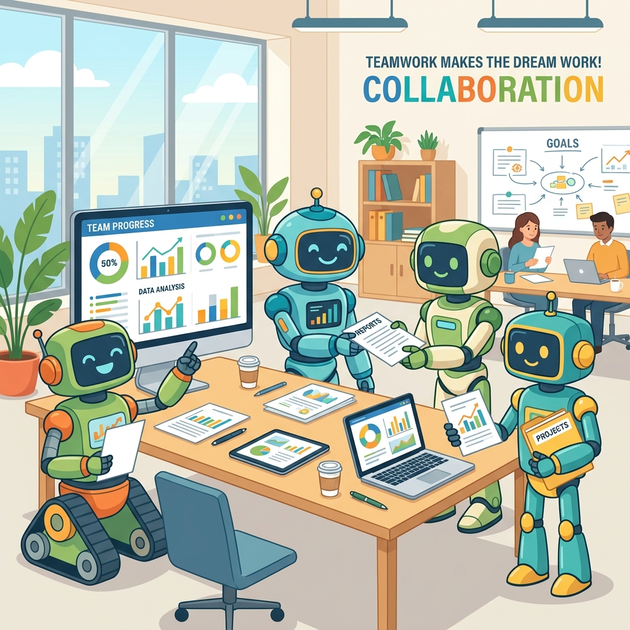
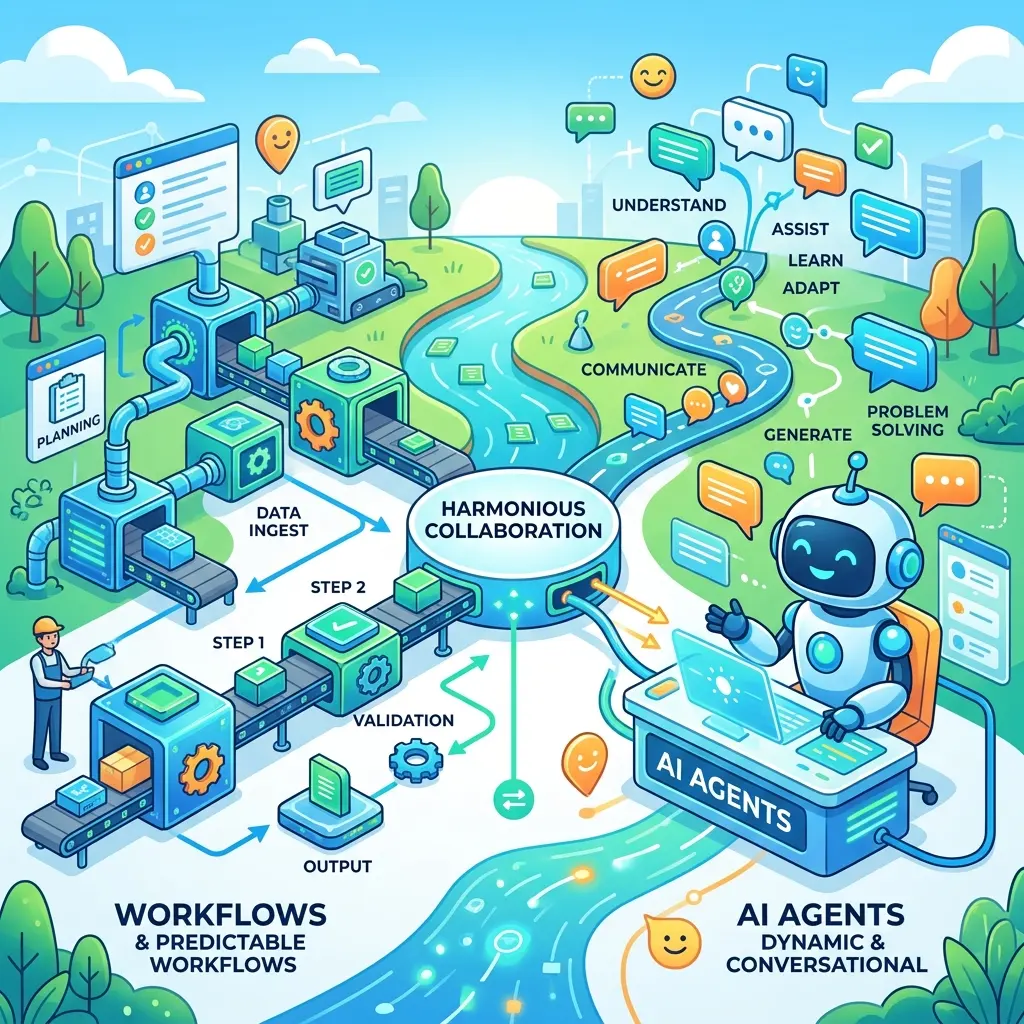
Enterprise AI is moving from isolated copilots toward networks of specialized agents. A sales agent may need meeting context. A project-management agent may need recent Teams discussions. A developer agent may need the requirements captured in a customer call. A service agent may need the latest state of a case from a line-of-business system.
The hard part is not simply making agents smarter. It is helping them collaborate without bypassing identity, permissions, compliance boundaries, or enterprise context.
That is where Microsoft Work IQ with Agent-to-Agent (A2A) protocol support becomes interesting.
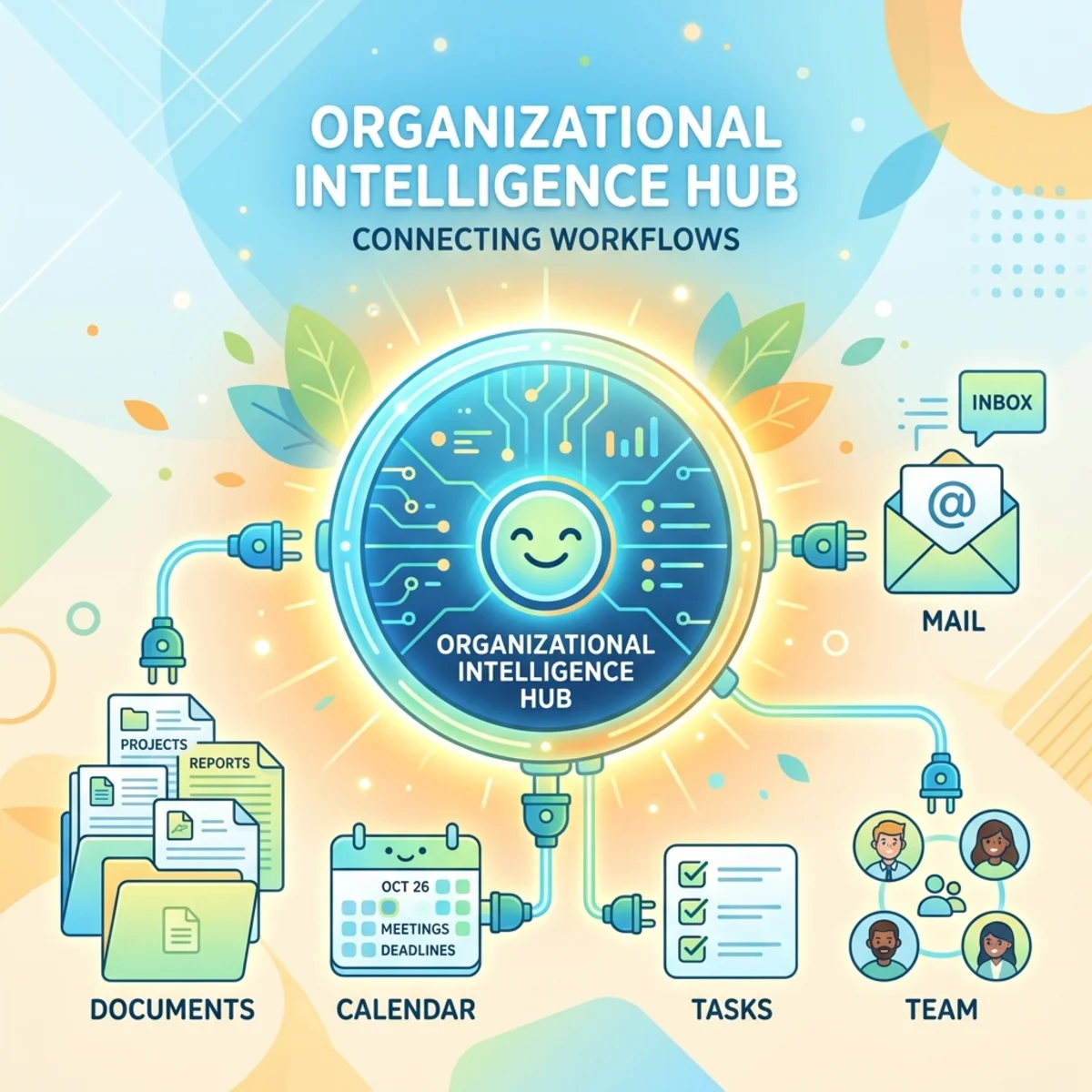
Work IQ exposes the governed work intelligence that powers Microsoft 365 Copilot through natural language and agent-facing interfaces. A2A gives agents a common protocol for discovering one another, sending messages, creating tasks, and returning results. Together, they enable a practical architecture pattern: custom agents can delegate work to a Work IQ-backed agent instead of rebuilding Microsoft 365 grounding, permission trimming, and context orchestration from scratch.
This article is a technical architecture and product capability overview. It is not a licensing guide, a FinOps deep dive, or a complete implementation tutorial. The goal is to explain what Work IQ A2A is, how the architecture fits together, what the core protocol concepts mean, and where architects should be careful not to overstate the model.
The mental model: agents need a shared operating language

A useful way to think about A2A is to compare it with how teams work in a large enterprise.
People do not collaborate by dumping their entire inboxes into a shared folder. They introduce themselves, describe what they can do, agree on a task, exchange updates, ask for clarification when needed, and return a deliverable.
A2A applies a similar pattern to agents:
- Discovery: an agent publishes metadata about itself.
- Negotiation: another agent learns what it can ask for and which protocol version or transport to use.
- Task execution: the agents exchange structured messages around a unit of work.
- Progress tracking: the client agent observes long-running work.
- Artifact return: the remote agent returns outputs that can be consumed by another system or agent.
This matters because enterprise agents must handle more than simple question-and-answer interactions. They need to coordinate multi-step work, preserve context, stream partial results, ask for clarification, and operate across platform boundaries.
A2A is trying to solve a similar class of problem that HTTP solved for web applications: independently built systems need a shared contract so they can interoperate without every integration becoming a one-off custom design.
What Work IQ adds to the A2A picture
A2A is the communication protocol. Work IQ is the Microsoft 365 intelligence layer that gives the conversation enterprise context.
Microsoft describes Work IQ as a way to connect AI assistants to Microsoft 365 Copilot data such as emails, meetings, documents, Teams messages, workplace insights, and people-related information using natural language. The Work IQ CLI can run direct terminal queries, and it can also run as an MCP server so development tools can use Microsoft 365 work context while assisting the user.
For architects, the important point is this: Work IQ is not just another raw data endpoint. It is designed to let an agent ask work-contextual questions while honoring Microsoft 365 identity and access boundaries.
In practice, a custom agent should not need to manually stitch together every relevant Graph call, rank every message, reconstruct every meeting thread, and implement its own permission-trimming logic for every scenario. Instead, the agent can delegate the work-contextual part of the task to Work IQ through supported protocol surfaces such as A2A.
Work IQ as an agentic platform
It is useful to think of Work IQ as more than a natural-language query surface.
Work IQ is framed as an agentic platform for Microsoft 365 intelligence. Microsoft provides first-party agents, including the primary Microsoft 365 Copilot agent, and developers can also build their own specialized agents within the Microsoft 365 ecosystem.
That distinction matters. Work IQ is not only about asking, “What did my manager say?” from a terminal. It is also about allowing custom agents to participate in a broader ecosystem where agents can:
- connect to Microsoft 365 work context;
- reason over recent meetings, chats, files, and organizational signals;
- use permission-trimmed enterprise data;
- collaborate with other agents through A2A;
- expose their own capabilities through Agent Cards;
- and eventually move from local prototypes to cloud-hosted production endpoints.
In other words, Work IQ helps bring the Microsoft 365 context layer into custom agent experiences wherever work actually happens.
Trust by design: context is not the same as unrestricted access
Trust by design is central to the architecture.
A precise way to phrase it is: Work IQ A2A uses Microsoft Entra ID delegated authentication, so calls are made on behalf of a signed-in user and must respect that user’s access context. Microsoft’s Work IQ A2A documentation states that Work IQ A2A uses Microsoft Entra ID delegated authentication. The quickstart also describes the WorkIQAgent.Ask delegated permission, which lets an application, on behalf of the signed-in user, query Microsoft 365 work intelligence such as mail, files, meetings, and chats through Work IQ.
That distinction is important. Work IQ does not mean “an agent can see everything in the tenant.” It means the agent can ask questions against the user’s Microsoft 365 work intelligence through a governed, delegated model.
The trust model should be understood across several layers:
- Identity: requests are tied to authenticated users or applications.
- Permissions: responses are shaped by what the signed-in user can access.
- Tenant boundaries: requests operate within organizational boundaries.
- Compliance posture: Microsoft 365 compliance and governance expectations remain part of the design.
- Sensitivity and governance signals: sensitivity labels and governance policies are part of the inherited enterprise model.
Practical implication
When designing an agent architecture, treat Work IQ as a permission-aware intelligence boundary, not as an unrestricted corpus.
A custom agent using Work IQ should be designed around questions like:
- Which user identity is the agent acting on behalf of?
- Has the required delegated permission been consented?
- Is the user licensed and enabled for the capability?
- Is the admin consent and billing setup complete where required?
- Does the downstream workflow preserve the same trust boundary when outputs leave the Work IQ response?
That last point is easy to miss. Permission trimming protects what the agent can retrieve. It does not automatically govern every downstream copy, export, or action your custom application performs after receiving a response.
A2A protocol basics: a contract for agent collaboration
The Agent2Agent protocol, usually shortened to A2A, is an open protocol for communication and interoperability between agentic applications. Google originally created the protocol and announced it in April 2025. The Linux Foundation announced the Agent2Agent project on June 23, 2025, providing vendor-neutral governance for the protocol. In April 2026, the Linux Foundation described A2A as a production-ready open standard and highlighted version 1.0 as its first stable specification.
The key word is interoperability.
A2A is designed so agents built on different platforms and frameworks can communicate through a shared language. SDK tooling is available for both clients and servers across several developer ecosystems, including .NET, Go, Python, Rust, and Swift. The broader point is that A2A is not meant to be tied to one agent framework or one vendor’s runtime.
A2A supports:
- multi-agent collaboration;
- multi-turn conversations;
- bi-directional interactions;
- remote task delegation;
- progress observation;
- structured outputs;
- and discovery through Agent Cards.
Microsoft Work IQ supports A2A version 1.0 and 0.3. The version is selected through the A2A-Version request header. If the header is omitted, Work IQ defaults to version 0.3 for backward compatibility. To use v1.0 method names such as SendMessage, the request must include:
That small header is architecturally important. Multi-agent systems will often cross product, vendor, and framework boundaries. Version negotiation and backward compatibility are what keep integrations stable while the agent ecosystem evolves.
Bi-directional agent conversations
A2A should not be understood as one agent simply sending a prompt and receiving a final answer.
The protocol supports richer, bi-directional conversations. A remote agent can respond with a request for more information. It can continue the conversation across multiple turns. It can create a task, track progress, and return artifacts when work is complete.
For example, a client agent might ask a remote Work IQ-backed agent:
“Summarize the recent customer escalation and identify open actions.”
The remote agent may need to ask:
“Which customer escalation are you referring to?”
Or it may create a task, search the relevant user-accessible meetings, chats, and documents, and then return a structured summary plus action items.
This is a fundamentally different pattern from a plain stateless API call. You are not only invoking an endpoint. You are coordinating work with another agent.
A2A, MCP, and REST: different jobs in the same architecture
A common source of confusion is whether A2A replaces MCP or REST. It does not.
Think of the three patterns like this:
| Pattern | Best mental model | What it is good for |
|---|---|---|
| REST | Application-to-service request/response | Direct API calls where the client already knows the operation it wants. |
| MCP | Agent-to-tool or agent-to-resource access | Giving an agent a structured way to use tools, APIs, files, or resources. |
| A2A | Agent-to-agent collaboration | Letting one agent discover, message, delegate tasks to, and receive results from another agent. |
The A2A project itself describes MCP and A2A as complementary: MCP standardizes how an agent connects to tools and resources, while A2A standardizes how independent agents discover each other, delegate tasks, and share results.
So the decision is not “A2A or MCP.” A realistic architecture may use both:
- MCP equips an individual agent with tools.
- A2A lets that agent collaborate with another specialized agent.
- REST remains useful for conventional application integration.
The four core building blocks of A2A
Consider this simple but important model:
Message -> Part -> Task -> Artifact
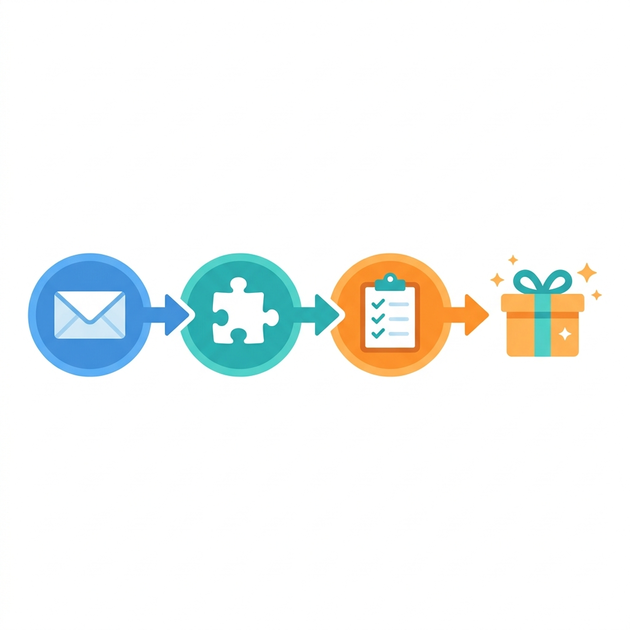
These are the building blocks that make A2A more than chat over HTTP.
| Building block | What it means | Why it matters |
|---|---|---|
| Message | The communication sent between agents. | Starts or continues the interaction. |
| Part | A piece of a message, such as text, structured content, or raw data. | Allows agents to exchange more than plain text. |
| Task | A tracked unit of work created by the remote agent. | Gives the work a lifecycle, status, and history. |
| Artifact | An output produced by the task. | Delivers the result back to the client agent. |
A useful way to remember this is:
- the message expresses intent;
- the parts carry the content;
- the task tracks the work;
- the artifact returns the result.
This model matters because enterprise agent work often requires more than a single prompt and answer. Agents need a way to ask clarifying questions, process work asynchronously, stream partial results, and return outputs in forms that other systems can consume.
Message parts: text, structured data, and raw data
A2A interactions are not limited to plain text.
Messages and artifacts can contain different types of parts:
- Text parts for natural-language input or output.
- Structured parts for typed, machine-readable information.
- Raw data parts for payloads that should not be reduced to prose.
This is an important design point. Natural language is useful when intent is ambiguous, but structured formats are better when the workflow becomes repeatable.
For example, a meeting-focused agent might initially answer in prose. Over time, it could return calendar data in a standard format such as iCalendar, allowing another agent or application to process the meeting information more reliably.
The practical rule is simple:
Best Practice: Use natural language to discover intent. Use structured data to execute repeatable workflows.
Tasks and artifacts: the unit of work matters
Crucially, agent-to-agent communication is not always a stateless API call. Many enterprise tasks are long-running, ambiguous, or multi-step.
A client agent may ask a Work IQ-backed agent to:
- summarize a week’s worth of project discussions;
- identify owners and action items from recent meetings;
- retrieve context around a customer escalation;
- compare recent documents and meeting notes;
- answer a question that requires clarification.
These are not always instant lookups. They may produce intermediate progress, require more input, or return multiple outputs. That is why the A2A mental model includes tasks and artifacts.
A task is the tracked unit of requested work. It can preserve interaction history, status, and state over time.
An artifact is the output produced by the task. Depending on the scenario, an artifact might be a text answer, a structured object, a generated summary, a list of candidate documents, or another deliverable the client agent can consume.
Common task states
A task-oriented protocol needs a state machine. The exact implementation details may vary by protocol version and SDK, but the core states are useful for architects:
- Working: the remote agent is processing the task.
- Completed: the task finished successfully.
- Canceled: the task was stopped before completion.
- Failed: the task ended with an error.
- Input required: the remote agent needs clarification or additional information.
- Auth required: the remote agent needs authentication or authorization for a downstream action.
This is one of the biggest differences between agent protocols and traditional request/response APIs. Agents need room to say “I need more information” or “I cannot continue until the right authorization is available.”
Observing long-running work
Enterprise tasks can take time. A2A therefore needs more than a blocking HTTP request that waits forever.
There are three primary observation patterns:
| Observation pattern | How it works | When it fits |
|---|---|---|
| Polling | The client periodically checks task status. | Simple clients, predictable workloads, or environments where callbacks are difficult. |
| Streaming | The remote agent sends progress and result updates as they become available. | Interactive experiences where the user should see progress, status changes, or partial output. |
| Webhooks / push notifications | The client provides a callback endpoint for updates. | Background workflows, asynchronous orchestration, or long-running tasks where the client should not keep listening. |
For Work IQ specifically, Microsoft documents support for synchronous SendMessage and streaming SendStreamingMessage. The Agent Card also advertises capabilities such as whether streaming is supported. Microsoft’s example Agent Card for the default Work IQ agent shows streaming: true and pushNotifications: false, so do not assume every observation pattern is available for every Work IQ agent or endpoint.
Observability and analytics: why task lifecycles matter
The task model is also useful beyond runtime execution.
Because tasks have lifecycles, status changes, message histories, and artifacts, they create a natural observability surface. Over time, platform teams can start asking operational questions such as:
- Which agents are doing the most work?
- Which tasks take the longest?
- Where do agents frequently request more input?
- Which workflows fail because of missing authorization?
- Which artifacts are most commonly produced?
This is not the same as saying every analytics dashboard exists out of the box. The point is architectural: task-based agent communication creates better telemetry opportunities than opaque prompt-to-response exchanges.
For enterprise AI systems, that visibility becomes important. As agents move from demos into daily workflows, organizations will need to understand not only what agents answer, but what work they actually perform.
Agent discovery: the Agent Card
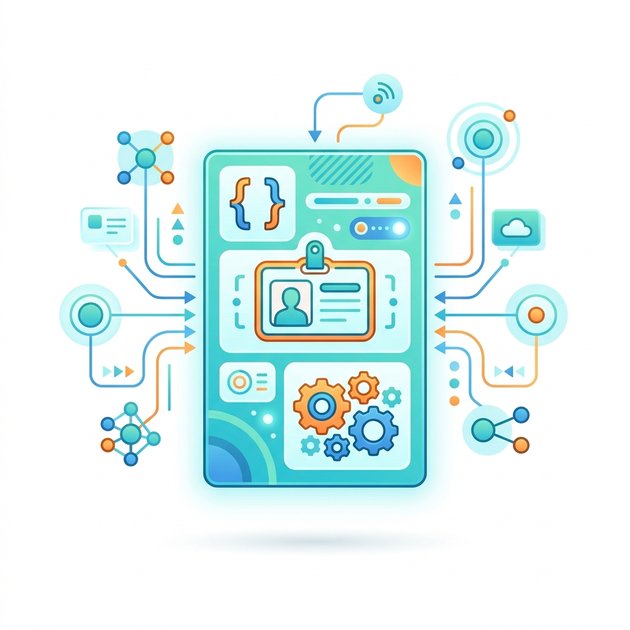
Before one agent can call another, it needs to know what the other agent is, where it lives, and what it supports. A2A handles this through an Agent Card.
An Agent Card is a JSON metadata document that describes an agent’s identity, endpoint, capabilities, supported interfaces, input/output modes, and security-related metadata.
A simple mental model is:
The Agent Card is the agent’s business card, resume, and API contract in one JSON document.
Work IQ hosts Agent Cards at standard .well-known paths. For the default Work IQ agent, Microsoft documents the following endpoint:
For a specific agent, the documented pattern is:
An Agent Card may describe details such as:
- the agent’s identity and provider;
- digital signatures for verifying the card, where used;
- service endpoints;
- protocol bindings such as JSON-RPC, HTTP, or gRPC;
- supported protocol versions;
- supported capabilities, such as streaming or push notifications;
- skills that describe what the agent can do;
- input and output formats;
- authentication mechanisms;
- and security requirements.
The Agent Card is what allows a client agent to say: “I know who you are, how to reach you, which version you speak, what you can do, and how I should authenticate.”
Agent registries and semantic discovery
Agent Cards also enable a broader discovery pattern.
In a small prototype, you may paste an Agent Card URL into a test client. In a larger enterprise ecosystem, that does not scale. Agents need to be discoverable by capability, not only by hardcoded endpoint.
That is where registries become useful. Agent Cards can be cataloged into registries so that agents can be found through metadata and semantic search. A client agent might search for an agent that can help with calendar scheduling, document summarization, customer escalation triage, or incident analysis.
This is one of the more important long-term implications of A2A. Instead of wiring every agent to every other agent manually, organizations can move toward a model where agents publish what they can do, and other agents discover the right specialist when needed.
Protocol bindings and endpoint flexibility
Furthermore, A2A is not tied to only one transport style.
Agent Cards can advertise different service endpoints and protocol bindings. JSON-RPC is one common binding, and Work IQ A2A uses JSON-RPC examples in Microsoft documentation. The broader A2A discussion also mentions HTTP and gRPC as possible bindings.
This matters because different workloads have different operational needs:
- JSON-RPC is useful for structured method-style communication.
- HTTP can take advantage of familiar web infrastructure patterns such as caching.
- gRPC can be useful where low-latency, compact binary communication is preferred.
Architecturally, this reinforces the idea that A2A is not just a prompt convention. It is a protocol ecosystem with discovery, versioning, capabilities, and transport considerations.
Authentication: A2A describes, Work IQ enforces through Microsoft identity
The A2A protocol itself is not opinionated about one authentication mechanism. Agent Cards can describe authentication using familiar API security concepts, borrowing from patterns used in OpenAPI descriptions.
Depending on the agent, authentication could involve mechanisms such as:
- API keys;
- OAuth 2.0;
- OpenID Connect;
- or other enterprise API security patterns.
For Work IQ A2A, Microsoft documents Microsoft Entra ID delegated authentication. In production Microsoft 365 scenarios, that means your client application must be registered properly, request the right delegated permission, and operate within the user’s identity and tenant context.
The distinction matters:
- A2A gives agents a way to describe how authentication works.
- Work IQ uses Microsoft identity and delegated access for Microsoft 365 work intelligence.
Token optimization: start conversational, mature toward structured exchange
A practical point to consider is that agents can start by using natural language to understand each other, but that should not be the final integration pattern for every workflow.
Natural language is excellent for negotiation, ambiguity, and reasoning. Structured payloads are better for repeatable, machine-to-machine exchange.
In early prototyping, agents may exchange natural language because the task shape is still being discovered. As a workflow becomes stable, predictable parts of the interaction should move into structured data:
- use typed fields instead of prose where possible;
- return machine-readable artifacts when downstream systems need to consume the result;
- avoid asking an LLM to re-interpret the same schema repeatedly;
- preserve natural language for ambiguous reasoning, explanation, or user-facing summaries.
This is not only about token cost. It is also about latency, reliability, validation, observability, and integration quality.
Sending messages: A2A is not just chat over HTTP
It is tempting to describe A2A as “agents chatting with each other,” but that undersells the architecture.
In Work IQ A2A v1.0, Microsoft documents SendMessage for synchronous interaction and SendStreamingMessage for streaming interaction. Messages contain a role, a message ID, one or more parts, and optional metadata. A message part may include text, and the broader A2A model supports structured or raw parts as well.
A simplified Work IQ A2A v1.0 request looks like this:
The design is more structured than a plain prompt string. The protocol gives agents a way to preserve identity, message boundaries, metadata, and protocol semantics around the interaction.
Building with the Work IQ CLI
Microsoft provides the Work IQ CLI, distributed as the @microsoft/workiq npm package. Microsoft Learn describes the CLI as both a command-line interface and an MCP server that connects AI assistants to Microsoft 365 Copilot data.
The installation pattern is straightforward:
You can then run direct terminal queries, for example:
or:
This process packages the natural-language question into an A2A request to the Work IQ backend, where the default experience talks to the primary Microsoft 365 Copilot agent. That agent can reason over Microsoft 365 signals such as SharePoint files, calendars, email, and related context that the user is allowed to access.
The CLI also supports MCP server mode, which allows compatible development tools and AI assistants to access Work IQ as a contextual MCP server.
Prerequisites to plan for
The exact setup depends on the scenario, but Microsoft documents several important prerequisites for Work IQ CLI usage, including:
- Node.js installed locally;
- administrative consent for the Work IQ application in Microsoft Entra;
- a user assigned to the relevant billing plan;
- a usage-based billing plan in Copilot Studio with an Azure subscription and resource group assigned;
- optional GitHub Copilot CLI integration.
For A2A quickstart scenarios, Microsoft also documents registering an application in Microsoft Entra and granting the WorkIQAgent.Ask delegated permission.
These details matter because a developer may be able to install the npm package quickly, but a working enterprise flow still depends on tenant enablement, consent, permissions, and user eligibility.
The developer journey: from local prototype to cloud endpoint
The developer workflow shows how to start locally, understand the protocol, and later move to a production endpoint.
The journey looks like this:
-
Install the Work IQ tool
Use npm to install the Work IQ CLI package. -
Ask a Microsoft 365 question from the terminal
Start with a simple natural-language question such as “Who is my manager?” or “What meetings do I have today?” -
Start or connect to a local A2A server for prototyping
This involves starting a local A2A server that advertises an Agent Card. Because tooling can evolve quickly, validate the exact local command against the current package version and Microsoft documentation before publishing a hands-on lab. -
Load the Agent Card into a local client
The local client reads the Agent Card, discovers the agent’s skill, supported formats, and endpoint behavior. -
Send an A2A message
The client sends a message describing what it wants, including accepted response types such astext/plainwhere appropriate. -
Receive a task
The remote agent creates a task, returns a task ID, and begins working. -
Observe task updates
The client can poll, stream, or receive callbacks depending on supported capabilities. -
Receive artifacts
The task eventually returns one or more artifacts, such as a text response, structured data, or raw data parts. -
Move to production
Replace the local endpoint with the cloud agent endpoint, register the application, configure OAuth 2.0 / Microsoft Entra authentication, consent required scopes or roles, and operate under enterprise admin governance.
This is the right way to think about Work IQ A2A development: first learn the protocol mechanics locally, then add the production identity, consent, endpoint, and governance requirements.
Default Copilot agent vs your own custom agent
There is also an important distinction to be made here.
You can use the same A2A concepts to talk to the primary Microsoft 365 Copilot agent, or you can target an agent that you have created yourself.
That matters because custom agents may have:
- specific instructions;
- restricted domain scope;
- selected data sources;
- custom response style;
- specialized skills;
- and distinct Agent Cards.
For example, instead of asking the general Microsoft 365 Copilot agent to reason across broad work context, you might build a project-specific agent that only uses approved project data sources and returns responses in a format required by your application.
The architectural pattern remains the same: discover the agent, send a message, create or observe a task, and receive artifacts.
Production migration considerations
Production migration involves switching from local testing to cloud endpoints and adding proper enterprise authentication.
A production-ready approach typically includes:
-
Register the application in Microsoft Entra
Use the appropriate app registration model. For native or sample clients, public-client flows may be enough. For server-side agents acting on behalf of a user, use a confidential-client registration and the On-Behalf-Of flow as documented in the Work IQ A2A quickstart. -
Use delegated authentication
Ensure the agent acts on behalf of the user and requests appropriate delegated permissions such asWorkIQAgent.Ask. -
Resolve the Agent Card dynamically
Do not hardcode assumptions about streaming, protocol version, endpoint, or supported capabilities. Read the Agent Card and adapt. -
Handle long-running and ambiguous work
Build client logic for streaming, task progress, clarification, cancellation, failure, and retry behavior. -
Design for downstream data handling
Treat Work IQ output as potentially sensitive. Apply your own application’s access controls, logging, data handling, and retention rules when responses are stored, forwarded, or acted on. -
Plan for admin involvement
Enterprise production scenarios may require admin consent, approved scopes, roles, and environment-specific governance.
A reference architecture in words
A typical Work IQ A2A architecture looks like this:
- A user interacts with a custom agent or application.
- The custom agent signs the user in through Microsoft Entra ID.
- The application obtains a delegated token with the required Work IQ permission.
- The custom agent retrieves the Work IQ Agent Card from the
.well-knownendpoint. - The agent sends a JSON-RPC A2A message to the Work IQ A2A endpoint.
- Work IQ processes the request using the user’s Microsoft 365 work context.
- The custom agent receives a synchronous or streaming response.
- The custom agent turns the result into a user-facing answer, workflow step, or downstream artifact.
The key architectural boundary is step 6. Work IQ is where Microsoft 365 context, delegated identity, and the agent request meet. Your custom application is still responsible for everything around that boundary: user experience, orchestration, storage, downstream actions, monitoring, and compliance with your own application policies.
What not to assume
Because this space is evolving quickly, it is worth being explicit about limits.
Do not assume:
- A2A means every agent can automatically access every other agent.
- Work IQ gives tenant-wide data access independent of user permissions.
- natural language messages are always the best integration format.
- every Work IQ agent supports every A2A capability.
- preview-era commands, samples, or package behavior will remain unchanged.
- a protocol standard removes the need for application-level security design.
- local prototype behavior is the same as production cloud behavior.
A2A gives agents a shared communication model. Work IQ gives access to Microsoft 365 work intelligence through a governed Microsoft boundary. Neither removes the need for careful application architecture.
Why this matters for enterprise AI architecture
The deeper shift is not simply that agents can call other agents. The shift is that agent systems need interoperability with trust boundaries.
Without a protocol like A2A, every multi-agent integration becomes a custom contract. One team invents a webhook. Another team invents a prompt format. A third team builds a proprietary orchestration layer. The system works in a demo, but it becomes brittle in production.
A2A standardizes the collaboration surface: discovery, messaging, tasks, capabilities, progress observation, and results.
Work IQ brings that pattern into the Microsoft 365 context, where enterprise agents often need to reason over meetings, mail, files, chats, people signals, and connected business data without creating a parallel, unmanaged data universe.
For technical leaders, the architectural value is clear:
- less custom context plumbing for Microsoft 365 scenarios;
- better alignment with delegated identity;
- a clearer contract between specialized agents;
- support for streaming and longer-running tasks;
- a path toward interoperable agent ecosystems rather than isolated bots;
- better observability over what work agents actually perform;
- a more realistic path from local prototypes to governed production agents.
Final thoughts
Work IQ A2A is best understood as an enterprise agent collaboration pattern, not merely another API.
A raw API answers a request. An A2A-capable agent can advertise its capabilities, accept a task, ask for clarification, stream progress, and return artifacts. Work IQ makes that pattern especially relevant for Microsoft 365 because the agent can reason over work context through a delegated, governed Microsoft boundary.
The practical design principle is simple:
Design Principle: Build your custom agent for orchestration and user experience. Use Work IQ when the agent needs governed Microsoft 365 work context. Use A2A when the interaction is truly agent-to-agent, task-oriented, and likely to evolve beyond a single stateless API call.
That is the architecture pattern to watch: not one giant agent, but a network of specialized agents that can discover, delegate, and collaborate without losing the enterprise trust model.
Sources
- Microsoft Learn, “Work IQ Agent-to-Agent (A2A) overview” — documents Work IQ A2A protocol versions, delegated authentication, Agent Card endpoints, and
SendMessage/SendStreamingMessagebehavior: https://learn.microsoft.com/en-us/microsoft-365/copilot/extensibility/work-iq/a2a/overview - Microsoft Learn, “Work IQ A2A quickstart” — documents prerequisites, Entra app registration, delegated
WorkIQAgent.Askpermission, and public/confidential client guidance: https://learn.microsoft.com/en-us/microsoft-365/copilot/extensibility/work-iq/a2a/quickstart - Microsoft Learn, “Microsoft Work IQ CLI” — documents the Work IQ CLI, MCP server mode, prerequisites, and Microsoft 365 data types exposed through Work IQ: https://learn.microsoft.com/en-us/microsoft-365/copilot/extensibility/work-iq/cli
- Linux Foundation, “Linux Foundation Launches the Agent2Agent Protocol Project” — announces Linux Foundation governance for the Agent2Agent protocol project: https://www.linuxfoundation.org/press/linux-foundation-launches-the-agent2agent-protocol-project-to-enable-secure-intelligent-communication-between-ai-agents
- Linux Foundation, “A2A Protocol Surpasses 150 Organizations…” — describes A2A adoption milestones and version 1.0 as the first stable specification: https://www.linuxfoundation.org/press/a2a-protocol-surpasses-150-organizations-lands-in-major-cloud-platforms-and-sees-enterprise-production-use-in-first-year
- A2A Protocol documentation — explains A2A’s purpose, relationship with MCP, interoperability model, and agent-to-agent collaboration concepts: https://a2a-protocol.org/latest/
- npm,
@microsoft/workiqpackage — documents the current npm package, CLI/MCP distribution model, and changelog notes: https://www.npmjs.com/package/@microsoft/workiq
Read next