Action-Oriented Declarative Agents: API vs MCP Plugins

Writer
When building declarative agents, the initial milestones usually revolve around retrieving data and citing documents. While valuable, this read-only approach only scratches the surface of what an agent can do. The evolution of declarative agents demands moving beyond simple read-only data retrieval and document citation.
To unlock true agentic workflows, we must enable our agents to perform Actions—connecting to live, fully authenticated systems to perform Create, Read, Update, and Delete (CRUD) operations in real-time.
In this post, we will explore the mechanics of adding actions to declarative agents in Microsoft 365. We will break down the two primary extensibility models—API Plugins and Model Context Protocol (MCP) Plugins—and provide an architectural decision framework for when to use each.
The Gateway to Action: The actions Node
The foundation of extending a declarative agent lies within its manifest file. Traditionally, this file defines capabilities like web search or code interpretation. To introduce live system interactions, we introduce a new configuration element: the actions node.
By referencing external plugin files within this actions node, we specifically hook up external capabilities to the declarative agent. This instructs the orchestrator on exactly what external tools the agent has permission to invoke, how to format the data, and how to securely authenticate.
Method 1: API Plugins
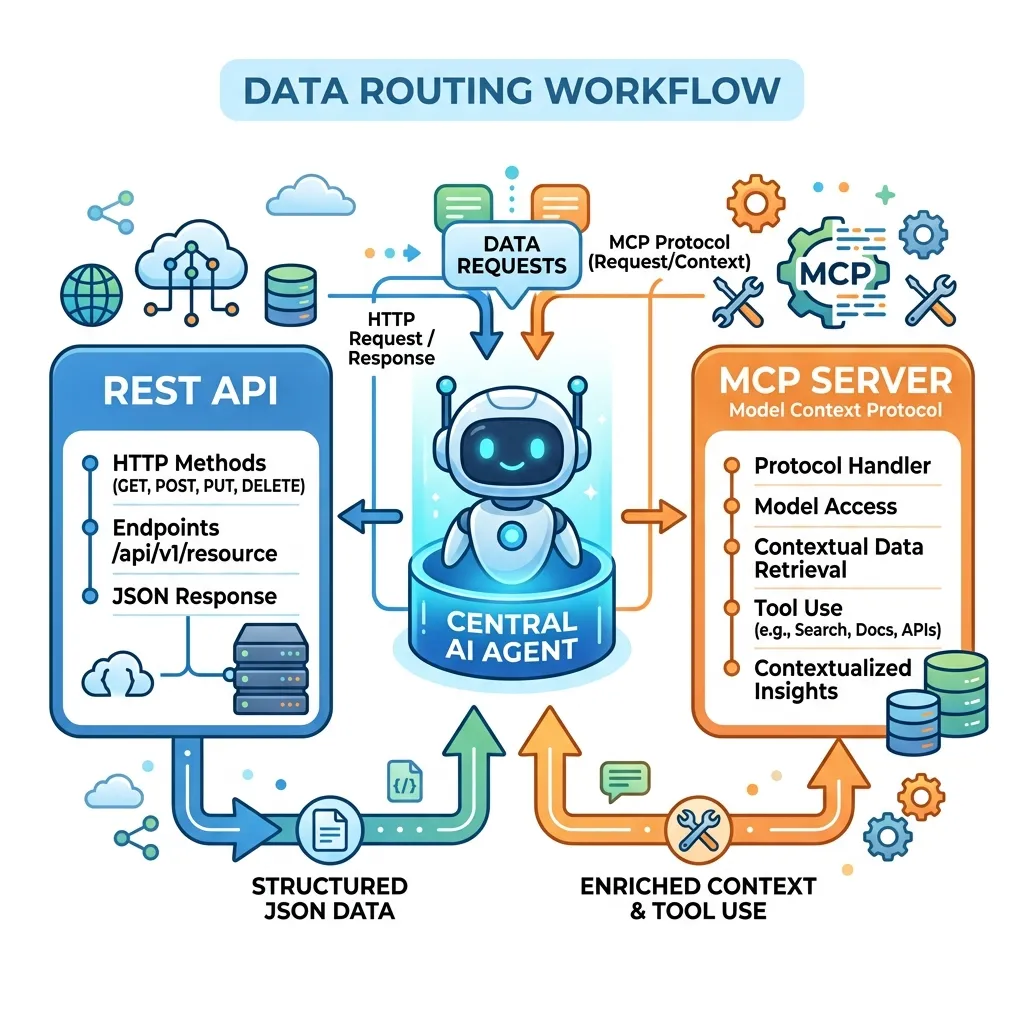
API Plugins are the ideal choice and designed specifically for your existing REST APIs. Instead of rewriting your backend logic, API Plugins allow you to expose your current infrastructure directly to Copilot.
How It Works
The engine relies on your API’s OpenAPI specification to understand and match user intents to specific API operations. For example:
- If a user prompts, “List all the repairs,” the agent maps this to a
GETHTTP operation. - If the user says, “Delete this record,” it maps to the
DELETEHTTP operation.
If an operation requires specific parameters that the user hasn’t provided, the agent will automatically map the user context and prompt the user for the missing information before executing the call.
No OpenAPI Spec? No Problem: If you have an existing REST API but lack an OpenAPI spec, use coding agents to read your existing API documentation and generate the OpenAPI JSON file for you automatically.
The Three Core Components
To wire up an API Plugin, you need three distinct assets:
- The OpenAPI Specification: The blueprint of your endpoints (URL, paths, operations).
- The Plugin Manifest (e.g.,
repairs-plugin.json): A lightweight file that acts as the bridge. It contains the name, description, explicitly lists which allowed functions from that spec the agent can use, and points to the OpenAPI URL. - Adaptive Cards (JSON): Used to take the raw JSON data returned by your API and render it securely and beautifully for UI rendering within the Copilot interface.
Authentication & Security
Calling live APIs requires robust security, and the declarative agent runtime provides full support for secure connections.
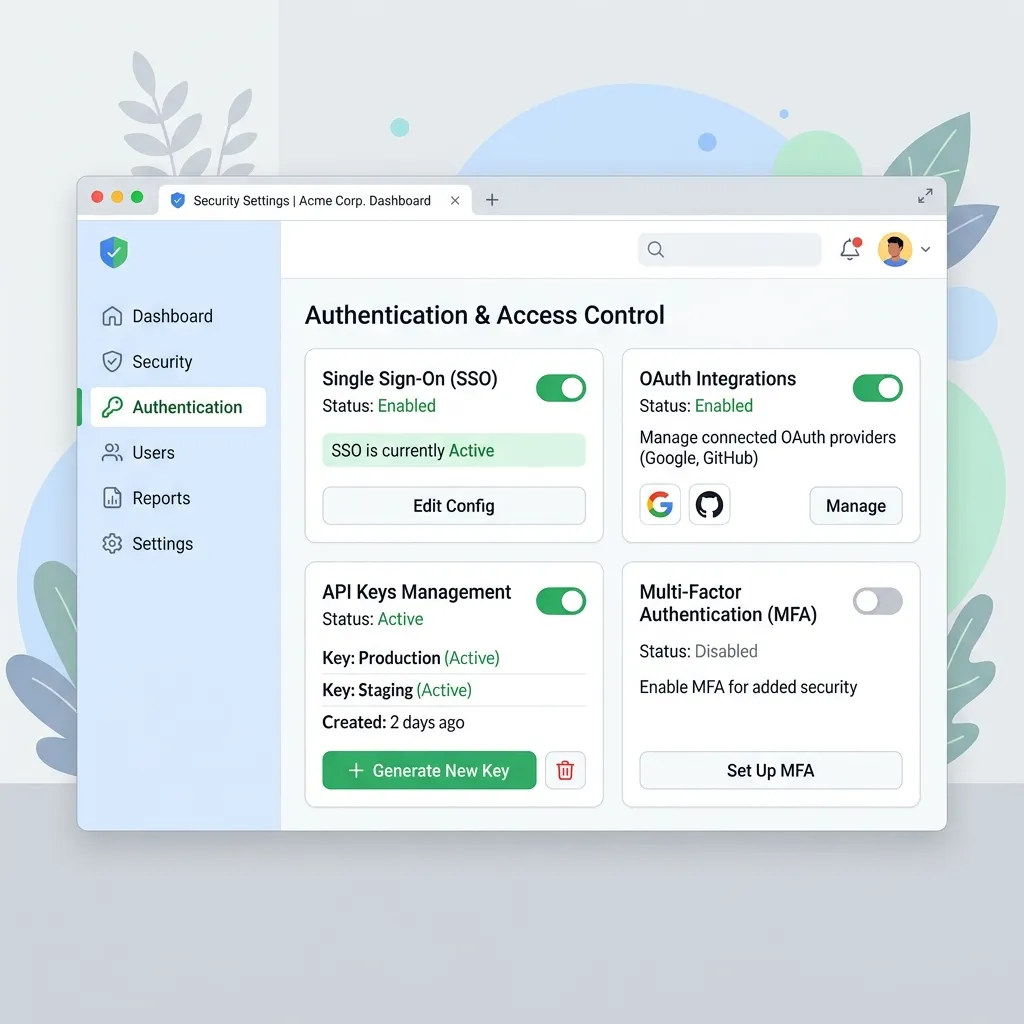
By registering your authentication via the developer portal, you can seamlessly secure your API Plugins. Supported methods include:
- API Keys
- OAuth 2.0
- Single Sign-On (SSO)
The developer portal manages the entire lifecycle of the token, handling token refreshes behind the scenes and prompting users to sign in seamlessly when necessary.
Method 2: MCP (Model Context Protocol) Plugins
The Model Context Protocol (MCP) functions similarly to API plugins but connects to a remote MCP server. It is rapidly becoming the industry standard for connecting AI models to external data and tools.
How It Works
Instead of relying on an OpenAPI spec, you connect the agent to a remote MCP server. The server self-describes its capabilities by exposing a list of “tools” along with their input/output schemas.
In your plugin manifest, you define the server URL and provide these schemas. The agent orchestrator reasons over this schema to understand exactly when to invoke the MCP server tools.
Future Feature - Live Discovery: Currently, you must define tool schemas in your manifest. In the future, the runtime will support live, dynamic tool discovery at runtime, allowing your agent to automatically discover new tools as the MCP server evolves.
Rich UI Support
While MCP plugins fully support standard Adaptive Cards for rendering, they are geared toward advanced UI widget rendering within the chat canvas, allowing for deep, application-like experiences directly inside the interface.
The Hybrid Architecture
One of the most powerful features of the declarative agent framework is that you are not forced into a binary choice. You can use a hybrid architecture and mix both API plugins and MCP plugins within the exact same declarative agent. This allows them to live and work together to orchestrate highly complex workflows.
Architectural Decision Guide (When to use which)
When architecting a specific feature, use this decision matrix:
| Approach | When to Choose This Method |
|---|---|
| API Plugins | Simplest setup. Best if you already have robust, existing OpenAPI definitions and internal REST APIs. |
| MCP Plugins | Best when building from scratch. Ideal when requiring complex UI widgets, or aiming for cross-platform AI tool compatibility across the broader ecosystem. |
Conclusion
Transitioning your declarative agents from read-only data assistants into capable, action-oriented systems (CRUD) is a massive leap forward in agentic engineering. Whether you leverage your existing API investments through API Plugins or build for the future with the Model Context Protocol, the actions node provides a secure, authenticated bridge to your live data.
Read next