Local AI Search Without the Jargon: Quantization and Hardware

Writer

If you’ve ever tried to build a local AI deployment, you’ve probably hit a wall of dense jargon. You start out wanting to build a simple, accurate search pipeline, and suddenly you are drowning in terms like FP4, Q4_K_M, “dynamic batching,” “decoder-only rerankers,” GGUF, and Safetensors.
It is incredibly frustrating. Local AI becomes confusing when several decisions are collapsed into one question: Which model file should I download? That question mixes architecture, retrieval design, storage format, numerical precision, runtime support, and hardware capacity.
The way out is to separate the layers.
Core mental model: The architecture defines the computation. The task determines whether the output is a vector, score, or token. The file format packages the tensors. Quantization controls their numerical representation. The inference engine executes the model. Hardware determines which combination is practical.
Today, we are going to clear the fog. We will walk through the most common architectural hurdles you face when deploying local AI—specifically for search and retrieval pipelines—and then apply that knowledge to practical deployment configurations on an NVIDIA RTX 2080 with 8 GB of VRAM.
Part 1: Separate the Decisions First
Before we talk about making AI smaller or faster, we have to establish what each layer of the AI stack actually does.
| Layer | Question | Examples |
|---|---|---|
| Tokenization | How does text become token IDs? | Tokenizer, vocabulary, token IDs |
| Architecture | How does the network process those IDs? | Encoder-only, decoder-only, encoder-decoder |
| Task | What does the model return? | Embedding vector, relevance score, next-token logits |
| Precision | At what precision are tensors represented? | FP16, BF16, INT8, Q4_K_M |
| File format | How are weights and metadata packaged? | Safetensors, GGUF |
| Runtime | What loads and executes the model? | Transformers, Infinity, llama.cpp, CUDA |
GGUF is not an architecture. Safetensors is not a precision level. A decoder-only model does not have to generate prose. Quantization does not automatically make every workload faster.
Tokenizers Are the Translators
It is misleading to say that encoders turn text into numbers and decoders turn numbers back into text. In neural networks, turning text into numbers (and vice versa) is actually the job of the Tokenizer and Detokenizer, not the main AI brain.
- The Tokenizer (Text → Numbers): AI models cannot read English. Before any text enters the model, a Tokenizer chops your prompt into pieces (tokens) and assigns each piece an ID number.
- The Detokenizer (Numbers → Text): When the AI finishes generating, it spits out a string of ID numbers. The Detokenizer translates those numbers back into readable text.
The neural network simply receives tensors and returns tensors. Detokenization is only needed when the application must render generated text.
What Encoder and Decoder Actually Mean

To understand how these terms are used today, we have to look back at the original Transformer model built in 2017. It connected two stacks:
- An encoder (The Reader) processed the source sequence with bidirectional attention—looking forward and backward simultaneously to deeply understand context.
- A decoder (The Writer) generated a target sequence autoregressively, using causal (masked) attention, meaning it could only look backward at words it had already seen.
Modern systems often retain only one side:
- Encoder-only models naturally suit representation and classification tasks.
- Decoder-only models naturally suit next-token prediction (like ChatGPT), but can also be adapted for embeddings and reranking.
A decoder-only model can absolutely “read” an input. It processes the supplied sequence while obeying causal attention. During generation, this initial reading pass is called prefill. A non-generative reranker simply stops after this forward computation to obtain a relevance score, rather than writing a response word-by-word.
Part 2: Safetensors and GGUF Solve Different Problems

Once you understand the architecture, you have to download the model. You will immediately notice two dominant file formats: GGUF and Safetensors. They serve completely different stages of the model lifecycle and are built for entirely different hardware ecosystems.
Safetensors: The Professional Standard
Safetensors safely stores tensors without Python pickle execution. It is widely used with Hugging Face Transformers, PyTorch, and enterprise GPU-oriented inference engines like Infinity or vLLM.
Misconception: Safetensors does not automatically mean FP16 (half-precision). It is simply a container. The tensors inside it determine the precision.
GGUF: The Local Champion
GGUF is the format designed for llama.cpp and user-friendly desktop apps (like Ollama and LM Studio). It packages tensors and model metadata into one file and is optimized for mixed CPU/GPU setups (like Apple Silicon MacBooks).
GGUF does not inherently mean 4-bit compression. While it commonly carries quantized representations (like Q4_K_M), high-precision GGUF files also exist.
| Requirement | Usually start with |
|---|---|
| PyTorch or Transformers inference | Safetensors |
| Training or fine-tuning | Safetensors |
| Infinity embedding or reranking service | Official Safetensors repository |
| CPU-first llama.cpp deployment | GGUF |
| Mixed CPU and GPU offload through llama.cpp | GGUF |
Part 3: The Quantization Trap
If you decide you need to compress your model to make it fit on consumer hardware, you enter the world of quantization. A label such as “4-bit” is incomplete. You still need to know the method, block size, scaling strategy, and whether your hardware has optimized kernels for it.
FP4 and Q4 are not synonyms
They both average 4 bits per weight, but they are entirely different ecosystems:
- FP4 (Floating Point 4-bit): This is a hardware-native scientific notation. It is ultra-modern and designed strictly for enterprise data centers running NVIDIA’s latest Blackwell architecture.
- Q4 (Integer Quantization, like GGUF
Q4_K_M): This is software-driven integer math. It maps numbers to a linear grid. It is the sweet spot for consumer hardware (like an RTX series or Apple Silicon) using llama.cpp.
INT8 does not necessarily mean Q8 GGUF
In a Safetensors and Transformers workflow, INT8 commonly means runtime quantization (like bitsandbytes LLM.int8). The original Safetensors checkpoint is loaded, eligible linear layers are represented in 8-bit form, and sensitive outlier computation remains at a higher precision.
That is fundamentally different from a Q8_0 GGUF file, which belongs entirely to the llama.cpp ecosystem. For the configurations below, when we say “INT8”, we mean runtime INT8 quantization of the official Safetensors checkpoint, not a Q8 GGUF file.
Part 4: Building an 8GB Search Pipeline
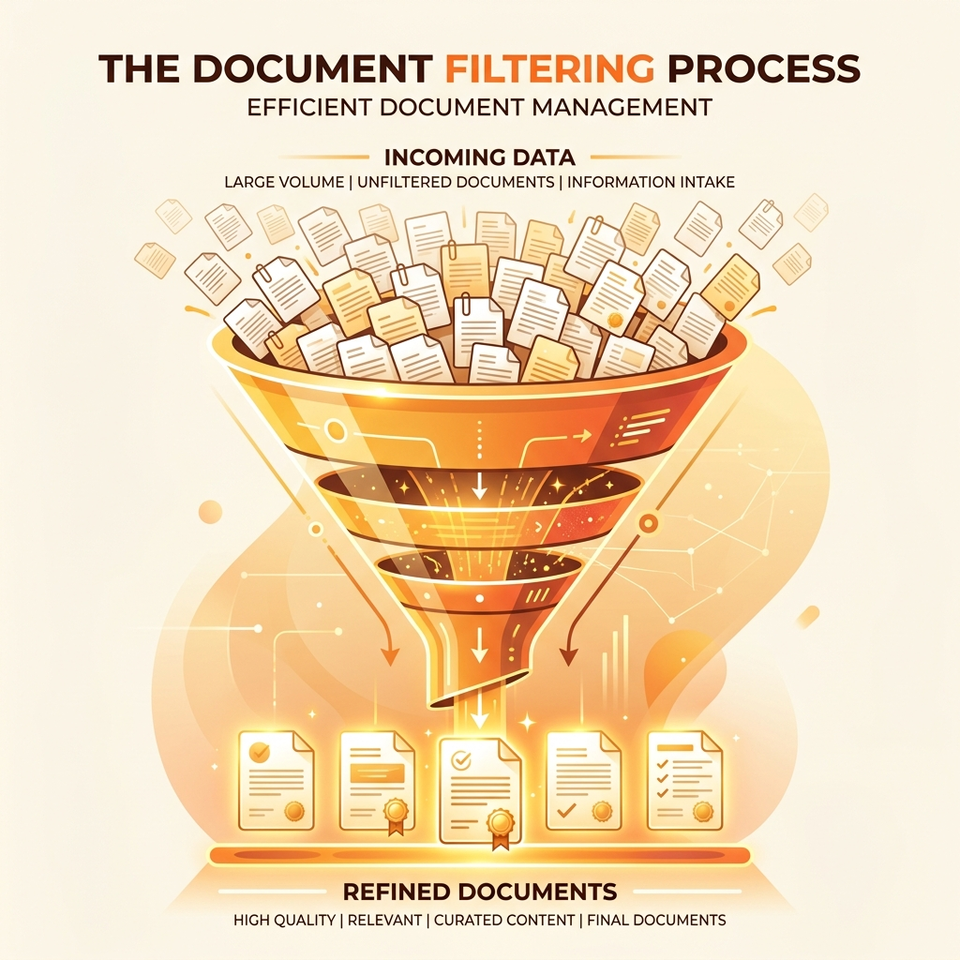
A strong retrieval system separates recall from precision using a two-stage funnel:
- Candidate Retrieval (Recall): The embedding model converts queries and documents into vectors. A vector index retrieves candidates efficiently.
- Reranking (Precision): A cross-encoder Reranker receives the query and candidate documents, processes them jointly, and estimates relevance. Because this is expensive, it is only applied to a shortlist.
If you are building this on a dedicated NVIDIA RTX 2080 with 8 GB of VRAM, you don’t need to heavily quantize everything to a GGUF Q4 file. Because you aren’t trying to run a massive conversational LLM, your 8GB of VRAM is actually quite spacious.
Here are two practical configurations using the Qwen3 series.
Option 1: 0.6B embedding plus 0.6B reranker (The Balanced Config)
Raw model weights require approximately 2.4 GB combined. This leaves substantial room for runtime allocations, activations, batching, and concurrent requests. Choose this when low latency, higher throughput, longer inputs, or multiple simultaneous searches matter.
Option 2: 0.6B embedding plus 4B reranker at INT8 (The Quality Config)
Raw weight storage is directionally about 5.2 GB before quantization metadata, CUDA allocations, and activations. It can fit, but the operating margin is much tighter.
It makes sense when ranking accuracy matters more than maximum throughput, particularly for multilingual, code, technical, or ambiguous retrieval. Qwen’s published evaluation reported meaningful gains from the 4B reranker over the 0.6B reranker:
| Benchmark | 0.6B reranker | 4B reranker | Difference |
|---|---|---|---|
| MTEB-R | 65.80 | 69.76 | +3.96 |
| CMTEB-R | 71.31 | 75.94 | +4.63 |
| MTEB-Code | 73.42 | 81.20 | +7.78 |
| FollowIR | 5.41 | 14.84 | +9.43 |
Part 5: Deployment Practicalities
Serving the Models with Infinity
When running an embedding model and a reranker on a single GPU, use an inference engine like Infinity. Infinity natively supports multi-model orchestration within a single server instance, allowing them to dynamically share the remaining VRAM and squeeze new user requests into the GPU using dynamic batching.
Point Infinity at the official Hugging Face repository identifiers rather than individual shard filenames:
Qwen/Qwen3-Embedding-0.6BQwen/Qwen3-Reranker-0.6B(or-4B)
Verify Compatibility: Infinity has had version-specific Qwen3 support issues tied to its Transformers dependency. Verify that your chosen backend actually applies INT8 to the 4B model correctly. If it silently falls back to FP16, the 4B model will blow past your 8GB VRAM limit and crash.
Rerankers and the KV Cache
If you expect high traffic, you might worry that the “KV Cache” will overflow your VRAM. This stems from a misunderstanding.
A generative LLM uses a KV Cache to remember previous words while it writes a paragraph token-by-token. A Reranker performs a bounded scoring pass and ordinarily avoids that growing decode-time cache. Under heavy traffic, your memory pressure comes purely from activation memory (the scratchpad space for matrix math) and sequence length, not a bloated generative KV cache.
The Takeaway
Local AI becomes manageable once the layers stop bleeding into one another.
- Tokenizers translate text into IDs.
- Architecture determines how context is processed.
- Task design determines whether the output is a vector, score, or token.
- Safetensors and GGUF package weights for different toolchains.
- INT8 Safetensors loading and Q8 GGUF are entirely different approaches.
For an RTX 2080 with 8 GB, the safe default is Qwen3-Embedding-0.6B FP16 + Qwen3-Reranker-0.6B FP16. The quality-oriented alternative is Qwen3-Embedding-0.6B FP16 + Qwen3-Reranker-4B runtime INT8, assuming controlled sequence lengths and batching.
The durable skill is not memorizing every acronym. It is knowing which layer each acronym belongs to, and accurately measuring your complete pipeline before deploying to production.
Read next